AI showed up in church offices the same way it showed up everywhere else: someone on staff tried it on a Tuesday and saved an hour. The question for most churches now isn't whether to use AI. It's how to use it so the work gets easier without the church losing its voice or anyone's trust.
How pastors are using AI today
Barna surveyed 442 U.S. Protestant pastors in December 2025 and published the results in June 2026. Only 13% said they don't use AI at all. The most common uses:
- Brainstorming and idea generation: 50%
- Graphic design and visual creation: 37%
- Researching biblical or theological topics: 36%
- Small group discussion questions: 34%
- Administrative tasks: 34%
- Writing or editing sermons with AI's help: 24%
Pastors aren't all in, though. 71% described feeling cautious about AI, and 40% said they feel conflicted. That caution is healthy. It's the starting point for using AI on purpose instead of by accident.
Where AI genuinely helps a church media team
Writing the weekly words
Announcements, event descriptions, volunteer emails and social captions are where AI saves the most time. ChatGPT and Claude turn rough notes into a first draft, and Google Gemini does the same inside Gmail and Docs on a paid plan. Give it your church's voice with a few past examples, then edit the draft into something that sounds like you.
Graphics for Sunday
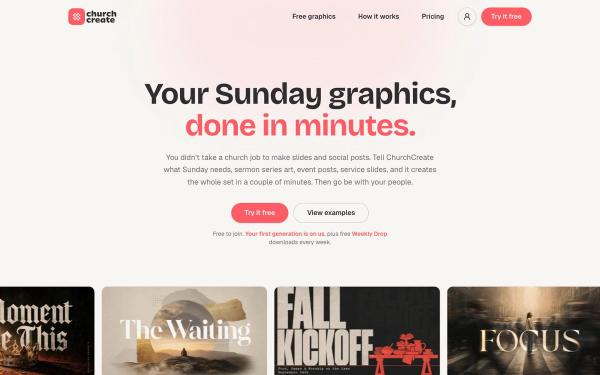
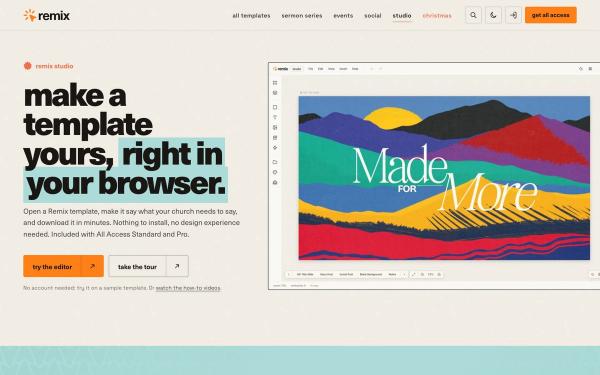
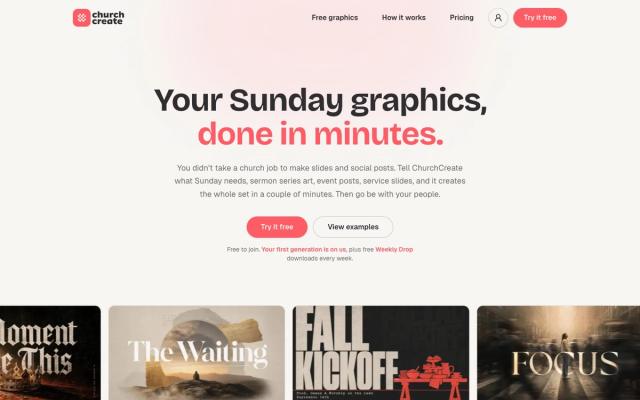
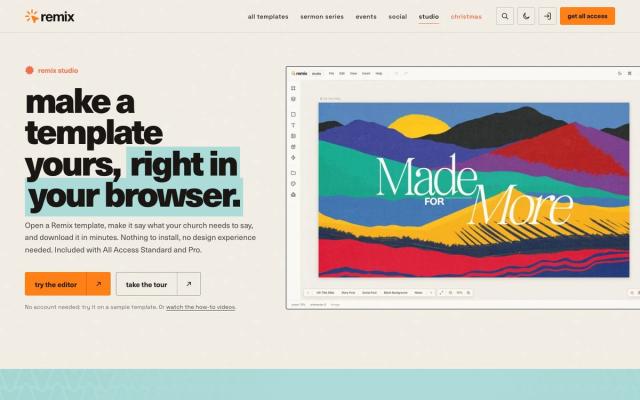
ChurchCreate, which we make, designs sermon series art, event graphics and slides in your church's colors and fonts, then delivers screen, feed, story and square sizes. It's trained only on designs made for real churches, with nothing scraped off the internet. If you'd rather start from a finished design and change the words, Remix Studio, which we also make, opens church templates in your browser, and its Pro plan adds AI image generation.
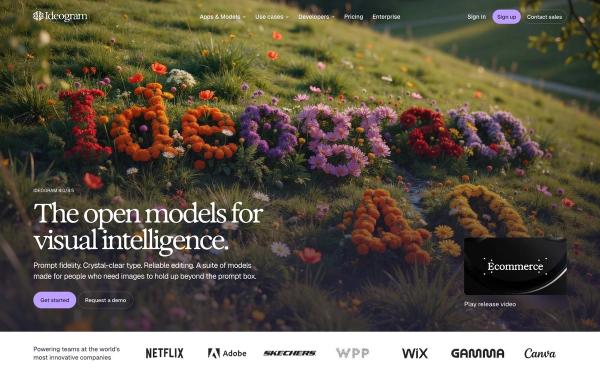
For original concept art, Midjourney makes striking backgrounds, and Ideogram is unusually good at readable words inside an image. Both work best for exploring ideas before you build the final graphic.
Sermon clips and the rest of the week
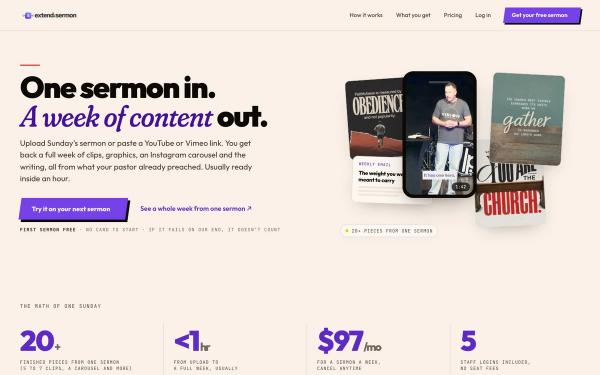
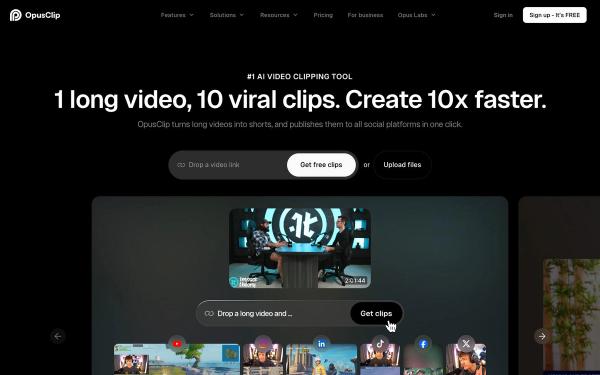
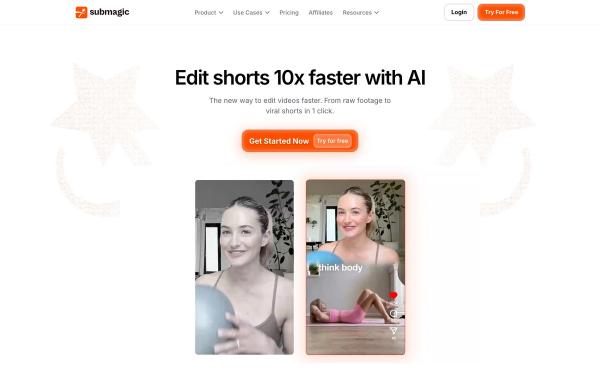
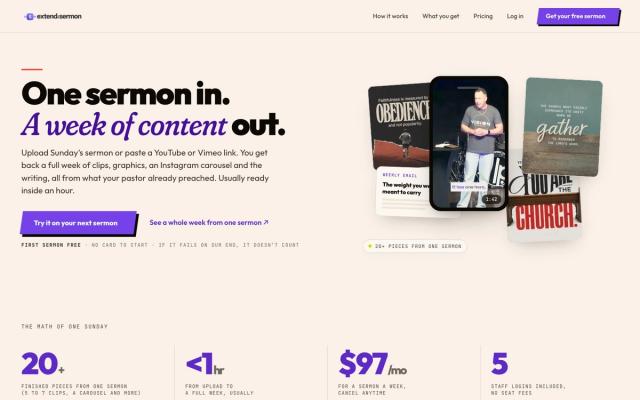
Extend the Sermon, which we make, turns one recorded sermon into a week of content: 5 to 7 captioned vertical clips, 9 social graphics, a carousel, a blog post, an email and a small-group guide. If you only need clips, OpusClip picks likely highlights from a long video, and Submagic adds animated captions to clips you already have. Either way, watch every clip before it posts, because AI doesn't know which line needs the sentence before it.
Transcripts, captions and translation
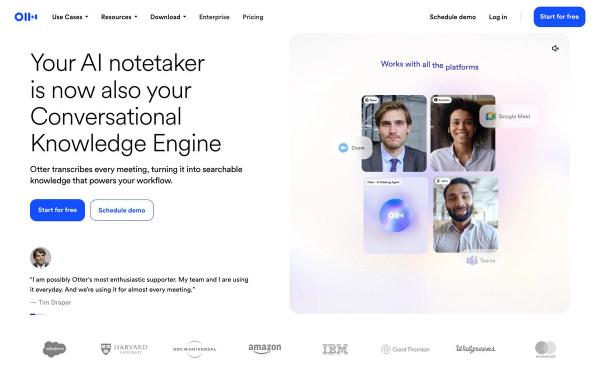
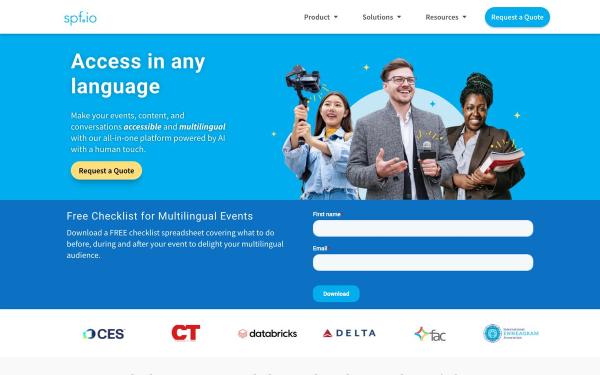
Otter.ai transcribes planning meetings and sermon audio into searchable notes. spf.io gives services live captions and translation in more than 100 languages, which people follow on their phones, on the big screen or in your livestream. For Deaf and hard-of-hearing members and multilingual congregations, this is AI at its most helpful.
Where to draw the line
- The message stays the pastor's. AI can help research a passage or suggest discussion questions, but the sermon should come from someone who knows the people in the room.
- Pastoral care stays human. Don't use AI to answer prayer requests, counsel anyone or reply to someone in crisis.
- Don't record sensitive conversations. Tell people before a meeting is recorded, and never record pastoral or counseling conversations for an AI notetaker.
- Check every fact. AI can state a wrong date, name or Bible reference with total confidence, so a person proofreads everything before it's published.
- Don't fake real moments. Avoid AI images that look like your actual congregation, baptisms or events. Use real photos for real people.
Privacy settings to check first
Free tools often pay for themselves with your data or your designs. Before anyone pastes in member names, prayer requests or giving details, check these settings:
- ChatGPT: on Free, Plus and Pro, chats can be used to train OpenAI's models unless you turn off "Improve the model for everyone" in Data Controls. Business plans don't train on your data by default.
- Midjourney: images are public unless you're on Pro or Mega, which include Stealth Mode.
- Ideogram: free images are published to its community gallery. Private generation starts with the paid Plus plan.
- Google Gemini: generated images carry a visible watermark and an invisible SynthID watermark.
- ChurchCreate: designs made on Free and Pro may be added to its community library for other churches to use. Max keeps your generations private.
Write a one-page AI policy
A short policy saves a lot of awkward conversations later. Cover five things:
- What staff and volunteers can use AI for, like drafts, graphics, clips and captions
- What it's never used for, like pastoral care, counseling or replying to prayer requests
- What never goes into an AI tool: member names, prayer requests, giving records and children's information
- Who checks AI work before it's published, especially Bible references, dates and names
- Which tools and plans the church pays for, so nobody uses a personal free account for church data
Should you tell your church?
Yes, in plain words. Most people don't mind a sermon graphic or a caption made with AI help. What erodes trust is finding out later. A line in your next all-staff meeting, plus a sentence on your website if you use AI in public-facing work, is usually enough.
Keep exploring
Browse every AI tool we've reviewed, compare the best sermon clip tools, or follow how to make a sermon series graphic from title to booth.