Video Editing
Submagic
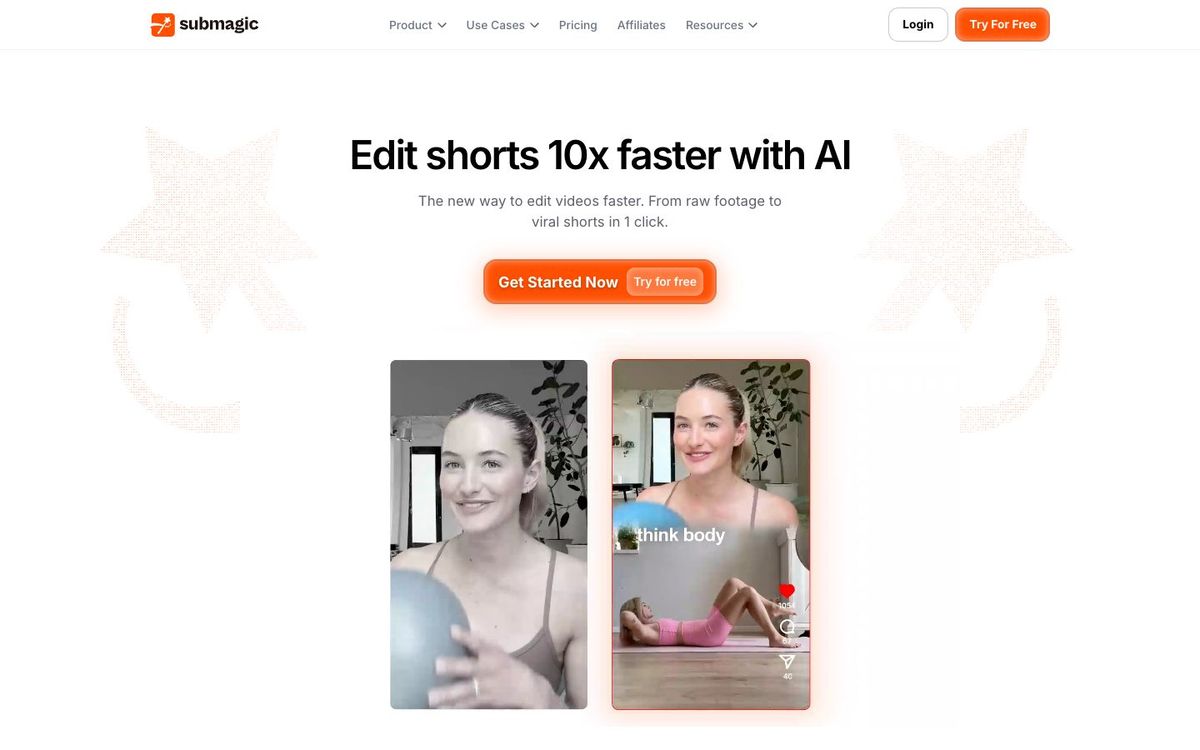
AI captions for short videos, with animated styles, b-roll and silence removal. Helps sermon clips land with people watching on mute.
Also inAI Tools
- Price
- Free trial (3 videos); paid from $19/mo (Oct 2026)
- Free option
- No
- Works on
- Web
- Learning curve
- Easy
The short answer: is Submagic right for your church?
Submagic adds animated AI captions, zooms, b-roll and sound effects to short videos in your browser. It's best for churches that already have sermon clips and want them to hold attention on Reels and Shorts. The catch: there's no free plan beyond a three-video trial, and the cheapest plan limits each video to two minutes.
Who Submagic is for
Great for
- Social volunteers polishing sermon clips someone else has already cut
- Churches that want bold, consistent captions on every Reel
- Teams posting short clips several times a week
Skip it if
- Churches editing full-length sermon videos. Even Business caps each video at 30 minutes, so use a desktop editor.
- Churches with no budget for another subscription. A free editor with auto captions covers the basics.
How churches use Submagic
Captioned sermon Reels
Upload a one-minute sermon clip and add animated captions so people scrolling on mute still get the point.
Pastor's phone announcement
Turn a quick selfie-video announcement into a captioned short with b-roll and zooms.
Cleaner leader videos
On Pro, remove silences and bad takes from a youth leader's video before it goes up.
Getting started with Submagic
- 1
Start the free trial and upload a sermon clip under two minutes.
- 2
Try a few caption templates and pick one style for every church video.
- 3
Choose Starter or Pro based on how long your usual clip runs.
Pros and watch-outs
What we like
- Animated captions in a few clicks
- No watermark on any paid plan
- Captions in more than 100 languages
- Runs in the browser with nothing to install
Watch out for
- No free plan, only a three-video trial with a watermark
- Starter limits each video to two minutes
- Brand kit and silence removal start on Pro
Want a week of content from one sermon?
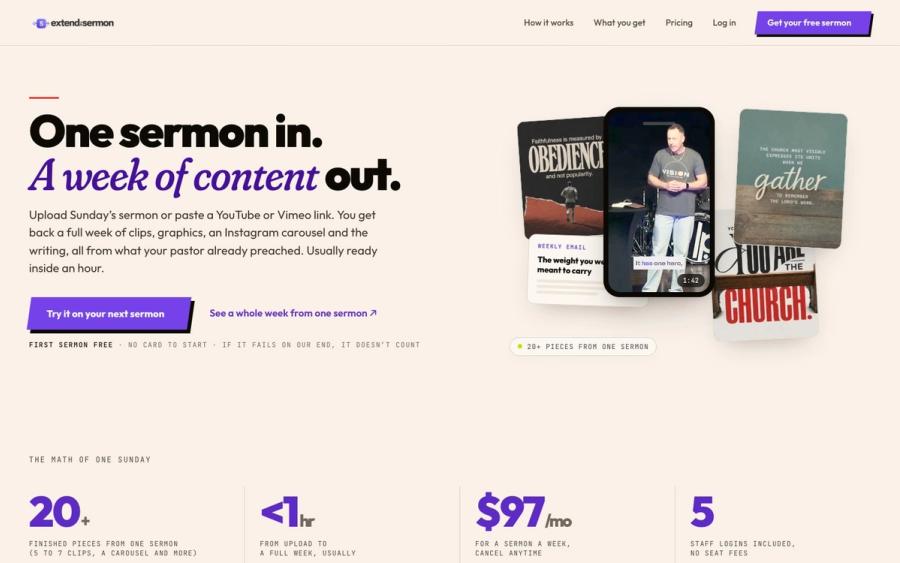
Submagic helps you cut clips. Extend the Sermon starts from the sermon itself: upload it or paste a YouTube link and get 5 to 7 captioned vertical clips, 9 social graphics, a carousel, a blog post, an email and a small-group guide, usually within an hour.
Try a sermon free ↗Made by Church Media Squad, who also run Pro Church Media.
Submagic FAQ
Is Submagic free?
Only as a trial. You can upload three short videos free to test it, and downloads carry a watermark until you subscribe. Paid plans start at $19 a month, with up to 41% off yearly.
Can Submagic caption a full sermon?
Only on Business, which allows videos up to 30 minutes. Starter caps videos at 2 minutes and Pro at 5, so most churches use it on clips.
Can Submagic make clips from a long video?
Yes. Its Magic Clips feature takes a YouTube link or uploaded video and suggests short clips with captions.
Does Submagic have a phone app?
No native app. Submagic runs in a web browser, and its help center suggests using your phone's browser if you need to upload from your phone.