Video Editing
CapCut
Phone, desktop and web video editor with templates and auto captions. Good for volunteer-made Reels, but check its music and content terms.

- Price
- Free plan; Pro about $19.99/mo in the US, varies by region (Oct 2026)
- Free option
- Yes
- Works on
- Web, Mac, Windows, iOS, iPad, Android
- Learning curve
- Easy
The short answer: is CapCut right for your church?
CapCut is a free video editor for phones, computers and the browser, with templates and auto captions that make short vertical videos quick. It's best for volunteers turning Sunday moments into Reels and Shorts. The catch: its regular music library is licensed for personal use only, and its terms give CapCut broad rights to what you upload.
Who CapCut is for
Great for
- Youth and social volunteers who already edit on their phones
- Churches posting quick Reels and Shorts from Sunday clips
- Small teams that want templates and auto captions without much training
Skip it if
- Churches uneasy giving an app broad rights to uploaded footage. A paid desktop editor with simpler terms fits better.
- Long sermon edits with detailed color and audio work. A full desktop editor handles that better.
How churches use CapCut
Baptism Sunday recap
Drop phone clips from the baptism service into a template, add captions, and post a recap that afternoon.
Sermon quote Reel
Cut a 30-second moment from the message, add auto captions and post it as a Reel or Short midweek.
Youth camp highlights
Students shoot on their phones all week, and a leader cuts a highlight video on the bus home.
Getting started with CapCut
- 1
Download CapCut on your phone or computer, or open CapCut Online in a browser.
- 2
Edit one 30-second sermon clip and add auto captions.
- 3
Before adding music, check the track's license or use music your church has licensed.
Pros and watch-outs
What we like
- Free to start on phone, desktop and web
- Templates make a decent Reel in minutes
- Auto captions built in
- Projects in your Space open on other devices
Watch out for
- Premium templates and most AI features need Pro
- Regular Sounds library is for personal, non-commercial videos only
- Terms grant a broad, perpetual license to your uploads
Want a week of content from one sermon?
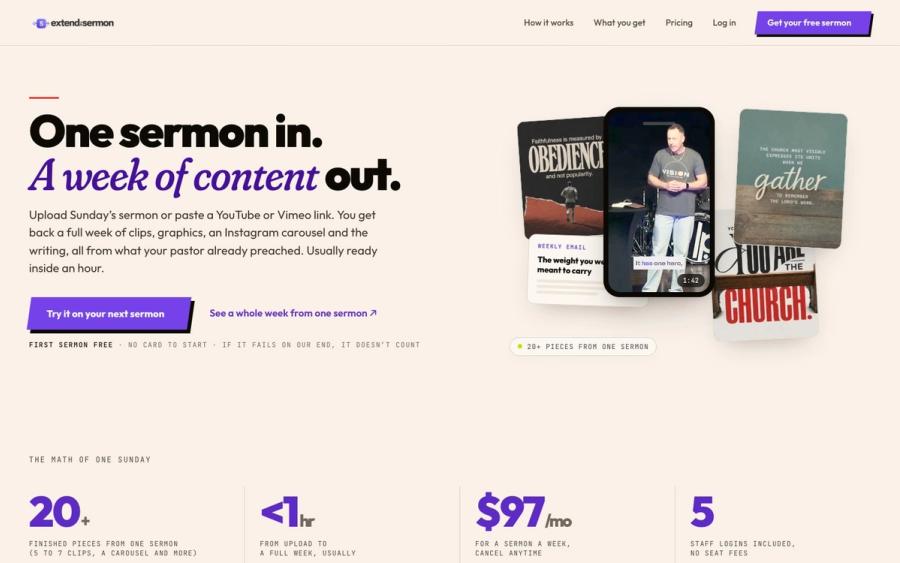
CapCut helps you cut clips. Extend the Sermon starts from the sermon itself: upload it or paste a YouTube link and get 5 to 7 captioned vertical clips, 9 social graphics, a carousel, a blog post, an email and a small-group guide, usually within an hour.
Try a sermon free ↗Made by Church Media Squad, who also run Pro Church Media.
CapCut FAQ
Is CapCut free for churches?
Yes, the free plan includes basic editing tools and free templates. Pro, listed at about $19.99 a month in the US, adds premium templates, monthly AI credits and 1 TB of storage.
Can we use CapCut music in church videos?
Be careful. CapCut's regular Sounds are licensed for personal, non-commercial videos, and Commercial Sounds are cleared only for CapCut and TikTok. Use your own licensed music for YouTube, Facebook or Instagram.
What rights does CapCut get to our videos?
Its terms give CapCut's US operator a worldwide, perpetual, royalty-free, sublicensable license to content you upload, subject to your settings. Read the terms with your leadership before uploading footage of children or members.
Does CapCut work on a computer?
Yes. CapCut has desktop apps for Windows and Mac and a browser version called CapCut Online, as well as phone and iPad apps.