Video Editing
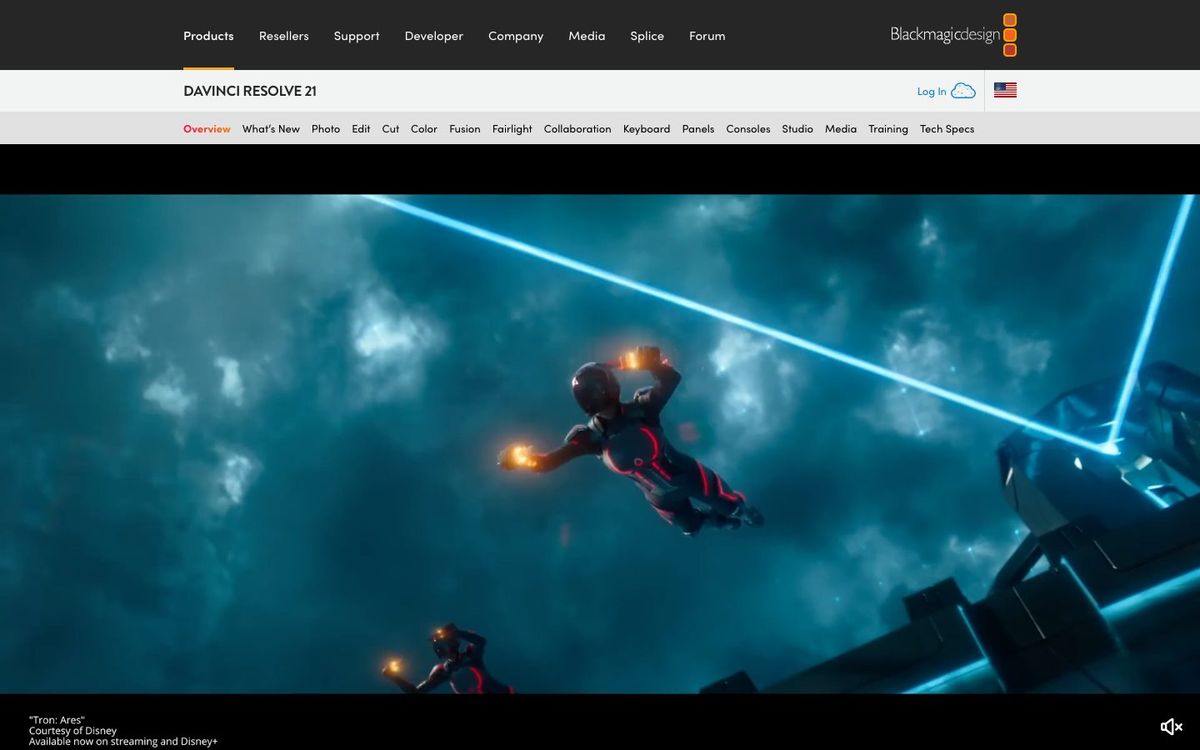
DaVinci Resolve
Pro editing, color, motion graphics and audio in one app. The free version covers most church video, from announcements to full sermon edits.
- Price
- Free; Studio $295 one-time (Oct 2026)
- Free option
- Yes
- Works on
- Mac, Windows, Linux, iPad
- Learning curve
- Advanced
The short answer: is DaVinci Resolve right for your church?
DaVinci Resolve is a professional video editor with editing, color, motion graphics and audio mixing in one app, and the free version covers most church video. It's best for the staffer or volunteer who edits every week and wants room to grow. The catch: it takes real time to learn, and the AI tools need the paid Studio version.
Who DaVinci Resolve is for
Great for
- Church editors who cut the full sermon every week
- Teams that want pro color and audio tools without a subscription
- Volunteers ready to spend a few evenings learning a serious editor
Skip it if
- Volunteers who need a quick Reel by tonight. A phone editor with templates is faster.
- Churches editing on an older office laptop. A lighter, simpler editor is easier to run.
How churches use DaVinci Resolve
Weekly sermon edit
Trim the full message, clean up the pastor's audio on the Fairlight page and export for YouTube, all in one app.
Matching camera angles
Use the Color page to make the wide shot and the pulpit camera look like they were filmed the same morning.
Easter and Christmas promos
Build titles and motion graphics on the Fusion page instead of buying a separate effects app for the big seasons.
Getting started with DaVinci Resolve
- 1
Download the free DaVinci Resolve from blackmagicdesign.com for Mac, Windows or Linux.
- 2
Start on the Cut page and trim last Sunday's sermon into one clean file.
- 3
Move to the Fairlight page to even out the audio before you export.
Pros and watch-outs
What we like
- Free version handles Ultra HD video at up to 60fps
- Editing, color, effects and audio in one app
- Runs on Mac, Windows, Linux and iPad
- Studio is a one-time $295, not a subscription
Watch out for
- Steep learning curve for volunteers
- AI tools like voice isolation need the paid Studio version
- Free version is limited to 8-bit video
Rather hand off the edit?
The camera part is usually solved. It's the edit where Sunday's footage sits on a hard drive. Church Media Squad edits sermon bumpers, event recaps, testimony films and social cuts for churches.
See Squad video ↗Church Media Squad also runs Pro Church Media.
DaVinci Resolve FAQ
Is DaVinci Resolve really free?
Yes. The free version includes the Cut, Edit, Fusion, Color, Fairlight and Deliver pages. Studio costs $295 and adds AI tools, more effects and higher resolutions and frame rates.
What's the difference between DaVinci Resolve and Studio?
Studio adds the DaVinci Neural Engine AI tools, about 45 more Resolve FX, 10-bit video up to 120fps and resolutions beyond 4K. The free version handles 8-bit video up to 60fps at up to Ultra HD.
Is DaVinci Resolve Studio a subscription?
No. Blackmagic staff describe it as a one-off charge, and one activation key can run on two computers at the same time.
Is DaVinci Resolve good for beginners?
It can be, but expect a learning curve. Start on the Cut page for simple trims, and give the Color and Fusion pages time.