Design Software
Adobe Express
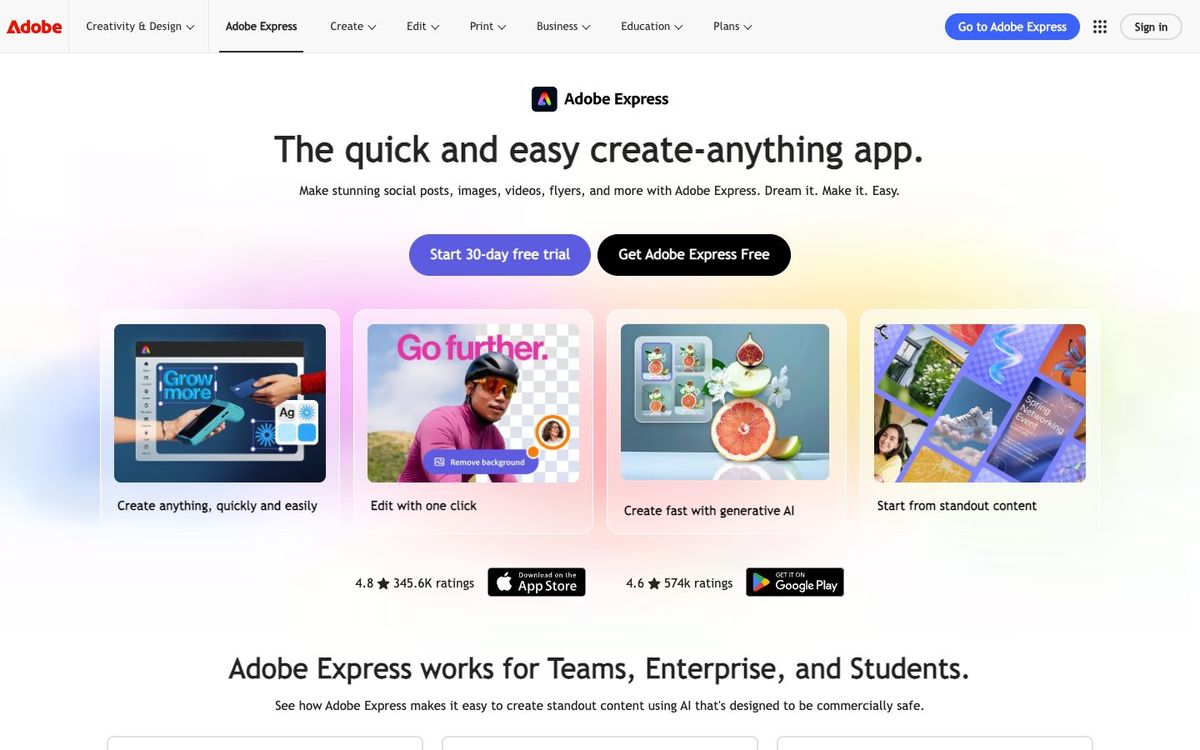
Quick, template-based design for flyers, social posts and short videos. Eligible 501(c)(3) churches can get Premium free through Adobe for Nonprofits.
Also inSocial Tools
- Price
- Free plan; Premium $9.99/mo; Teams $7.99/seat/mo, 2+ seats (Oct 2026)
- Free option
- Yes
- Church discount
- Adobe Express for Nonprofits: Premium free for one year, up to 50 people (501(c)(3) required)
- Works on
- Web, iOS, Android
- Learning curve
- Easy
The short answer: is Adobe Express right for your church?
Adobe Express is a browser and phone app for making social posts, flyers and short videos from templates. It's best for church volunteers who need on-brand graphics fast, and for teams already using Adobe. The catch: brand kits and one-click resizing need Premium, though eligible 501(c)(3) nonprofits can get Premium free for a year.
Who Adobe Express is for
Great for
- Volunteers who need a social graphic or flyer without design training
- Churches that qualify for Adobe's nonprofit program and want Premium free
- Teams already using Photoshop or Illustrator that want a quick companion app
Skip it if
- Designers laying out multi-page print pieces. A desktop layout app gives more control.
- Churches without 501(c)(3) status that need brand kits. Compare paid plans across template-based design apps first.
How churches use Adobe Express
Weekly announcement graphics
Start from a template, drop in this week's events, then resize it for Instagram, Facebook and the lobby screen in the same design file. One-click resize is a Premium feature.
Short promo videos
Make a short VBS or baptism Sunday promo with drag-and-drop video editing, then post it from your phone.
Ministry leaders on brand
Set up a brand kit with your church's fonts and colors so the youth and kids ministries stay consistent.
Getting started with Adobe Express
- 1
Apply for Adobe Express for Nonprofits with your 501(c)(3) details and an organization email.
- 2
Add your logo, fonts and colors to a brand kit before inviting volunteers.
- 3
Open one template for Sunday's announcement and swap in your own photo and text.
Pros and watch-outs
What we like
- Free plan includes 100,000+ templates and 4,000+ Adobe Fonts
- Eligible nonprofits get Premium free for up to 50 people
- Works in the browser and on iPhone and Android
- Premium includes Adobe Stock photos, video and music
Watch out for
- Brand kits and one-click resize need Premium
- Nonprofit Premium is a one-year offer, and Adobe doesn't explain renewal
- Fewer layout controls than a desktop design app
Want church templates instead of starting from scratch?
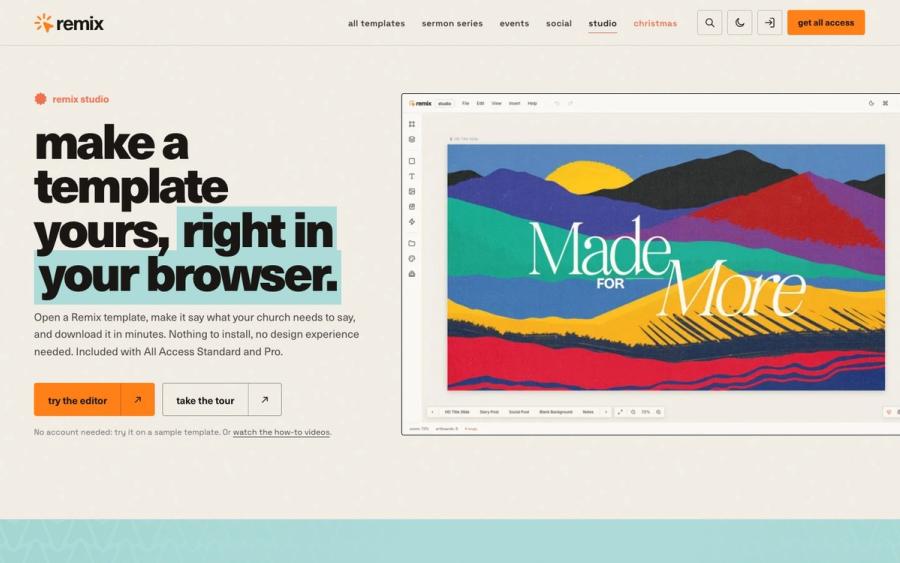
Adobe Express templates are made for everyone, so you spend Saturday night making a general flyer look like a sermon series. Remix Studio opens 750+ church templates in your browser. Change the words, dates and colors, then export every slide, post and story at once.
Try Remix Studio ↗Made by Church Media Squad, who also run Pro Church Media.
Adobe Express FAQ
Is Adobe Express free for churches?
The free plan is free for anyone. Churches recognized as 501(c)(3) public charities can apply for Adobe Express for Nonprofits, which gives Premium free for one year to up to 50 people.
Do churches qualify for Adobe's nonprofit program?
Adobe requires IRS-recognized 501(c)(3) public charity status in the US and doesn't mention churches either way. Validation takes one to three business days, so apply and see.
What does Adobe Express Premium add?
Premium adds brand kits, one-click resize, all premium templates, Adobe Stock photos, video and music, 30,000+ fonts and 250 generative credits a month.
Does Adobe Express work on a phone?
Yes. It runs in desktop browsers and has iPhone and Android apps, so you can finish a graphic between services.