Design Software
Canva
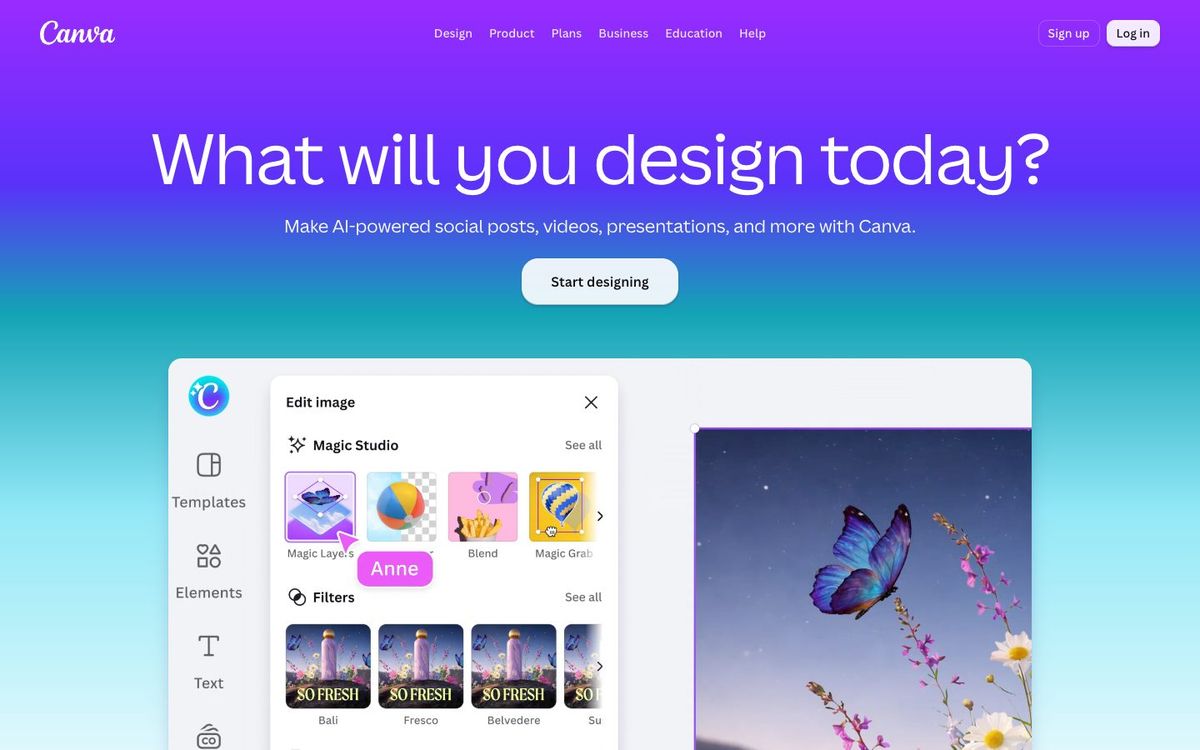
Template-based design in your browser or app. Volunteers can make sermon slides, social posts and bulletin flyers without learning Photoshop.
Also inSocial Tools
- Price
- Free plan; Pro $144/yr; Business $250/yr per person (Oct 2026)
- Free option
- Yes
- Church discount
- Canva Nonprofits: Pro free for up to 50 people (eligible charities; application reviewed)
- Works on
- Web, Mac, Windows, iOS, Android
- Learning curve
- Easy
The short answer: is Canva right for your church?
Canva is the easiest way for a church team to make social posts, slides, flyers and short videos without design training. It's best for staff and volunteers who need good-looking graphics every week. The catch: the free plan limits brand tools and AI, and when every church uses the same templates, graphics start to look alike.
Who Canva is for
Great for
- Volunteers who serve once a month and need a graphic without any training
- Churches that want one shared brand kit across every ministry
- Small staffs turning one sermon series graphic into slides, posts and stories
Skip it if
- Designers who need precise print layouts or custom illustration. A professional desktop design app fits better.
- Churches building a logo from scratch. Canva's license bars stock elements in a logo, so start from original artwork.
How churches use Canva
Sermon series in every size
Design the series graphic once, then resize it for the screen, Instagram stories and the bulletin. Resizing to new formats is one of the Pro AI tools.
Easter invite cards
Start from a template, add your service times and send it to print. Your welcome team has something to hand out well before Palm Sunday.
Ministry leaders on brand
Put your church's logo and colors in a Brand Kit so the VBS flyer the kids' pastor made on Tuesday still looks like your church.
Getting started with Canva
- 1
Sign up free, then check whether your church qualifies for Canva Nonprofits.
- 2
Add your church logo and colors to a Brand Kit before anyone else starts designing.
- 3
Open one template for this Sunday's announcement slide and swap in your own photo and text.
Pros and watch-outs
What we like
- Volunteers can make a decent graphic in their first session
- Millions of templates for slides, social posts, flyers and video
- Works in the browser, on Mac and Windows, and on phones
- Eligible nonprofits get Pro features free for up to 50 users
Watch out for
- The free plan's Brand Kit holds only three colors
- Popular templates can make your graphics look like every other church's
- Stock elements can't be used in a logo or trademark
Want church templates instead of starting from scratch?
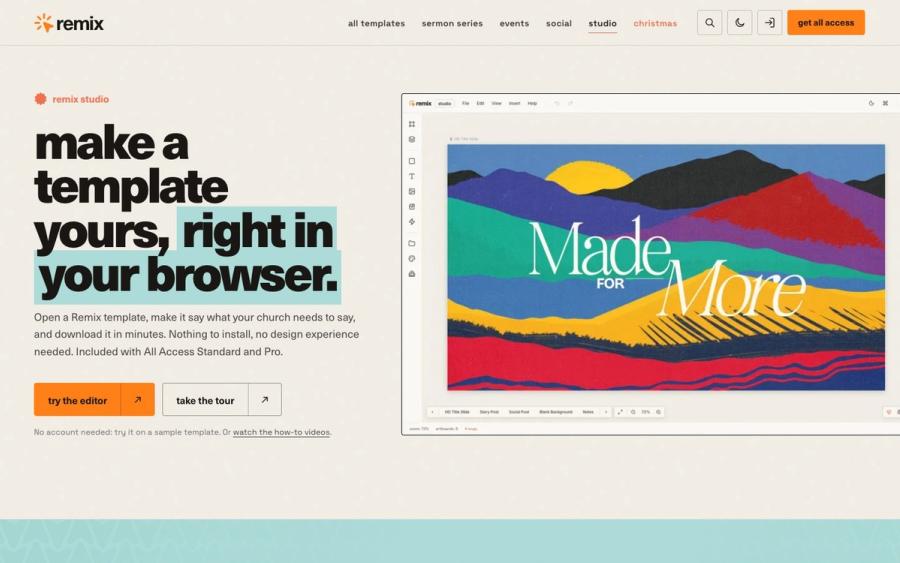
Canva's templates are made for everyone, so you spend Saturday night making a bakery flyer look like a sermon series. Remix Studio opens 750+ church templates in your browser. Change the words, dates and colors, then export every slide, post and story at once.
Try Remix Studio ↗Made by Church Media Squad, who also run Pro Church Media.
Canva FAQ
Is Canva free for churches?
Canva Free costs nothing and covers most weekly graphics. Churches registered as charitable nonprofits (501(c)(3) in the US) can apply for Canva Nonprofits, which gives Pro features free to a team of up to 50. Canva reviews each application, so approval isn't guaranteed.
Can we use Canva for worship service slides?
Yes. Design announcement and sermon slides in Canva, then export them as images for your presentation software. Song lyrics still need your church's own song license.
Can we design our church logo in Canva?
Not with its stock content. Canva's license bars using its graphics and templates as part of a trademark or business name, though fonts are allowed. For a logo you'll keep for years, start from original artwork.
How many people can share Canva Nonprofits?
One team of up to 50 users is free. If you need more seats, Canva offers 50% off Canva Enterprise.