Design Software
Figma
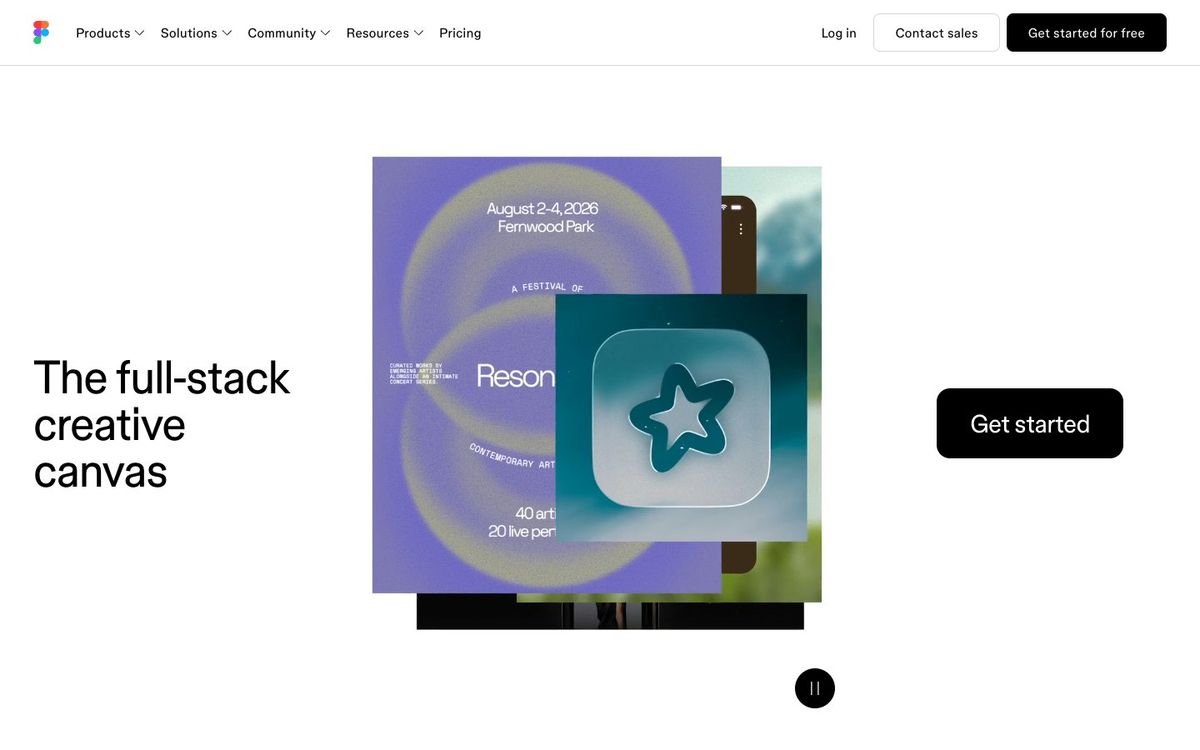
Collaborative design in the browser. Grab free Community templates, or use Figma Buzz so volunteers make on-brand graphics from locked templates.
- Price
- Free Starter; Professional Full seat $16/mo billed yearly (Oct 2026)
- Free option
- Yes
- Works on
- Web, Mac, Windows, iOS, iPad, Android
- Learning curve
- Moderate
The short answer: is Figma right for your church?
Figma is a browser-based design tool built for teams working in the same file at once. It's best for church designers building websites, app screens or brand templates, and for teams using Figma Buzz so volunteers fill in locked templates. The catch: the free plan allows only three shared team files, and Figma offers no nonprofit discount.
Who Figma is for
Great for
- Church designers working on websites, app screens or slide systems
- Creative teams that want designers and reviewers in the same file
- Staff who want volunteers making graphics from locked brand templates
Skip it if
- Volunteers who want ready-made templates and stock photos in one simple app. A template-based design app is easier.
- Designers preparing bulletins and booklets for print. A desktop page-layout app is built for that.
How churches use Figma
Website redesign
Mock up the new church website in Figma so staff can see every page before anyone builds it.
Locked social templates
Publish brand templates in Figma Buzz with the logo and layout locked, so ministry leaders can change the text and photo and make their own posts.
Series slide system
Design the title, scripture and point slides for a sermon series in one file, then export them for your presentation software.
Getting started with Figma
- 1
Sign up for the free Starter plan and work in Drafts, which have no file limit.
- 2
Duplicate a free Figma Community template for social posts and make it your own.
- 3
Install the desktop app on Mac or Windows if you prefer it to the browser.
Pros and watch-outs
What we like
- Real-time collaboration in the browser or desktop app
- Free Starter plan with unlimited drafts
- Figma Buzz lets non-designers edit locked templates
- Collab seats cost $3/mo billed yearly on Professional
Watch out for
- Free plan limits shared team files to three, three pages each
- No nonprofit discount
- Built for designers, so occasional volunteers face a learning curve
No time to design it yourself?
Figma is only as fast as the person using it. If your design hours keep losing to everything else on your plate, Church Media Squad designs sermon series art, announcement slides, event promos, print and merch for you.
See Squad graphic design ↗Church Media Squad also runs Pro Church Media.
Figma FAQ
Is Figma free for churches?
The Starter plan is free, with unlimited drafts and co-editing on up to three team files of three pages each. Figma says it doesn't offer nonprofit discounts.
What is Figma Buzz?
Buzz is Figma's tool for making social posts, ads and flyers from brand templates. Designers set which parts can be edited, and teammates customize the rest. It's in beta and available on all seats.
Which Figma seat does a church volunteer need?
A volunteer who only uses Buzz, FigJam or Slides can use a Collab seat, $3 a month billed yearly on Professional. Designers working in Figma Design need a Full seat at $16 a month billed yearly.
Does Figma work outside the browser?
Yes. There are desktop apps for Mac and Windows, plus mobile apps for iPhone, iPad and Android.