Design Software
Affinity
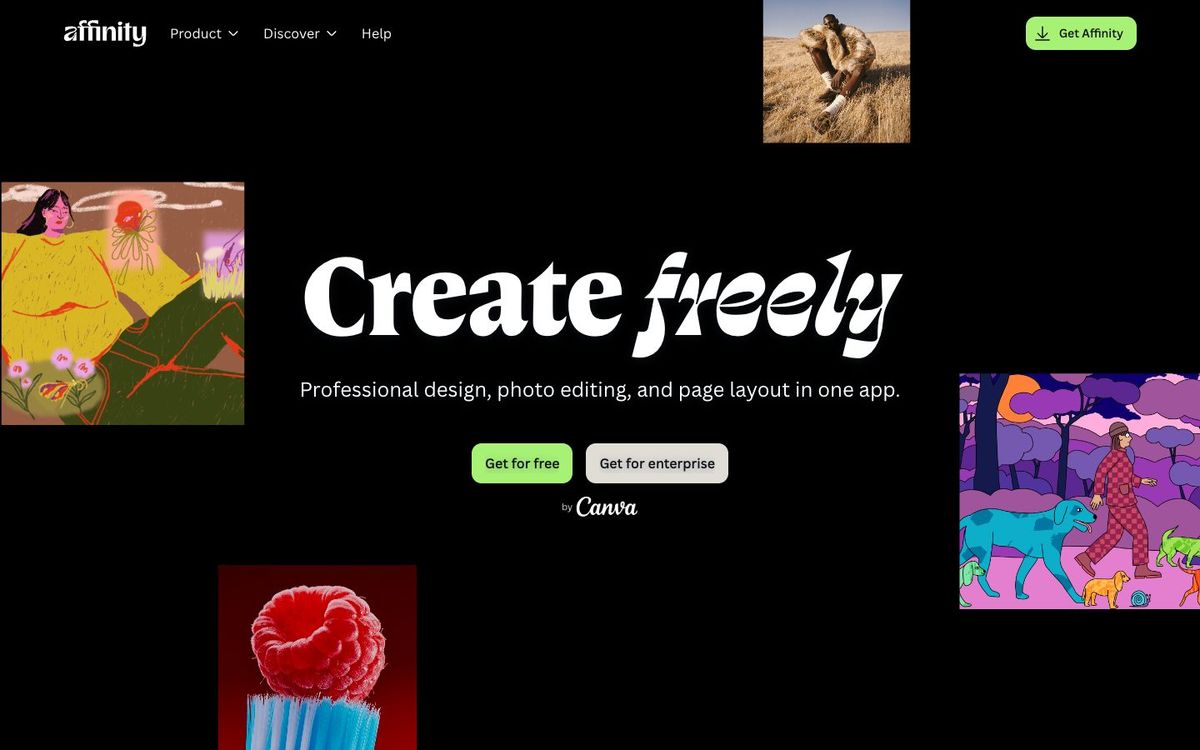
Free pro design, photo editing and page layout in one app for Mac and Windows, now from Canva. Good for bulletins, posters and series art.
- Price
- Free for individuals; AI tools need a paid Canva plan
- Free option
- Yes
- Works on
- Mac, Windows
- Learning curve
- Advanced
The short answer: is Affinity right for your church?
Affinity is a free professional app from Canva that combines photo editing, vector design and page layout in one file. It's best for church designers who want Photoshop-, Illustrator- and InDesign-level tools without a subscription. The catch: it takes real learning time, there's no iPad version yet, and the AI tools need a paid Canva plan.
Who Affinity is for
Great for
- Church designers dropping Adobe to cut a monthly subscription
- Staff who lay out bulletins, booklets and posters for print
- Volunteers with design experience who want pro tools at no cost
Skip it if
- Volunteers who need a graphic in ten minutes. A template-based design app is faster.
- Designers who work mainly on iPad. Use an iPad drawing app until Affinity's iPad version ships.
How churches use Affinity
Weekly bulletin layout
Use master pages, linked text frames and print-ready PDF export with bleed to build a bulletin template you update each week.
Sermon series art
Edit a photo, add vector type and shapes, and lay out the final graphic in the same .af file without switching apps.
Badges and certificates
Use data merge from a CSV file to print volunteer name badges or baptism certificates without typing each name.
Getting started with Affinity
- 1
Sign in with a free Canva account and download Affinity for Mac or Windows.
- 2
Open an old PSD or IDML file to see how your existing work imports.
- 3
Rebuild this week's bulletin from a blank page in the Layout studio.
Pros and watch-outs
What we like
- Free for individuals, with every pixel, vector and layout tool
- Imports PSD, AI, IDML, PDF and SVG files
- Data merge from CSV for badges and certificates
- Works offline after you activate it
Watch out for
- No iPad version yet
- AI tools need a paid Canva plan
- Pro-level tools take volunteers time to learn
No time to design it yourself?
Affinity is only as fast as the person using it. If your design hours keep losing to everything else on your plate, Church Media Squad designs sermon series art, announcement slides, event promos, print and merch for you.
See Squad graphic design ↗Church Media Squad also runs Pro Church Media.
Affinity FAQ
Is Affinity really free for churches?
Affinity is free for individuals, with every tool included except the optional Canva AI features. Each person signs in with a free Canva account. Organizations that want single sign-on for a whole team can contact Canva Enterprise.
Can Affinity open our Photoshop and InDesign files?
Yes. Affinity imports PSD, AI, IDML, PDF and SVG files and keeps their layers and structure.
Does Affinity work on iPad?
Not yet. The new Affinity runs on Mac and Windows, and Canva says the iPad version is in development.
Do we need internet to use Affinity?
Only to download it and activate it with your Canva account. After that it works offline, though AI tools, stock libraries and help need a connection.