Design Software
Befunky
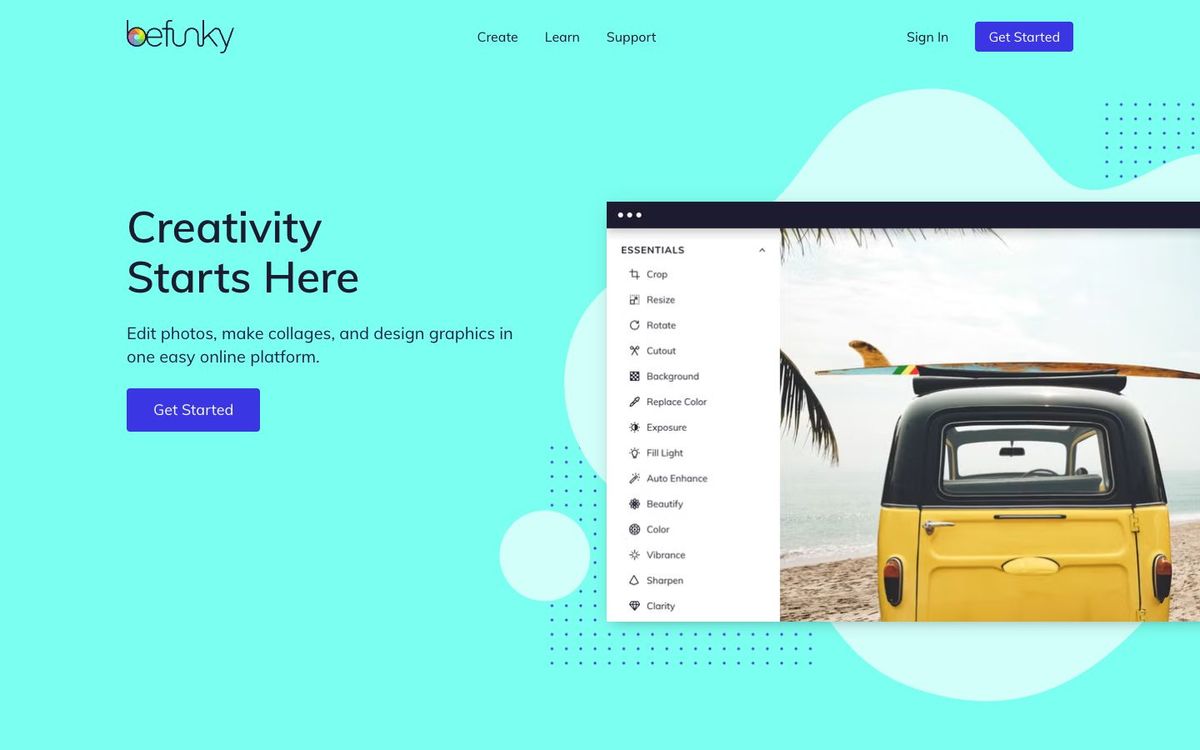
Photo editing, collages and simple graphic design in your browser or phone. Handy for event photo recaps and quick social graphics.
- Price
- Free plan; Plus $6.99/mo billed yearly or $14.99 monthly (Oct 2026)
- Free option
- Yes
- Works on
- Web, iOS, Android
- Learning curve
- Easy
The short answer: is Befunky right for your church?
BeFunky is a browser and mobile app that combines a photo editor, a collage maker and a template-based graphic designer. It's best for church volunteers who need to fix photos and post event recaps quickly. The catch: the free plan offers a limited selection of templates and assets, and the full premium tool set needs Plus.
Who Befunky is for
Great for
- Volunteers editing photos from Sunday or the youth retreat
- Communications teams posting photo collages after big events
- Churches that want simple graphics without learning a pro app
Skip it if
- Designers building a full sermon series package. A professional design app gives more control.
- Teams that need shared brand kits and seats. A team design platform fits better.
How churches use Befunky
Event photo recaps
Drop the best shots from VBS or the church picnic into a collage layout and post it the same afternoon.
Quick photo fixes
Brighten dim sanctuary photos, crop them for Instagram and touch up portraits before they go on the website.
Simple event flyers
Start from a template in the Graphic Designer for the potluck or small-group sign-up and swap in your details.
Getting started with Befunky
- 1
Open the Photo Editor in your browser and edit one photo from last Sunday.
- 2
Try the Collage Maker with five photos from your last church event.
- 3
Install the iPhone or Android app so you can edit on the go.
Pros and watch-outs
What we like
- Photo editor, collage maker and designer in one app
- Free plan exports with no subscription
- Plus costs $6.99/mo billed yearly
- Works in a browser and on iPhone and Android
Watch out for
- Free plan has a limited selection of templates and assets
- No published nonprofit or church discount
- Monthly AI credits don't roll over
Just need the graphic, not the editing?
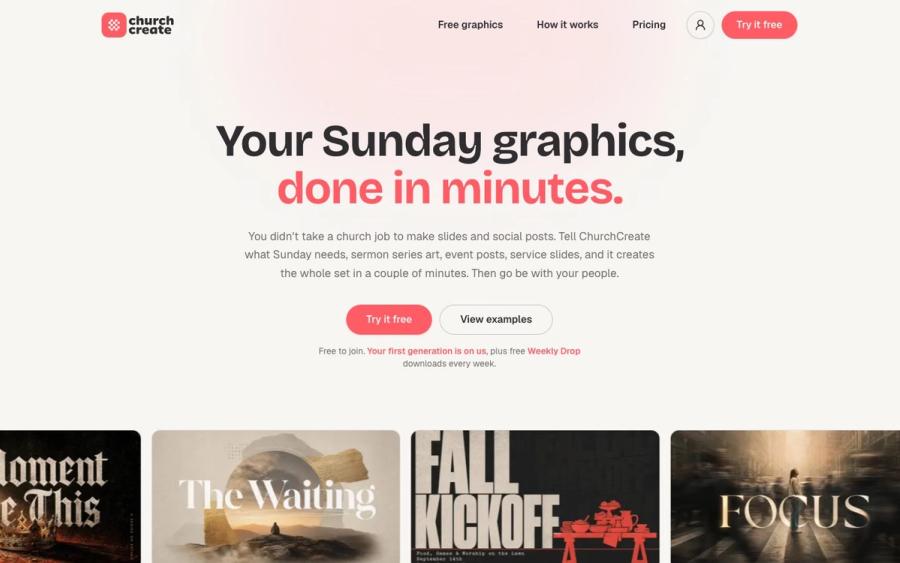
Befunky is handy for fixing a photo. If what you actually need is this week's announcement slide or event post, ChurchCreate builds it from a sentence. It learns your church's colors and fonts and gives you two or three options in minutes.
Try ChurchCreate free ↗Made by Church Media Squad, who also run Pro Church Media.
Befunky FAQ
Is BeFunky free?
Yes. The free plan includes basic photo editing, a limited selection of templates and assets, and up to 20 AI images. Plus is $6.99 a month billed yearly, or $14.99 month to month.
What's the difference between BeFunky Plus and Pro?
Plus covers the premium editing and design tools with 1,000 AI credits a month. Pro, $12.49 a month billed yearly, adds batch AI editing and batch background removal with 5,000 credits.
Does BeFunky have a church or nonprofit discount?
BeFunky doesn't publish one. Yearly billing is the main way to save, at about half the monthly price.
Can I use BeFunky on my phone?
Yes. BeFunky has iOS and Android apps, and your subscription works across all your devices when you're signed in.