Design Software
Pixlr
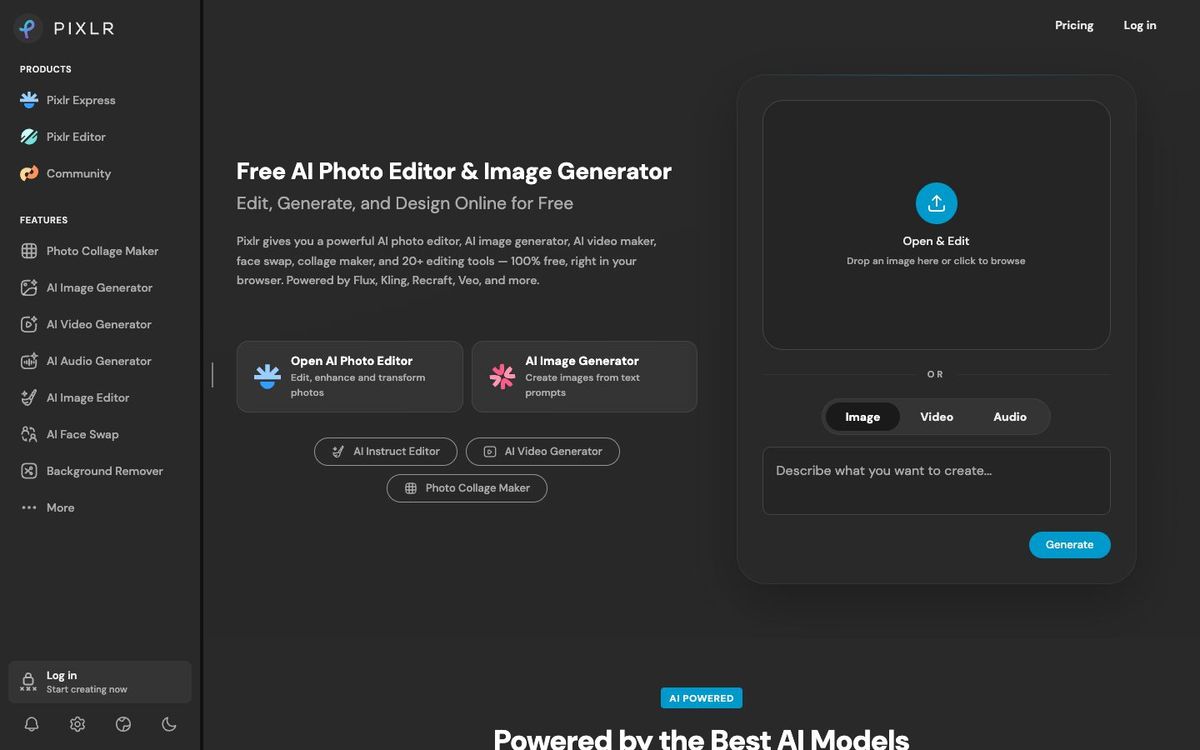
Free browser photo editing with layers, masks and AI tools. Good for quick sermon graphics and photo fixes without installing software.
- Price
- Free with ads; Plus $1.99/mo, Premium $7.99/mo, yearly (Oct 2026)
- Free option
- Yes
- Works on
- Web, iOS, Android
- Learning curve
- Easy
The short answer: is Pixlr right for your church?
Pixlr is a browser-based photo editor with layers, masks, filters and AI tools like background removal and generative fill. It's best for church volunteers who need Photoshop-style edits on a shared office computer. The catch: the free version shows ads and limits saves, and regular AI use runs on a paid plan's monthly credits.
Who Pixlr is for
Great for
- Volunteers editing on a church computer where they can't install software
- Teams that want layers and masks without a Photoshop subscription
- Ministry leaders cutting out photos for quick flyers and slides
Skip it if
- Designers who need print layouts or multi-page documents. A desktop design app fits better.
- Teams that want shared brand kits and team seats. A team design platform is a better fit.
How churches use Pixlr
Guest speaker graphic
Remove the background from your guest speaker's headshot and place it on this week's announcement slide.
Fix dim event photos
Brighten and retouch photos from the youth lock-in before they go on Instagram.
Layered sermon graphic
Stack a photo, a texture and your title text on layers in Pixlr Editor, then export the finished slide.
Getting started with Pixlr
- 1
Open Pixlr Editor in your browser and drag in a photo to start.
- 2
Try the one-click background remover on a staff headshot.
- 3
Upgrade to Plus if ads or save limits slow you down.
Pros and watch-outs
What we like
- Runs in the browser with nothing to install
- Layers, masks and filters like a desktop editor
- Paid plans start at $1.99/mo billed yearly
- Free for schools and educators through Pixlr for Education
Watch out for
- Free version shows ads and limits saves
- Monthly AI credits expire after one month
- No nonprofit discount outside the education program
Just need the graphic, not the editing?
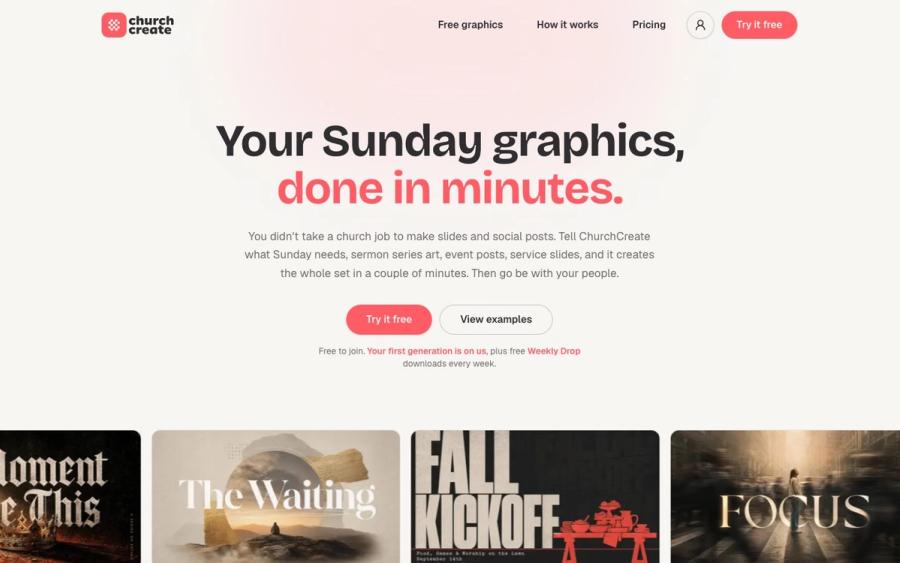
Pixlr is handy for fixing a photo. If what you actually need is this week's announcement slide or event post, ChurchCreate builds it from a sentence. It learns your church's colors and fonts and gives you two or three options in minutes.
Try ChurchCreate free ↗Made by Church Media Squad, who also run Pro Church Media.
Pixlr FAQ
Is Pixlr free?
Yes. Pixlr's editors run free in your browser with ads. Plus removes ads and save limits for $2.49 a month, or $1.99 a month billed yearly.
Is Pixlr a good Photoshop alternative for a church?
For photo edits and simple graphics, often yes. Pixlr Editor has layers, masks, filters and retouching tools in the browser, though it isn't built for print layout.
Does Pixlr have a discount for churches?
Not a general one. Pixlr for Education is free for recognized schools and qualified education-related NGOs, so a church-run school may qualify.
Can I use Pixlr on my phone?
Yes. Pixlr has iPhone and Android apps, and Premium covers its features across all platforms.