Video Editing
OpusClip
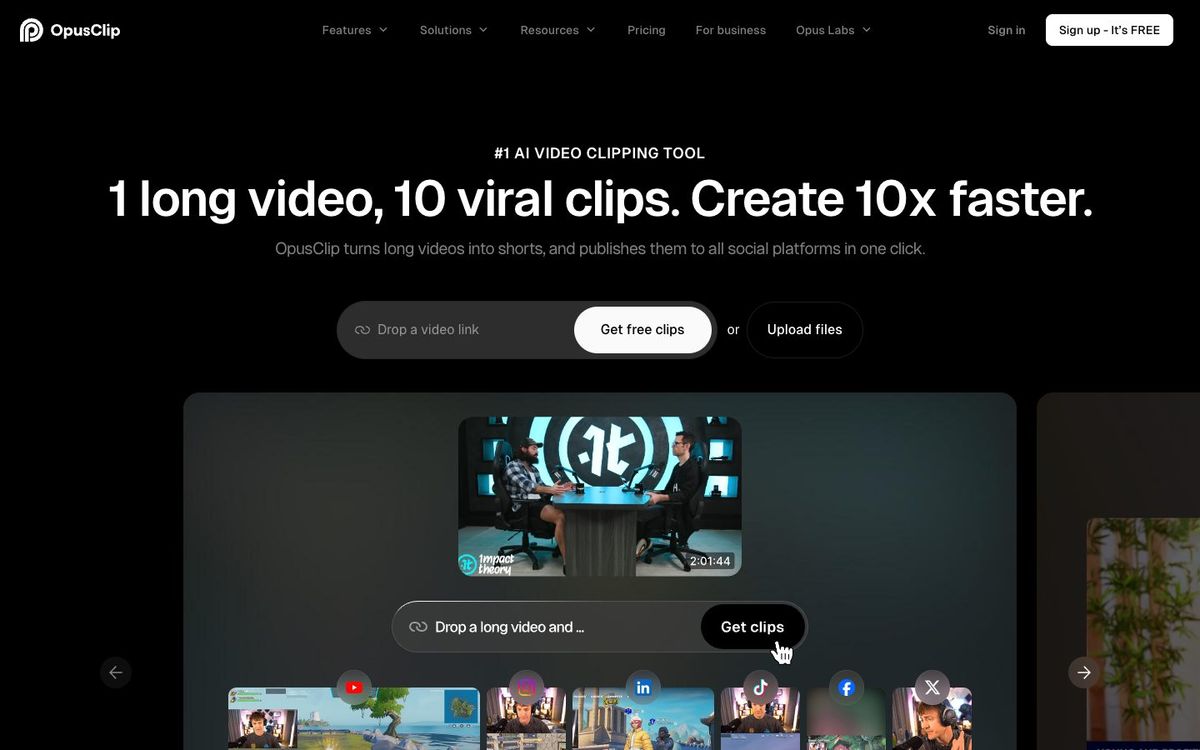
AI picks the strongest moments from a long video, like the sermon, and turns them into captioned vertical clips for Reels, Shorts and TikTok.
Also inAI Tools
- Price
- Free plan; Starter $15/mo; Pro $29/mo or $174/yr (Oct 2026)
- Free option
- Yes
- Works on
- Web, iOS
- Learning curve
- Easy
The short answer: is OpusClip right for your church?
OpusClip uses AI to scan a long video, pick likely highlights and turn them into captioned vertical clips. It's best for churches that want sermon clips on social every week without a dedicated editor. The catch: the AI doesn't know your message, so someone still has to review every clip, and free clips carry a watermark.
Who OpusClip is for
Great for
- Churches that want weekly sermon clips but have no editor
- Social volunteers who can review clips but not cut them from scratch
- Teams already posting to YouTube Shorts, Reels and TikTok
Skip it if
- Churches that want to control every cut. A text-based or timeline editor gives you that.
- Churches clipping long services on the free plan. Sixty credits covers about an hour of video a month.
How churches use OpusClip
Monday sermon clips
Upload Sunday's message and get a batch of captioned vertical clips to review on Monday morning.
Posting through the week
Paid plans post clips straight to Shorts, Reels and TikTok, so the message keeps going past Sunday.
Finishing in your editor
On Pro, export a clip to Premiere Pro or DaVinci Resolve when it needs a human touch.
Getting started with OpusClip
- 1
Create a free account and upload one recent sermon.
- 2
Use the processing timeframe to skip worship and announcements and save credits.
- 3
Watch every clip for context before you post it.
Pros and watch-outs
What we like
- Finds and captions clips with little effort
- Free plan to test it on a real sermon
- Paid plans post to Shorts, Reels and TikTok
- Pro exports to Premiere Pro and DaVinci Resolve
Watch out for
- AI picks can pull a line out of context
- Free clips have a watermark and expire after 3 days
- Credits are spent per minute of video you process
Want a week of content from one sermon?
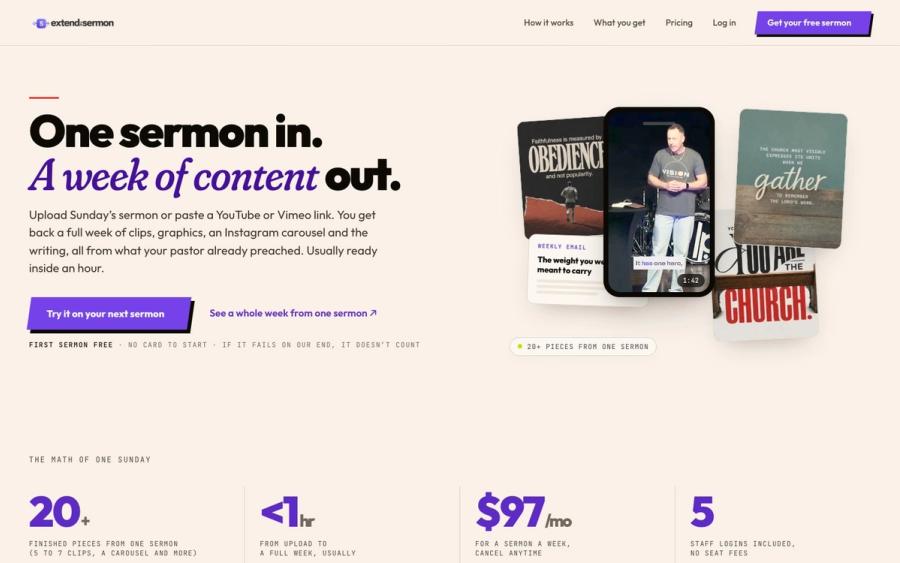
OpusClip helps you cut clips. Extend the Sermon starts from the sermon itself: upload it or paste a YouTube link and get 5 to 7 captioned vertical clips, 9 social graphics, a carousel, a blog post, an email and a small-group guide, usually within an hour.
Try a sermon free ↗Made by Church Media Squad, who also run Pro Church Media.
OpusClip FAQ
Is OpusClip free for churches?
There's a free plan with 60 credits a month, about 60 minutes of video. Free clips carry a watermark, can't be edited and stop being exportable after three days.
Does OpusClip have a church or nonprofit discount?
Not a published one. OpusClip has a page for churches, but its pricing page lists the same plans for everyone.
How many sermons can we clip each month?
Each credit covers one minute of video processed. Starter's 150 credits cover about two and a half hours a month, and Pro's 300 cover about five.
Can we edit the clips OpusClip makes?
On paid plans, yes. The free plan has no editing. Paid plans include the editor, and Pro can export to Premiere Pro or DaVinci Resolve.