AI Tools
Otter.ai
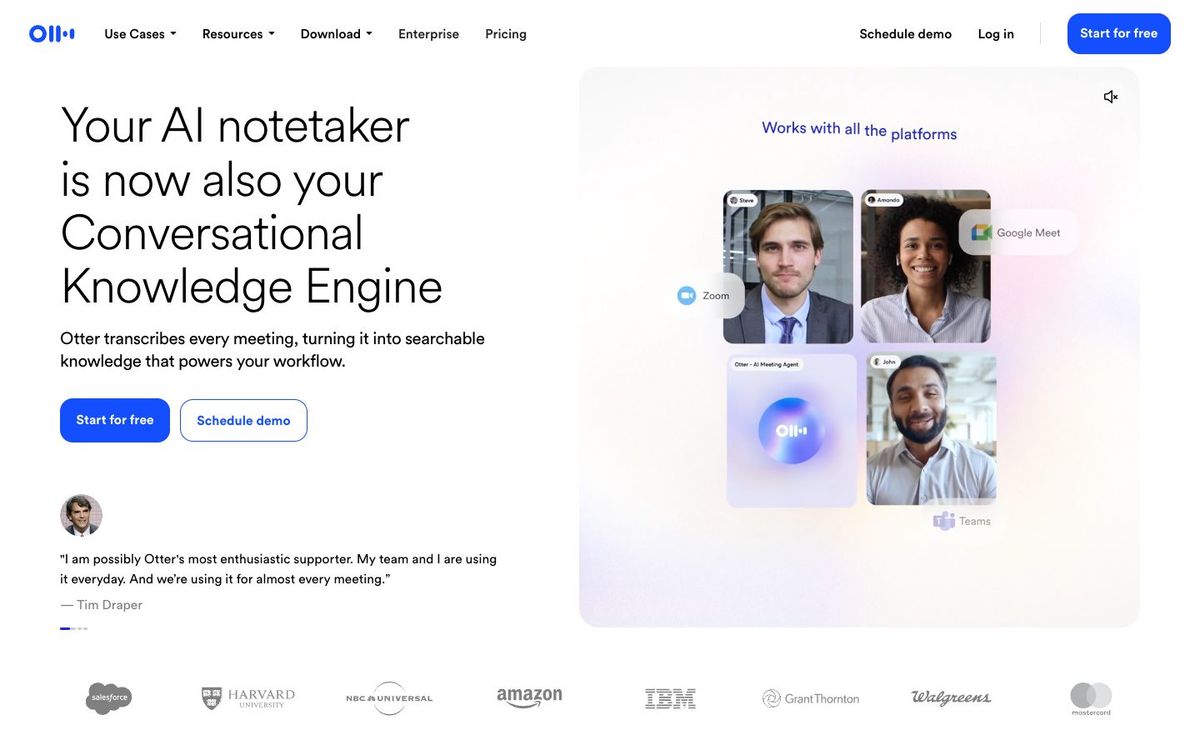
Automatic transcription for staff meetings, planning sessions and sermons, with searchable notes, summaries and action items.
Also inPlanning & Collaboration
- Price
- Free plan; Pro $8.33/user/mo billed yearly (Oct 2026)
- Free option
- Yes
- Works on
- Web, Mac, Windows, iOS, Android
- Learning curve
- Easy
The short answer: is Otter.ai right for your church?
Otter.ai records and transcribes meetings and audio files into searchable notes with automatic summaries. It's best for church staff who want notes from planning meetings and a text version of the sermon. The catch: the free plan stops at 30 minutes per conversation and three file imports ever, so most sermons need Pro.
Who Otter.ai is for
Great for
- Staff meetings where nobody wants to be the note taker
- Churches turning sermon audio into text for blog posts and clips
- Teams meeting on Zoom, Microsoft Teams or Google Meet
Skip it if
- Churches that need live captions on the Sunday livestream. Look at a dedicated captioning service.
- Anyone transcribing long services on the free plan. The 30-minute limit cuts most sermons short.
How churches use Otter.ai
Weekly staff meeting notes
Let Otter join the Zoom or Teams call, then share the summary and action items with everyone who missed it.
Sermon to text
Import Sunday's audio on a paid plan and use the transcript to draft a recap email, blog post or small group guide.
Spanish service notes
Otter transcribes Spanish as well as English, French, German, Japanese and Chinese, which helps multilingual staff teams.
Getting started with Otter.ai
- 1
Sign up free and have Otter join your next Zoom, Teams or Google Meet staff meeting.
- 2
Add your pastors' names and church terms to custom vocabulary.
- 3
Upgrade to Pro before importing a full sermon longer than 30 minutes.
Pros and watch-outs
What we like
- Joins Zoom, Teams and Google Meet to take notes for you
- Automatic summaries with action items and outlines
- Apps for web, Mac, Windows, iPhone and Android
- Custom vocabulary helps with names and church terms
Watch out for
- Free plan caps each conversation at 30 minutes
- Only three file imports, ever, on the free plan
- Pro still caps each conversation at 90 minutes
Got the transcript. Now what?
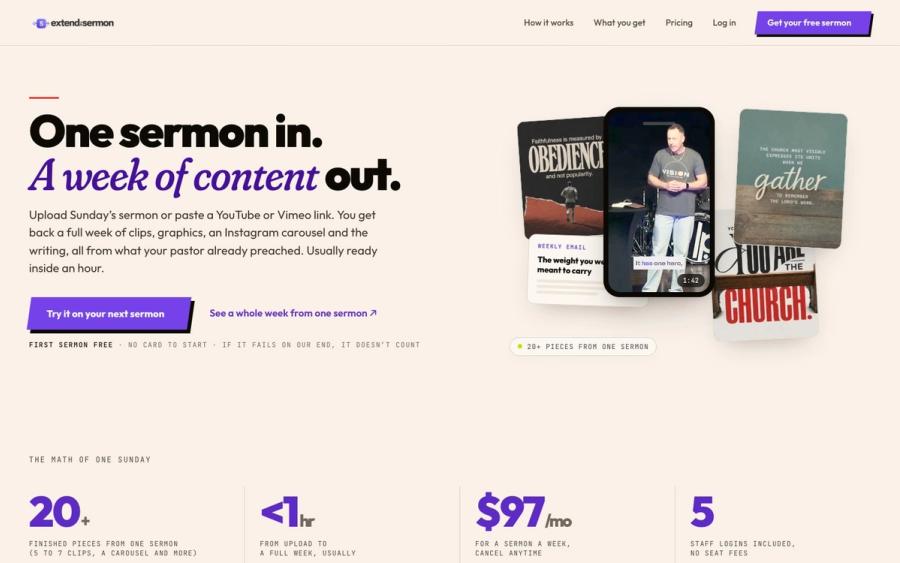
A sermon transcript is raw material. Extend the Sermon turns the sermon into finished pieces: captioned clips, social graphics, a blog post, a weekly email, a small-group guide and a kids sheet, drawn from your pastor's own words.
Try a sermon free ↗Made by Church Media Squad, who also run Pro Church Media.
Otter.ai FAQ
Is Otter.ai free for churches?
There's a free Basic plan with 300 transcription minutes a month, but each conversation stops at 30 minutes. Pro is $8.33 per user a month billed yearly and allows 90 minutes per conversation.
Can Otter.ai transcribe a full sermon?
Yes on a paid plan, as long as it's within the limit. Pro handles up to 90 minutes per conversation, and Business handles up to 4 hours.
Does Otter.ai have a nonprofit discount?
Otter doesn't publish one. It offers 20% off Pro for students and teachers with a .edu email.
What languages does Otter.ai transcribe?
English, Spanish, French, German, Japanese and Chinese.