AI Tools
Claude
AI assistant for drafting announcements, emails and newsletters, and for working through long documents. Review every draft before it goes out.
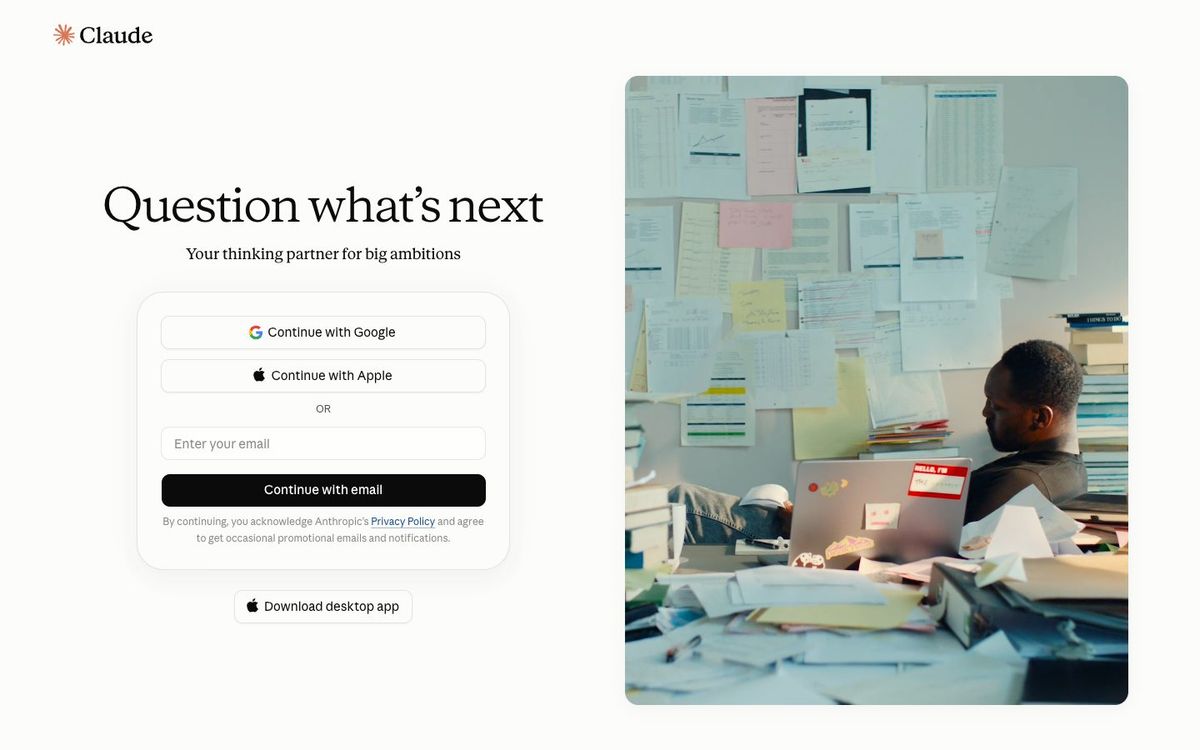
- Price
- Free plan; Pro $20/mo or $200/yr; Team from $20/seat/mo (Oct 2026)
- Free option
- Yes
- Church discount
- Team plan $8 per user/month for verified 501(c)(3) nonprofits and international equivalents
- Works on
- Web, Mac, Windows, iOS, Android
- Learning curve
- Easy
The short answer: is Claude right for your church?
Claude is an AI writing assistant that turns rough notes into announcements, emails, newsletters and summaries. It's best for church staff who write a lot each week and want a fast first draft. The catch: it can get facts wrong, it doesn't make photos or illustrations, and heavy use needs a paid plan.
Who Claude is for
Great for
- Staff who write the weekly email, bulletin and announcement script
- Communications leads who want drafts in your church's voice from a saved style guide
- Teams working through long documents like policies, handbooks or survey results
Skip it if
- Anyone who needs sermon series art or social graphics. Use an AI image generator or a design app.
- Teams that won't proofread. Every draft needs a human check for dates, names and theology.
How churches use Claude
Sunday announcement script
Paste the week's events and ask for a 90-second script for the host. Then cut it to fit your service.
One sermon, many posts
Give it your sermon notes and ask for a recap email, three social captions and small group questions for the week.
Your church's voice, saved
On a paid plan, keep your style guide and sample posts in a Project so new drafts sound like your church, not a robot.
Getting started with Claude
- 1
Create a free account at claude.ai and paste in this week's announcements.
- 2
Ask for a short, warm version, then edit it in your own words.
- 3
Write a one-page style guide for your church and reuse it in every prompt.
Pros and watch-outs
What we like
- Strong at clear, natural-sounding drafts and rewrites
- Handles long documents like handbooks and meeting notes
- Free plan works on web, desktop and phone apps
- Published nonprofit pricing on the Team plan
Watch out for
- Doesn't generate photos or illustrations
- Can state wrong facts confidently, so check every draft
- Free plan usage limits run out on busy weeks
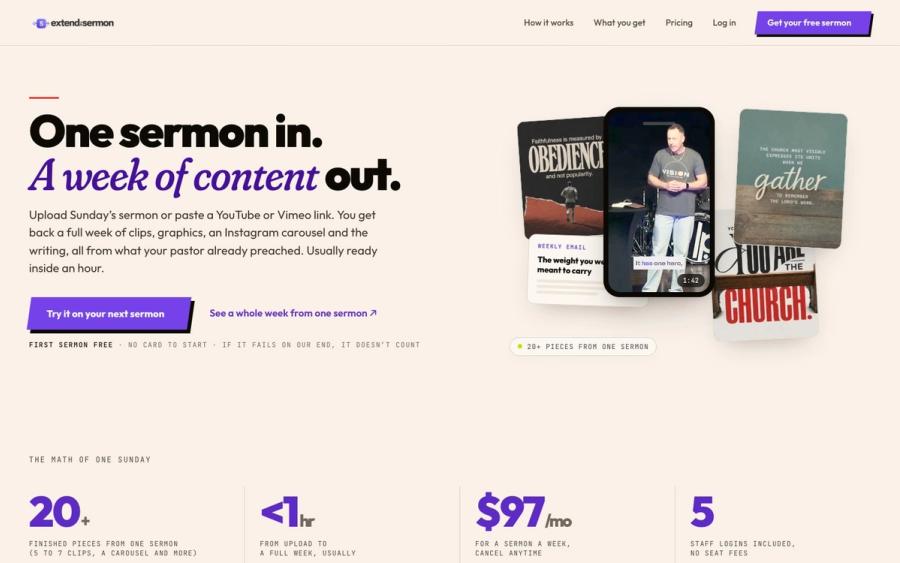
Tired of writing prompts every Monday?
You can get sermon content out of Claude, but you have to ask for every piece and check it reads like your pastor. Extend the Sermon does the whole set from Sunday's message: clips, graphics, a blog post, an email and a small-group guide. Nothing invented.
Try a sermon free ↗Made by Church Media Squad, who also run Pro Church Media.
Claude FAQ
Is Claude free for churches?
Yes, there's a free plan with daily usage limits. Pro costs $20 a month, or $200 a year paid up front. Verified nonprofits can get the Team plan for $8 per user each month.
Can Claude write our church announcements?
Yes. Give it the facts and ask for a draft in your church's tone. Always check dates, times and names before anything goes out.
Can Claude make sermon series graphics?
No. Claude can build simple charts and diagrams, but it doesn't generate photos or illustrations. Use an AI image generator or a design app for artwork.
Does Claude offer a nonprofit discount?
Yes. Registered 501(c)(3) organizations and international equivalents can get the Team plan at $8 per user each month. Small teams verify through Anthropic's partner Goodstack.