Social Tools
ChatGPT
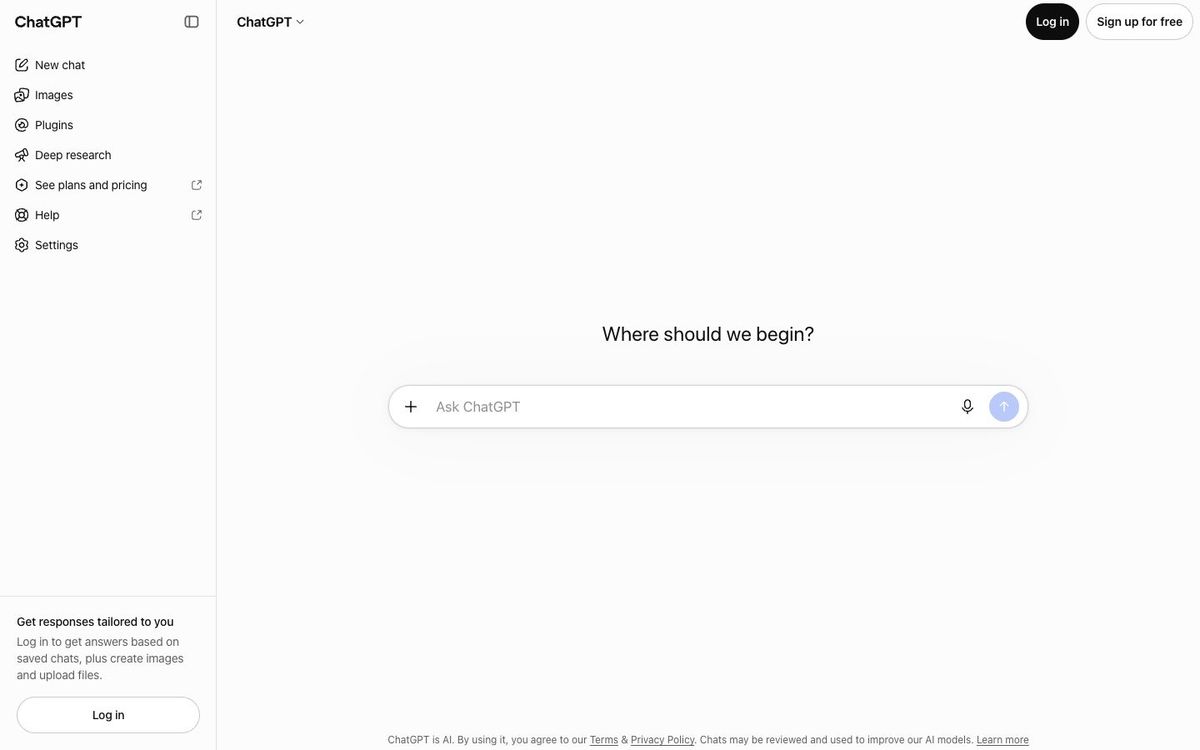
AI assistant for brainstorming and drafting captions, announcements, sermon series copy and event descriptions, ready for you to edit.
- Price
- Free plan; Plus $20/mo; Business from $20/user/mo (Oct 2026)
- Free option
- Yes
- Church discount
- OpenAI for Nonprofits: ChatGPT Business Standard seats from $8/user/month billed yearly for verified nonprofits; check church eligibility
- Works on
- Web, Mac, Windows, iOS, Android
- Learning curve
- Easy
The short answer: is ChatGPT right for your church?
ChatGPT is an AI assistant that drafts and rewrites text, from social captions to event descriptions and volunteer emails. It's best for church communicators who need a first draft fast and will edit it into their own voice. The catch: it can state wrong facts confidently, so every date, Bible reference and name needs a human check.
Who ChatGPT is for
Great for
- Communicators staring at a blank caption on Saturday night
- Staff who write lots of emails, announcements and event blurbs
- Teams that want ten title ideas for a new sermon series
Skip it if
- Anyone hoping to publish without editing. Drafts need your church's voice and a fact check.
- Churches that want to paste in member or prayer-request details. Keep personal information out of any AI tool.
How churches use ChatGPT
Sermon series copy
Give it the series theme and passage, then ask for title ideas, a one-paragraph description and five captions to edit.
Rewrite the announcement
Paste a long announcement and ask for a 30-second version for the stage and a short version for Instagram.
Volunteer emails
Draft a friendly reminder for Easter volunteers, then add the real call times and names yourself.
Getting started with ChatGPT
- 1
Sign up free at chatgpt.com or download the app for your phone or computer.
- 2
Paste three past captions you like and ask it to match that voice.
- 3
Turn off model training in Data Controls if you don't want chats used.
Pros and watch-outs
What we like
- Free plan covers everyday drafting and brainstorming
- Apps for web, Mac, Windows, iPhone and Android
- Rewrites the same message for stage, email and social
- Nonprofit pricing on the Business plan
Watch out for
- Can make up facts, dates and Bible references
- Personal plans use chats for training unless you opt out
- Generic output if you don't give it your church's voice
Tired of writing prompts every Monday?
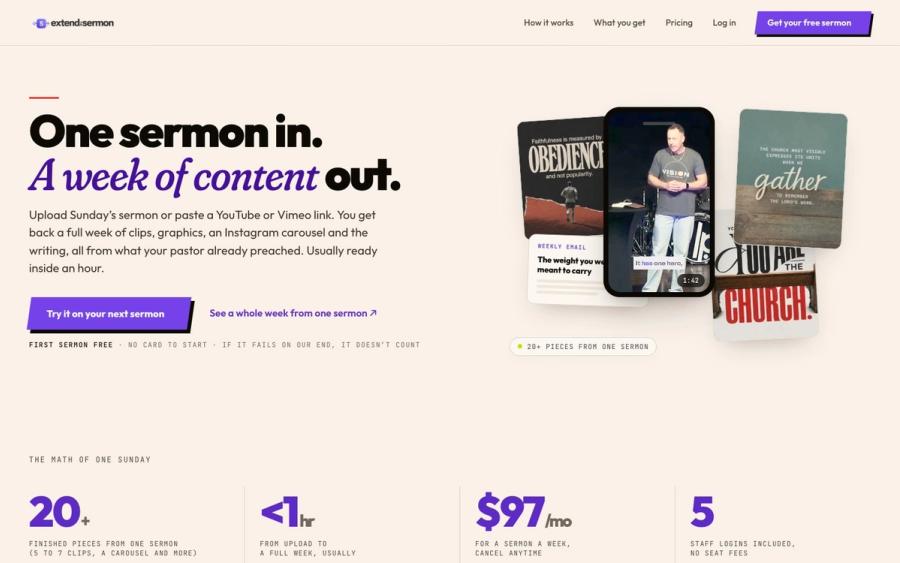
You can get sermon content out of ChatGPT, but you have to ask for every piece and check it reads like your pastor. Extend the Sermon does the whole set from Sunday's message: clips, graphics, a blog post, an email and a small-group guide. Nothing invented.
Try a sermon free ↗Made by Church Media Squad, who also run Pro Church Media.
ChatGPT FAQ
Is ChatGPT free for churches?
Yes. Anyone can use the free plan. Paid plans add more usage and features, with Go at $8 a month, Plus at $20 a month and Business priced per user.
Does OpenAI offer a nonprofit discount?
Yes. Through OpenAI for Nonprofits, verified nonprofits can get ChatGPT Business Standard seats for $8 per user a month billed yearly. Verification runs through a third party, so confirm your church qualifies before you budget for it.
Can ChatGPT write our sermon?
It can help you brainstorm illustrations or outline ideas, but it's a poor substitute for study and prayer. Check every Scripture reference it gives you, since it can cite verses wrongly.
Is it safe to put prayer requests into ChatGPT?
No. Keep names, prayer requests and pastoral care details out of ChatGPT and any AI tool. On personal plans, chats can be used for training unless you opt out.