AI Tools
Google Gemini
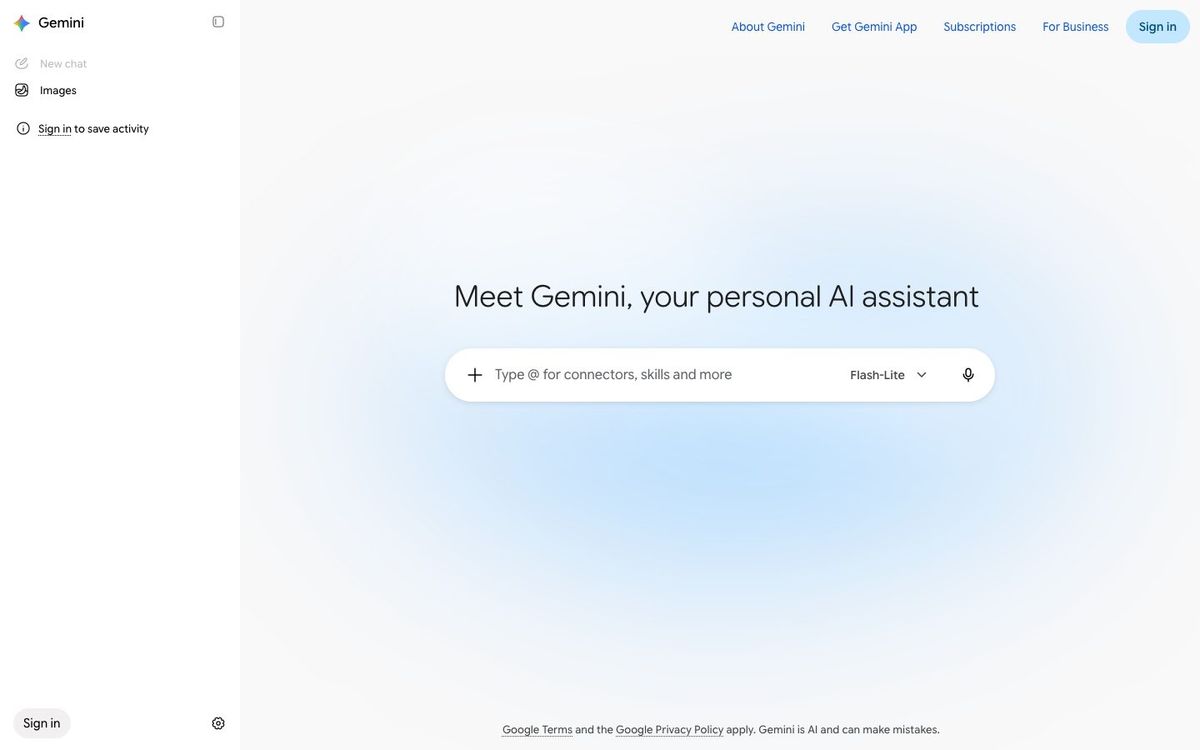
Google's AI assistant for drafting text and making or editing images. A natural fit if your church already runs on Gmail and Google Docs.
- Price
- Free plan; Google AI Plus $4.99/mo; AI Pro $19.99/mo (Oct 2026)
- Free option
- Yes
- Works on
- Web, iOS, Android
- Learning curve
- Easy
The short answer: is Google Gemini right for your church?
Google Gemini is an AI assistant that drafts text and creates or edits images, all with a Google account. It's best for churches already living in Gmail, Docs and Drive. The catch: Gemini inside Gmail and Docs needs a paid plan, and every generated image carries a visible AI watermark.
Who Google Gemini is for
Great for
- Churches whose staff already work in Gmail, Google Docs and Drive
- Volunteers who want one free tool for both writing and quick image ideas
- Staff who need a mockup of a slide background or invite before the designer starts
Skip it if
- Teams that need finished, unbranded artwork. A dedicated image generator or design app fits better.
- Churches on Microsoft 365. An assistant built into Word and Outlook may suit you better.
How churches use Google Gemini
Easter invite drafts
Ask for three versions of an Easter invite in different tones, then pick one and polish it for the mailer.
Series concept mockups
Generate a few rough images for a new sermon series so the team can agree on a direction before anyone designs.
Inbox help on paid plans
With Google AI Pro, use Gemini in Gmail and Docs to draft replies and summarize long planning docs.
Getting started with Google Gemini
- 1
Sign in at gemini.google.com with your church Google account.
- 2
Paste this week's events and ask for a short announcement in your church's tone.
- 3
Try one image prompt for your next series and treat the result as a sketch.
Pros and watch-outs
What we like
- Free plan includes image generation and editing
- Works with the Google account you already have
- Paid plans add Gemini in Gmail and Docs plus extra storage
- Generates text inside images in many languages
Watch out for
- Generated images carry a visible AI watermark
- Gemini in Gmail and Docs needs a paid plan
- No published nonprofit discount on Google AI plans
Tired of writing prompts every Monday?
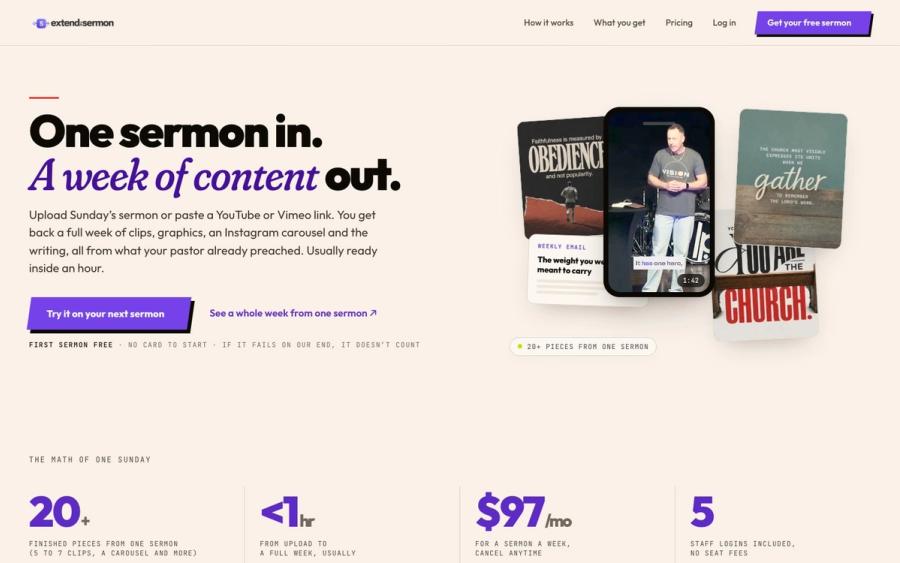
You can get sermon content out of Google Gemini, but you have to ask for every piece and check it reads like your pastor. Extend the Sermon does the whole set from Sunday's message: clips, graphics, a blog post, an email and a small-group guide. Nothing invented.
Try a sermon free ↗Made by Church Media Squad, who also run Pro Church Media.
Google Gemini FAQ
Is Google Gemini free for churches?
Yes, anyone with a Google account can use the free plan, including image generation. Google AI Plus is $4.99 a month and Google AI Pro is $19.99 a month for higher limits and more features.
Can Gemini make sermon series graphics?
It can make and edit images, including text in the image. Every image carries a visible AI watermark, so most churches use them as concepts and finish the design elsewhere.
Does Gemini work inside Gmail and Google Docs?
On paid plans. Google AI Plus adds Gemini in Gmail, and Google AI Pro adds it in Gmail and Docs.
Is there a nonprofit discount on Gemini?
Google doesn't list one for its Google AI plans. Google Workspace for Nonprofits is a separate program, so check its page for what your account includes.