
ChurchMediaPro Church Media

6 picks · Video Editing

Best Sermon Clip Tools: 6 Picks for Reels, Shorts and TikTok

The sermon is the best thing your church makes all week, and it sits on YouTube as one long video. Here's which tool turns it into clips people watch.

Updated

The short answer: our top picks

Extend the Sermon, which we make, is the pick if you want the clips and the rest of the week from one sermon. For clips alone, OpusClip finds likely highlights and turns them into captioned vertical clips. Submagic suits teams that want bold animated captions, CapCut is the best free option on a phone, Descript cuts clips from a transcript, and DaVinci Resolve gives full control for free.

AI clip finder or editor?

There are two ways to get clips out of a sermon. An AI clip finder like OpusClip scans the whole message and hands you a batch of captioned clips to review. An editor like CapCut, Descript or DaVinci Resolve waits for you to choose the moment, then gives you control of the cut.

If nobody on your team has an evening for editing, start with a clip finder. If you already know the 40 seconds you want, an editor gets you exactly that cut, and all three have free versions.

Before you post any clip

  • Watch it for context. A line pulled from the middle of a point can say something your pastor didn't mean.
  • Check the music. Your church needs the rights to any song in the clip, and CapCut's regular Sounds are licensed for personal use only.
  • Pick one caption style and keep it, so every clip looks like it came from your church.

For the whole workflow, from recording to scheduling, see how to turn one sermon into a week of content.

At a glance

Our picks

  1. Extend the SermonOur productBest for a full week from one sermon
  2. OpusClipBest overall
  3. SubmagicBest for animated captions
  4. CapCutBest free option for phones
  5. DescriptBest for editing by transcript
  6. DaVinci ResolveBest free option for full control
Side by side

How they compare

AppBest forPriceFree optionWorks onLearning curve
Extend the SermonOursBest for a full week from one sermonFirst sermon free; $97/mo for one sermon a week (Oct 2026)First sermon freeWebEasy
OpusClipBest overallFree plan; Starter $15/mo; Pro $29/mo or $174/yr (Oct 2026)YesWeb, iOSEasy
SubmagicBest for animated captionsFree trial (3 videos); paid from $19/mo (Oct 2026)NoWebEasy
CapCutBest free option for phonesFree plan; Pro about $19.99/mo in the US, varies by region (Oct 2026)YesWeb, Mac, Windows, iOS, iPad, AndroidEasy
DescriptBest for editing by transcriptFree plan; paid from $16/mo billed yearly, $24 monthly (Oct 2026)YesWeb, Mac, WindowsEasy
DaVinci ResolveBest free option for full controlFree; Studio $295 one-time (Oct 2026)YesMac, Windows, Linux, iPadAdvanced

01Best for a full week from one sermonOur product

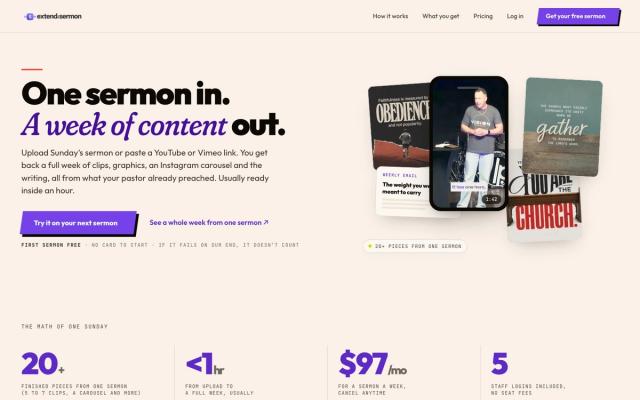
Extend the Sermon

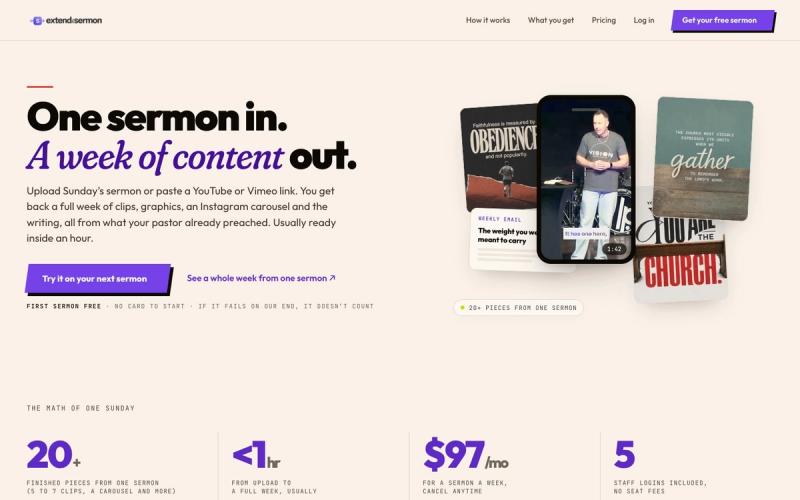
Upload Sunday's sermon or paste a YouTube link and get 5 to 7 captioned vertical clips, plus 9 social graphics, a carousel, a blog post, an email, a small-group guide and a kids sheet, usually within an hour. Every clip comes with music, without music and without captions.

Price
First sermon free; $97/mo for one sermon a week (Oct 2026)
Watch out for
$97 a month, and someone still reviews every draft

Made by Church Media Squad, who also run Pro Church Media.
02Best overall

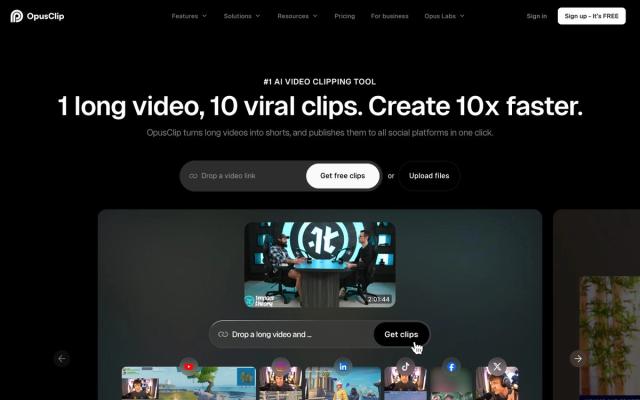
OpusClip

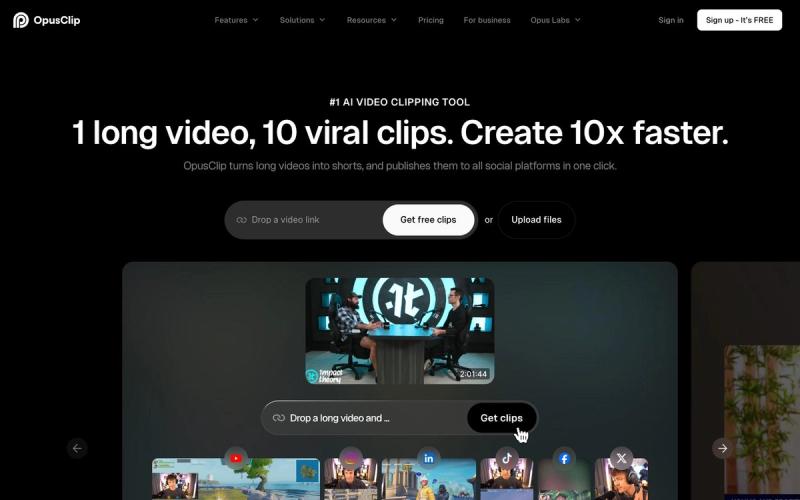
Upload Sunday's message and it picks likely highlights, then turns them into captioned vertical clips for Reels, Shorts and TikTok. The free plan covers about an hour of video a month, and paid plans post clips straight to each platform.

Price
Free plan; Starter $15/mo; Pro $29/mo or $174/yr (Oct 2026)
Watch out for
AI picks can pull a line out of context

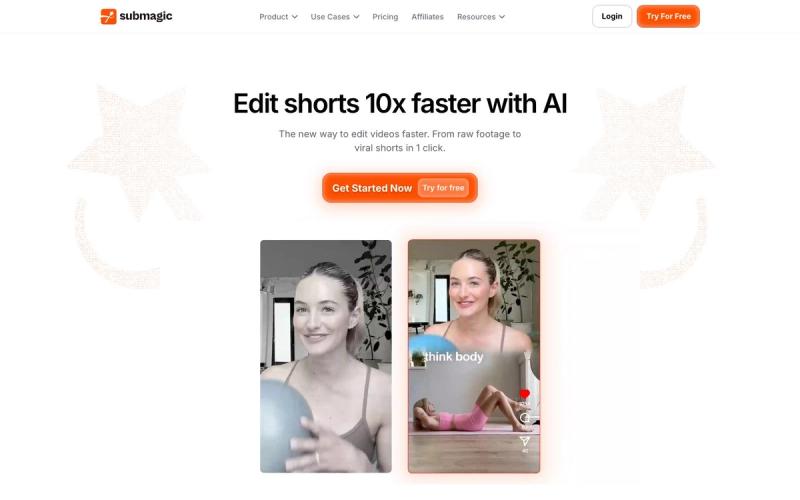
03Best for animated captions

Submagic

If someone already cuts the clips, Submagic adds animated captions, zooms, b-roll and sound effects so the point lands for people scrolling on mute. Paid plans have no watermark, and Magic Clips can suggest clips from a YouTube link.

Price
Free trial (3 videos); paid from $19/mo (Oct 2026)
Watch out for
No free plan, and Starter caps each video at two minutes

04Best free option for phones

CapCut

Volunteers who already edit on their phones can cut a 30-second moment from the message, add auto captions and post it midweek for free. It runs on phones, computers and the browser, and templates make a decent Reel in minutes.

Price
Free plan; Pro about $19.99/mo in the US, varies by region (Oct 2026)
Watch out for
Regular music library is for personal, non-commercial videos only

05Best for editing by transcript

Descript

Find the strong paragraph in the sermon transcript and use Create Clips to turn it into a short video. Staff who are comfortable in a document but not a timeline will feel at home, and the same tool handles the sermon podcast.

Price
Free plan; paid from $16/mo billed yearly, $24 monthly (Oct 2026)
Watch out for
Free plan exports at 720p with a watermark

06Best free option for full control

DaVinci Resolve

When you want to choose every cut, the free version gives you pro editing, color and audio tools with no subscription. It also pairs with OpusClip, whose Pro plan exports clips to Resolve when one needs a human finishing touch.

Price
Free; Studio $295 one-time (Oct 2026)
Watch out for
Steep learning curve for volunteers
Our method

How we chose

  • Monday-morning fast

    Can a volunteer get a clip worth posting from Sunday's sermon without blocking out an evening to edit?

  • Captions for the mute scroll

    Most people scroll Reels and Shorts with the sound off. Does it caption clips, and can you keep the style consistent?

  • Real cost for a sermon a week

    What it costs to clip one message every Sunday, including credit, minute and length limits on free and cheaper plans.

  • Checked at the source

    Every price and limit was checked on the vendor's own site in October 2026.

Questions churches ask

FAQ

What is the best free sermon clip maker?

OpusClip's free plan finds and captions clips for you from about 60 minutes of video a month, though free clips carry a watermark and expire after three days. CapCut is free with auto captions if you pick the moment yourself, and DaVinci Resolve is free if you want full control.

Can AI make sermon clips automatically?

Yes. OpusClip and Submagic's Magic Clips scan a long video and suggest short captioned clips. The AI doesn't know your message, so watch every clip for context before you post it.

How much do sermon clip tools cost?

OpusClip starts at $15 a month, Descript at $16 a month billed yearly, Submagic at $19 a month and CapCut Pro at about $19.99 a month in the US (Oct 2026). OpusClip, CapCut and Descript also have free plans, and DaVinci Resolve is free with a one-time $295 Studio upgrade.

Can we use CapCut music in sermon clips?

Be careful. CapCut's regular Sounds are licensed for personal, non-commercial videos, and its Commercial Sounds are cleared only for CapCut and TikTok. For clips on YouTube, Facebook or Instagram, use music your church has licensed.

Keep exploring

All video editing

See the full list →