ChurchMediaPro Church Media

How-to · 7 steps · Design Assets

How to Make a Sermon Series Graphic: Seven Steps From Title to Booth

The pastor has a title, the series starts in three weeks, and you have a blank screen. Here's how to get from idea to booth-ready files, one step at a time.

Updated

The short answer: the whole process

Get the exact title, scripture and big idea from your pastor in writing. Then start from a Remix sermon series pack, which we make, describe the series to ChurchCreate, also ours, or build it yourself in Canva with an Unsplash photo and free Google Fonts. Design the 16:9 slide first, make the notes, square and story versions from it, and export with clear file names.

The sizes to make

Build the main slide first, then make every other piece from that one file so the whole series matches.

  • Main title slide: 1920 × 1080 (16:9). Use 3840 × 2160 if your screens or template are 4K.
  • Notes slide: the same 16:9 size, with the title smaller and room for sermon points or scripture.
  • Clean background: the artwork with no words, for the welcome loop or behind announcements.
  • Social square: 1080 × 1080 for feed posts.
  • Story: 1080 × 1920 for Instagram and Facebook stories. Keep text away from the top and bottom, where the app's buttons sit.

Need a photo? Our guide to free stock photos for churches covers where to look and what each license allows. Not sure which app to build it in? See the best design apps for church volunteers.

Curious about Remix Studio, which we make? Here's how it works and what it costs.

Want AI to design the whole set from your title? See how ChurchCreate works, which we also make.

Step by step

How to do it

  1. Get the title and big idea

    Before you open any app, ask your pastor for the series title and subtitle spelled exactly, the start and end dates, the main scripture and the big idea in one sentence. Ask for three words that describe the mood, like quiet, hopeful or bold. Get it in writing, so the title on the screen matches the one on the sermon notes.

  2. Choose a template, AI or blank page

    A Remix sermon series pack gives you title slides, a notes slide and social sizes that already match; you change the title. ChurchCreate designs it from your title and subtitle and returns screen, feed, story and square sizes, so you can jump to step 7. Starting from scratch? Use Canva and keep going.

    UseRemix Church MediaoursChurchCreateoursCanva

  3. Pick a photo or texture you can use

    Search Unsplash or Pexels by mood or color, not just subject, and look for empty space where the title can sit. Both allow church use with no credit line. Skip Unsplash images marked Unsplash+ unless you subscribe, don't build your church logo from a Pexels photo, and don't print either site's photos unedited on merch you sell.

    UseUnsplashPexels

  4. Choose two fonts

    Pick one display font for the title and one clean font for dates and scripture. Google Fonts and Fontshare are free for church use, including print, video and logos. Install them on every computer that edits the series. Using a template pack? Check its font list first, because Remix fonts aren't included and some are paid.

    UseGoogle FontsFontshare

  5. Build the main 16:9 slide first

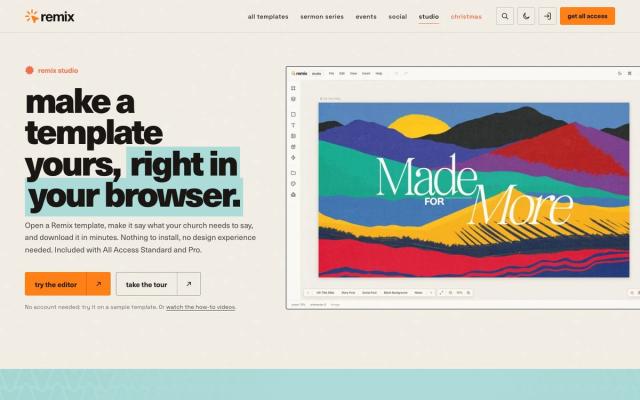
    Set up a 1920 × 1080 canvas, place the photo, then the title. Darken or blur the photo until the words read from the back row. Using one of Remix's 750+ Studio templates? Open it in Remix Studio in your browser and change the words, dates and colors, no Photoshop needed. Canva works for most volunteers, and Affinity opens layered PSDs free on Mac and Windows. Check it on the real screen first.

    UseRemix StudiooursCanvaAffinity

  6. Make the notes, square and story sizes

    Copy the main slide into each size instead of starting over: a notes slide with a smaller title, a clean background, a 1080 × 1080 square and a 1080 × 1920 story. Canva's resize tool needs Pro, and Adobe Express's one-click resize needs Premium. In Figma, put every size in one file as its own frame. Remix Studio exports every slide, post and story at once.

    UseRemix StudiooursCanvaAdobe ExpressFigma

  7. Export and name files for the booth

    Export each size at full resolution as PNG or JPG. Name files so the booth can sort them, like 2026-11-Rooted-Title-16x9.png and 2026-11-Rooted-Notes-16x9.png. Put them in one shared folder, keep the editable file separately, and send printers a PDF rather than font files. Load them on the booth computer before Sunday.

Tools that help

The tools for each step

01Fastest startOur product

Remix Church Media

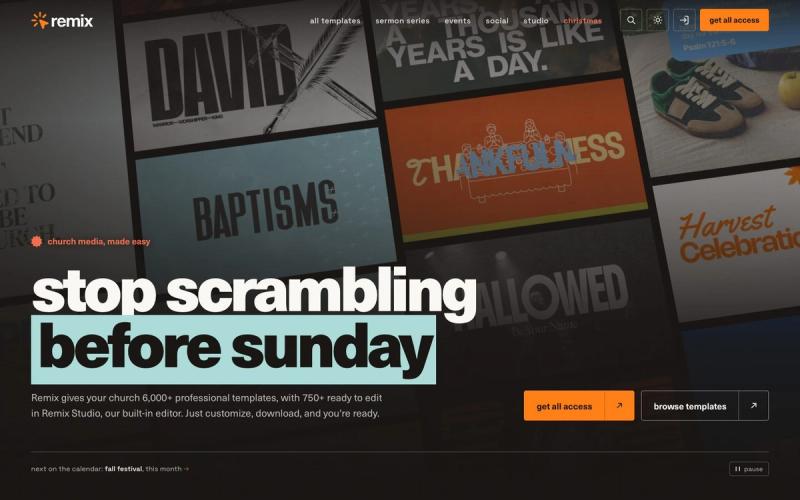
A series pack arrives with title slides, a notes slide and social graphics designed to match, with lower thirds in most. Change the title in the layered file and the set is ready. Standard and Pro also include Remix Studio, which opens 750+ templates in the browser.

Price
Most single templates $17 to $27; Standard $57/mo or $497/yr (Oct 2026)
Watch out for
Most templates don't open in Remix Studio, so you edit a PSD

Made by Church Media Squad, who also run Pro Church Media.
02Best for editing church templates in the browserOur product

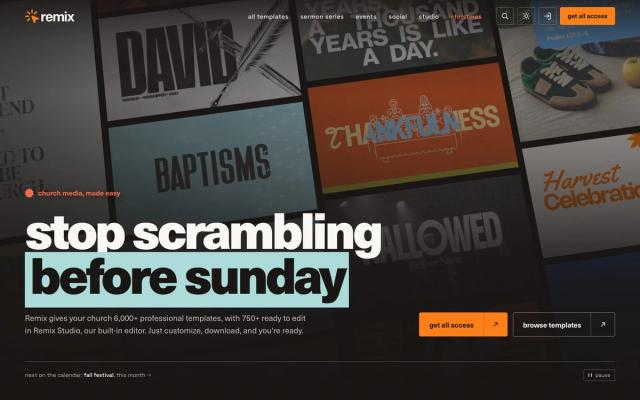
Remix Studio

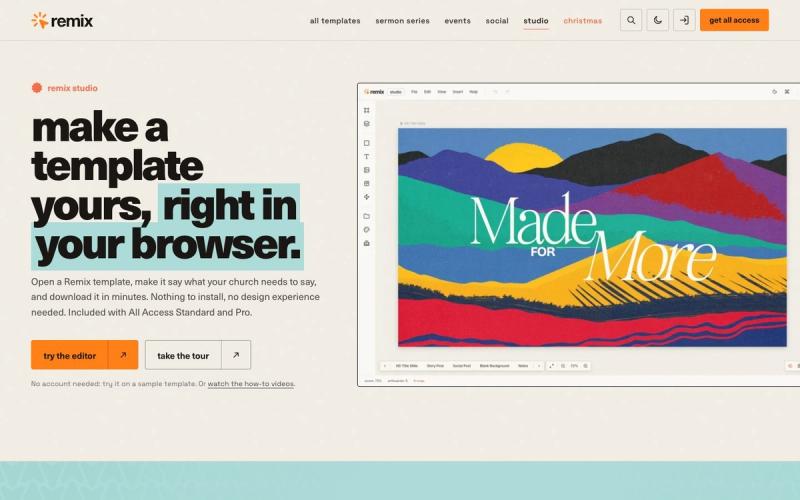
Open one of 750+ church templates in Chrome, Safari or Edge, change the words, dates and colors, and export every slide, post and story at once. Nothing to install and no Photoshop needed, so a volunteer can finish a series set on any computer.

Price
With All Access Standard $57/mo or $497/yr, or Pro $117/mo (Oct 2026)
Watch out for
Included with Standard and Pro plans, not Social

Made by Church Media Squad, who also run Pro Church Media.
03Best for describing it instead of designing itOur product

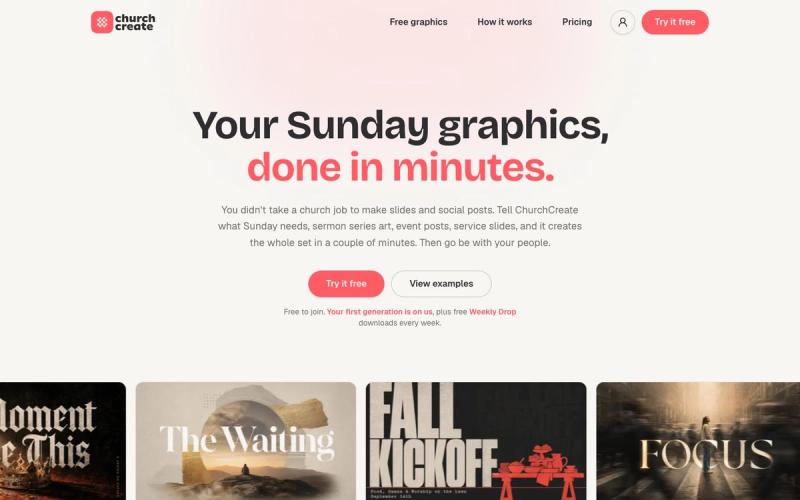
ChurchCreate

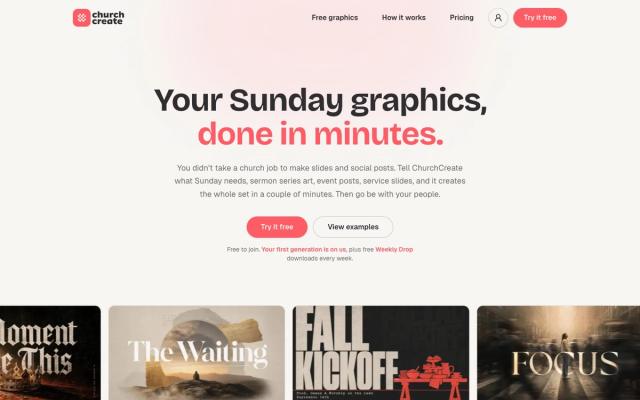
Type the series title and subtitle, pick from a few design directions, and download screen, feed, story and square sizes together. It pulls your colors, fonts and logo from your church website. Proofread scripture, dates and names before Sunday, because AI text can still be wrong.

Price
Free plan; Pro $97/mo or $970/yr; Max $247/mo (Oct 2026)
Watch out for
The free plan includes just one generation a month

Made by Church Media Squad, who also run Pro Church Media.
04Best for building it yourself

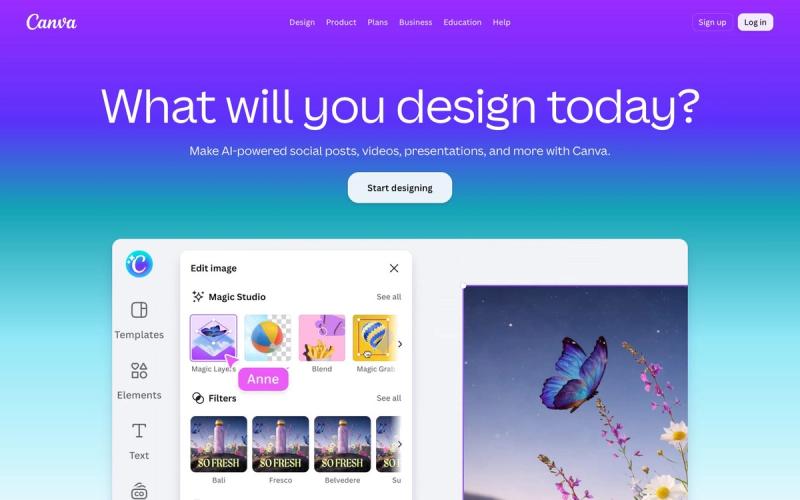
Canva

A volunteer who serves once a month can make a decent series graphic in their first session, then resize it for the screen, stories and the bulletin. Resizing is a Pro tool, and eligible churches can apply for Canva Nonprofits to get Pro free for up to 50 people.

Price
Free plan; Pro $144/yr; Business $250/yr per person (Oct 2026)
Watch out for
Popular templates can make your graphics look like every other church's

05Best for the series photo

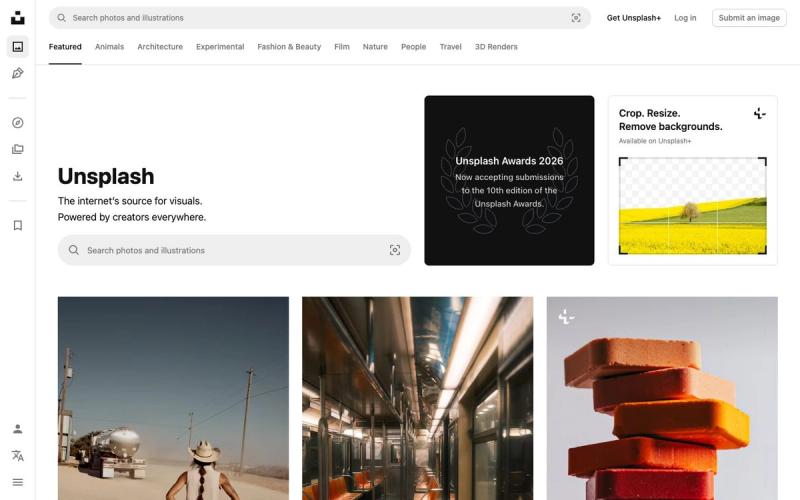
Unsplash

Over 6 million free photos and illustrations with an editorial look, and no credit required. Find one high-resolution image with room for a title and build the slide, notes and social versions from it. Save your shortlist into a collection for the series.

Price
Free; Unsplash+ $84/yr launch price, normally $240/yr (Oct 2026)
Watch out for
Paid Unsplash+ images are mixed into free search results

06Best for free fonts

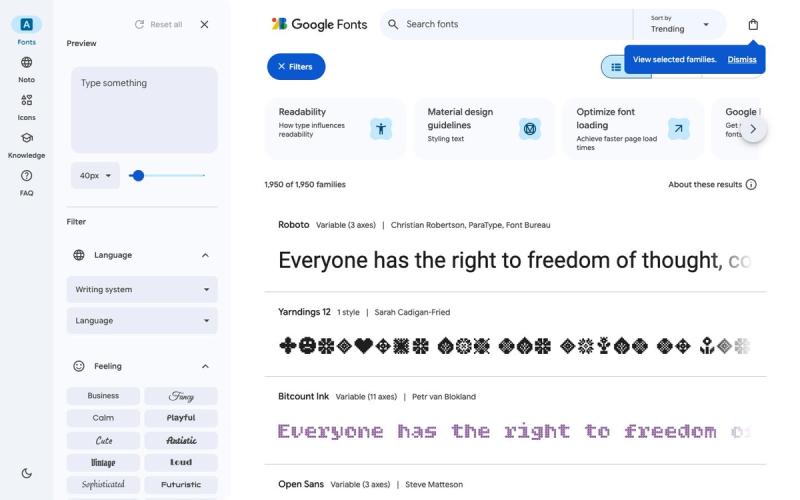
Google Fonts

About 1,950 open-source font families, free for any use, including logos, print, slides and video. Pick one title font and one body font, install them on every computer your team designs on, and nobody has to worry about licensing.

Price
Free (open source)
Watch out for
Popular families appear on countless sites and graphics

07Best free app for experienced volunteers

Affinity

Photo editing, vector type and layout in one free app for Mac and Windows, so you can edit the photo and set the title in the same file. It imports PSD files, which makes it a free way to open layered template packs.

Price
Free for individuals; AI tools need a paid Canva plan
Watch out for
Pro-level tools take volunteers time to learn
Questions churches ask

FAQ

What size should a sermon series graphic be?

Make the main slide 1920 × 1080 pixels, the 16:9 size most church screens use, or 3840 × 2160 if your screens are 4K. For social media, add a 1080 × 1080 square and a 1080 × 1920 story.

Can we use free stock photos for sermon series graphics?

Yes. Unsplash and Pexels allow church use with no credit required. Skip images marked Unsplash+ unless you subscribe, don't use Pexels photos in a logo, and don't sell either site's photos unedited on merch.

What fonts are free for church graphics?

Google Fonts and Fontshare are both free for church use, including print, video and logos. With Fontshare, outside designers and printers download their own copy, so send printers a finished PDF instead of the font files.

Can we make a sermon series graphic in Canva for free?

Yes. Canva Free covers a series graphic, but resizing it to new formats is a Pro tool. Eligible churches can apply for Canva Nonprofits, which gives Pro free to up to 50 people, though Canva reviews each application.

Keep exploring

All design assets

See the full list →