ChurchMediaPro Church Media

7 picks · Design Software

Best Design Apps for Church Volunteers: 7 Picks for Every Budget

Your volunteer designs once a month and forgets the app in between. Here's which design app they can open on Saturday and still finish Sunday's graphic.

Updated

The short answer: our top picks

Remix Studio, which we make, is the quickest start for volunteers who want church-ready templates they edit in the browser. Canva is the best all-round design app: someone who serves once a month can make a decent graphic in their first session. Adobe Express is the closest alternative, Pixlr and BeFunky suit quick photo fixes, Figma suits locked templates, and Affinity suits experienced volunteers.

What about Photoshop and Procreate?

Adobe Creative Cloud is the professional standard, but Creative Cloud Pro is $69.99/mo on an annual plan (Oct 2026), and canceling after 14 days costs 50% of the remaining months. Adobe offers discounted Creative Cloud Pro to eligible 501(c)(3) nonprofits through TechSoup. It's the right tool for a staff designer who works in it every week, not for someone who designs once a month.

Procreate is a one-time $12.99 iPad app (Oct 2026) for drawing and hand-lettering. If a volunteer artist already has an iPad, ideally with an Apple Pencil, it's a good fit for series titles and kids ministry art. It isn't a general design app, and it only runs on iPad.

New to it? Follow how to make a sermon series graphic start to finish.

Curious about Remix Studio, which we make? Here's how it works and what it costs.

Would rather describe it and let AI design it? Here's how ChurchCreate works, which we also make.

At a glance

Our picks

  1. Remix StudioOur productBest for church-ready templates
  2. CanvaBest overall
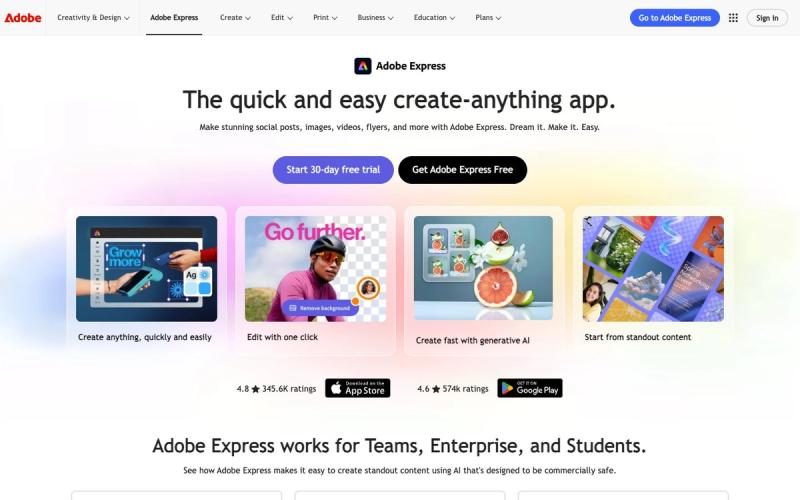
  3. Adobe ExpressBest Canva alternative
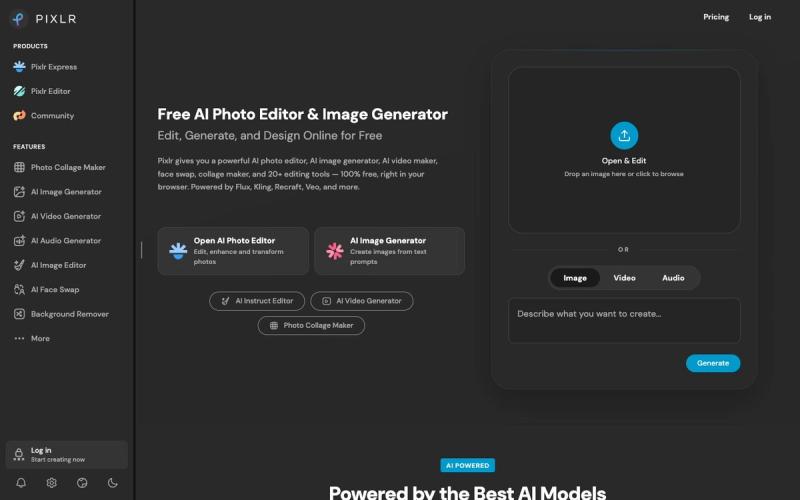
  4. PixlrBest for photo fixes on a church computer
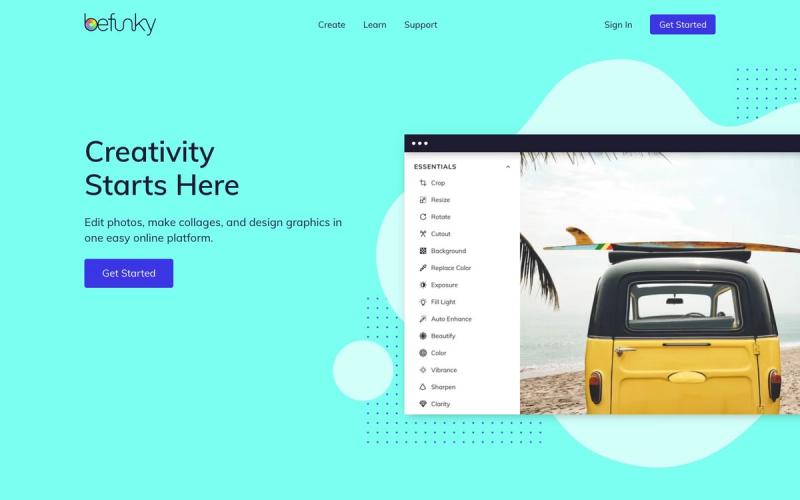
  5. BefunkyBest for event photo recaps
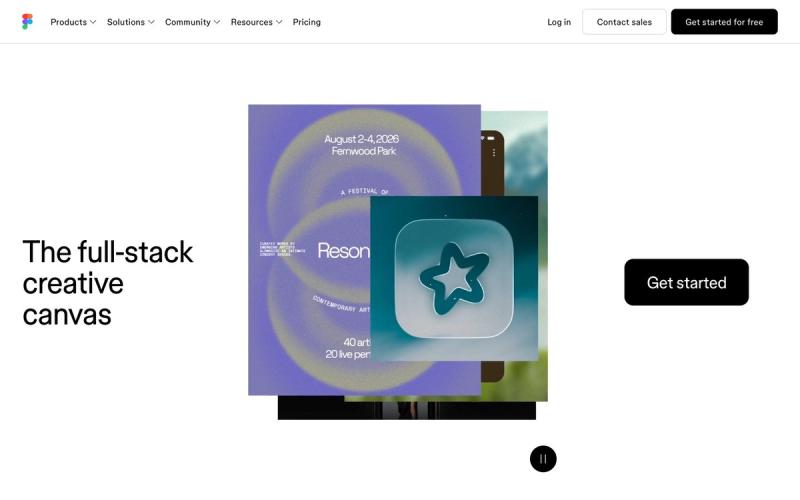
  6. FigmaBest for locked brand templates
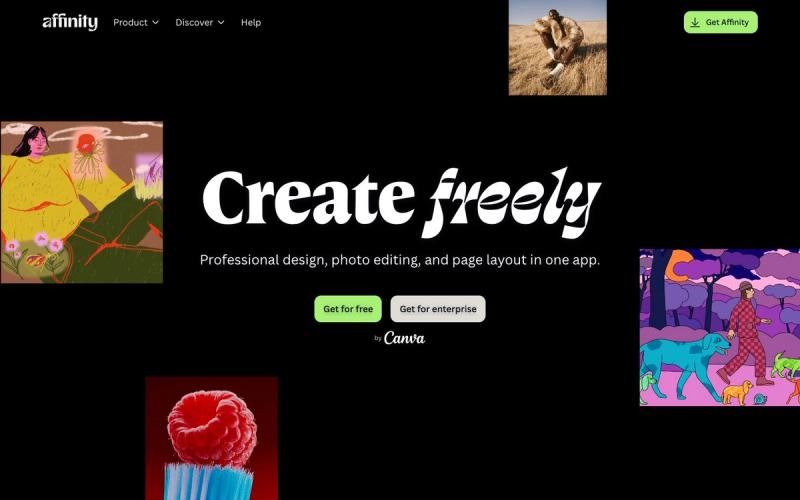
  7. AffinityBest free app for experienced volunteers
Side by side

How they compare

AppBest forPriceFree optionWorks onLearning curve
Remix StudioOursBest for church-ready templatesWith All Access Standard $57/mo or $497/yr, or Pro $117/mo (Oct 2026)Free sample templateWebEasy
CanvaBest overallFree plan; Pro $144/yr; Business $250/yr per person (Oct 2026)YesWeb, Mac, Windows, iOS, AndroidEasy
Adobe ExpressBest Canva alternativeFree plan; Premium $9.99/mo; Teams $7.99/seat/mo, 2+ seats (Oct 2026)YesWeb, iOS, AndroidEasy
PixlrBest for photo fixes on a church computerFree with ads; Plus $1.99/mo, Premium $7.99/mo, yearly (Oct 2026)YesWeb, iOS, AndroidEasy
BefunkyBest for event photo recapsFree plan; Plus $6.99/mo billed yearly or $14.99 monthly (Oct 2026)YesWeb, iOS, AndroidEasy
FigmaBest for locked brand templatesFree Starter; Professional Full seat $16/mo billed yearly (Oct 2026)YesWeb, Mac, Windows, iOS, iPad, AndroidModerate
AffinityBest free app for experienced volunteersFree for individuals; AI tools need a paid Canva planYesMac, WindowsAdvanced

01Best for church-ready templatesOur product

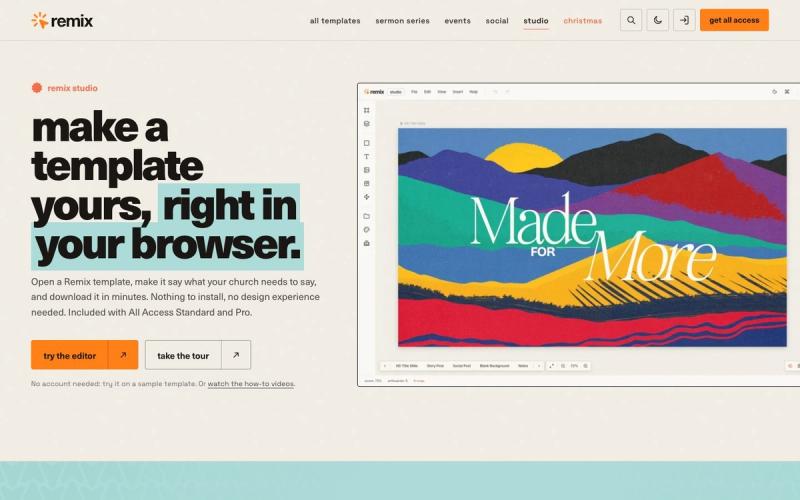
Remix Studio

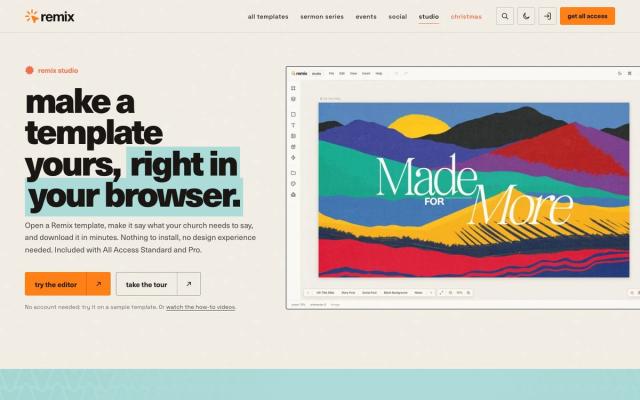
Open one of 750+ church templates in Chrome, Safari or Edge, change the words, dates and colors, and export every slide, post and story at once. Nothing to install, and volunteers start from a finished sermon series design instead of a blank canvas.

Price
With All Access Standard $57/mo or $497/yr, or Pro $117/mo (Oct 2026)
Watch out for
Included with Standard and Pro plans, not Social

Made by Church Media Squad, who also run Pro Church Media.
02Best overall

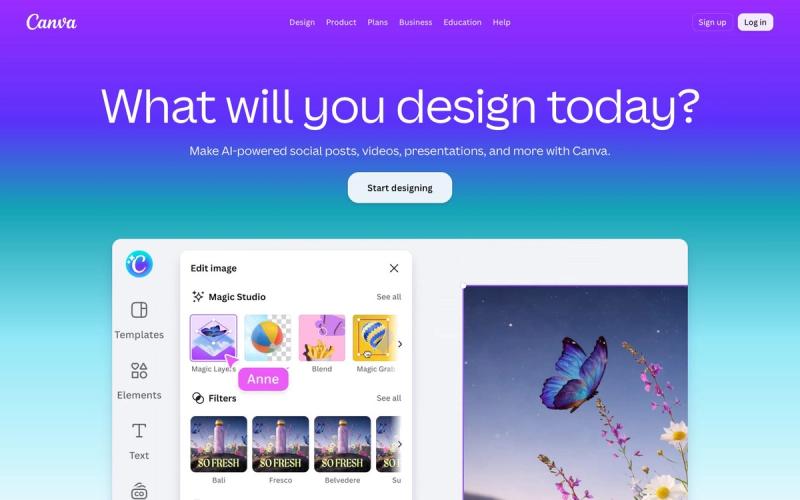
Canva

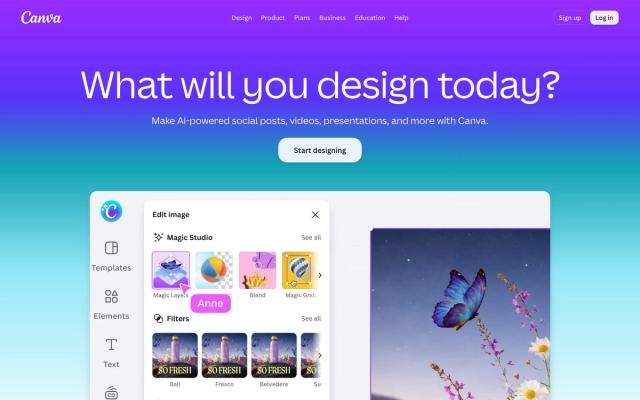
A volunteer who serves once a month can make a decent graphic in their first session. Templates cover slides, social posts, flyers and video, and a Brand Kit keeps every ministry on your church's logo and colors. Eligible churches can apply for Canva Nonprofits to get Pro free for up to 50 people.

Price
Free plan; Pro $144/yr; Business $250/yr per person (Oct 2026)
Watch out for
Popular templates can look like every other church's

03Best Canva alternative

Adobe Express

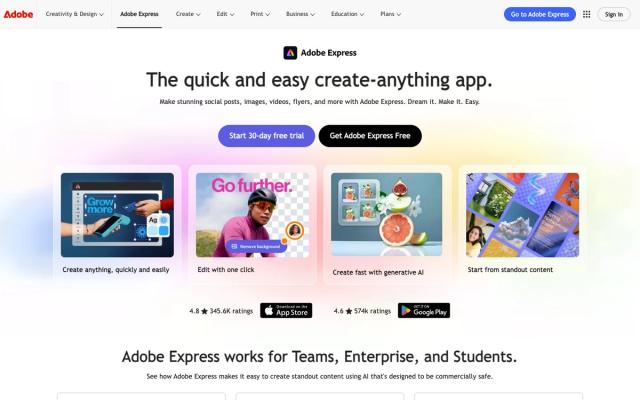
The free plan includes 100,000+ templates and 4,000+ Adobe Fonts, with iPhone and Android apps for finishing a graphic between services. Eligible 501(c)(3) churches can apply for Premium free for one year for up to 50 people. Otherwise Premium is $9.99/mo (Oct 2026).

Price
Free plan; Premium $9.99/mo; Teams $7.99/seat/mo, 2+ seats (Oct 2026)
Watch out for
Brand kits and one-click resize need Premium

04Best for photo fixes on a church computer

Pixlr

It runs in the browser, so a volunteer can brighten youth lock-in photos or layer a title over a sermon graphic on the office computer without installing anything. It has layers, masks and filters like a desktop editor, and Plus is $1.99/mo billed yearly (Oct 2026).

Price
Free with ads; Plus $1.99/mo, Premium $7.99/mo, yearly (Oct 2026)
Watch out for
Free version shows ads and limits saves

05Best for event photo recaps

Befunky

A photo editor, collage maker and template-based designer in one app, in the browser or on your phone. Drop the best VBS shots into a collage and post it the same afternoon. The free plan exports with no subscription, and Plus is $6.99/mo billed yearly (Oct 2026).

Price
Free plan; Plus $6.99/mo billed yearly or $14.99 monthly (Oct 2026)
Watch out for
Free plan has a limited selection of templates and assets

06Best for locked brand templates

Figma

Your staff designer builds the templates, and Figma Buzz lets volunteers change the text and photo while the logo and layout stay locked. A volunteer who only uses Buzz can work on a Collab seat, $3/mo billed yearly on Professional (Oct 2026).

Price
Free Starter; Professional Full seat $16/mo billed yearly (Oct 2026)
Watch out for
Buzz is still in beta, and there's no nonprofit discount

07Best free app for experienced volunteers

Affinity

Photo editing, vector design and page layout in one free app for Mac and Windows. For the volunteer who already knows design, it handles bulletin layouts with print-ready PDF export and data merge for name badges. Each person signs in with a free Canva account.

Price
Free for individuals; AI tools need a paid Canva plan
Watch out for
Pro-level tools take volunteers time to learn
Our method

How we chose

  • Usable once a month

    Can a volunteer who designs once a month open it on Saturday and finish Sunday's graphic without relearning it?

  • Works where volunteers are

    Does it run in a browser, on a phone or on a shared church computer, with little or nothing to install?

  • Real cost for a church

    Free plans, low-cost seats and published nonprofit programs, and what each program actually requires.

  • Checked at the source

    Every price, plan and nonprofit program was checked on the vendor's own site in October 2026.

Questions churches ask

FAQ

What is the easiest design app for church volunteers?

Canva is the easiest for most volunteers. Its templates cover slides, social posts and flyers, and someone who serves once a month can make a decent graphic in their first session. Adobe Express is a close second.

Is Canva free for churches?

Canva Free costs nothing and covers most weekly graphics. Churches registered as charitable nonprofits (501(c)(3) in the US) can apply for Canva Nonprofits, which gives Pro features free to a team of up to 50. Canva reviews each application, so approval isn't guaranteed.

Can churches get Adobe Express Premium free?

Possibly. Adobe Express for Nonprofits gives Premium free for one year to up to 50 people and requires 501(c)(3) public charity status in the US. Adobe doesn't name churches either way, so apply and let its one-to-three-day validation decide.

Do church volunteers need Photoshop?

No. For slides, social posts and flyers, Canva or Adobe Express is easier, and Pixlr handles layers, masks and photo fixes free in the browser. If a volunteer needs pro photo, vector and layout tools, Affinity is free for individuals.

Keep exploring

All design software

See the full list →