Design Software
Procreate
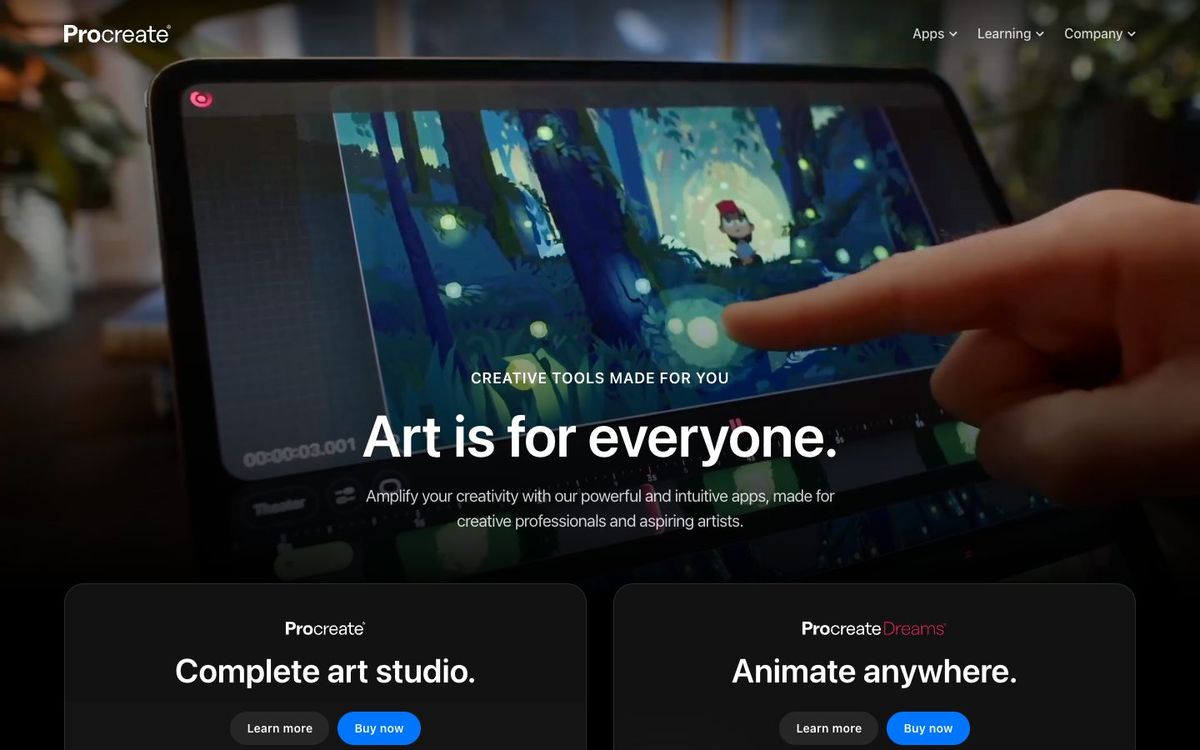
iPad drawing and painting for hand-lettering, illustrations and simple animations. One-time purchase, no subscription.
- Price
- $12.99 one-time on iPad; Procreate Dreams $12.99 one-time (Oct 2026)
- Free option
- No
- Works on
- iPad
- Learning curve
- Moderate
The short answer: is Procreate right for your church?
Procreate is an iPad app for drawing, painting and hand-lettering, sold for a one-time $12.99 with no subscription. It's best for church artists who want hand-drawn series titles, illustrations or simple looping animations. The catch: it only runs on iPad, works best with an Apple Pencil, and makes pixel-based art rather than scalable vectors.
Who Procreate is for
Great for
- Church artists who hand-letter sermon series titles
- Illustrators drawing for kids ministry, VBS or curriculum
- Designers who sketch ideas on the go before finishing them elsewhere
Skip it if
- Teams without an iPad. Procreate runs only on iPad, with a separate app for iPhone.
- Designers who need logos that scale to any size. A vector design app is the right tool.
How churches use Procreate
Hand-lettered series titles
Letter a series title with Procreate's brushes, export it as a PNG and drop it onto your slide background.
Kids ministry illustrations
Draw characters or scenes for VBS or Sunday school, then export them for print or the screen.
Simple looping animation
Use Animation Assist to make a short looping doodle or title, then export it as an animated GIF or MP4 for social.
Getting started with Procreate
- 1
Buy Procreate from the App Store on your iPad, and pair an Apple Pencil if you have one.
- 2
Watch Procreate's free Beginners Series before your first project.
- 3
Set your canvas to the largest size you'll need, then letter this month's series title.
Pros and watch-outs
What we like
- One-time $12.99 purchase with no subscription
- Over 300 brushes, each customizable
- Imports and exports layered PSD files
- No generative AI built in
Watch out for
- iPad only, with no Mac or Windows version
- Pixel-based art can't scale up like vectors
- Full animation work needs the separate Procreate Dreams app
No time to design it yourself?
Procreate is only as fast as the person using it. If your design hours keep losing to everything else on your plate, Church Media Squad designs sermon series art, announcement slides, event promos, print and merch for you.
See Squad graphic design ↗Church Media Squad also runs Pro Church Media.
Procreate FAQ
How much does Procreate cost?
Procreate is $12.99 once from the App Store, with no subscription. Procreate Dreams, the separate animation app, is also $12.99 once.
Does Procreate work on iPhone or a computer?
Procreate itself runs only on iPad. There's a separate iPhone app, Procreate Pocket, and no Mac or Windows version.
Can Procreate open Photoshop files?
Yes. Procreate imports PSD files with layer groups and blend modes, and it exports PSD, PNG, JPEG, PDF and other formats.
Does Procreate use AI?
No. Procreate has publicly said it won't build generative AI into its apps.