Fill the calendar first, then schedule it
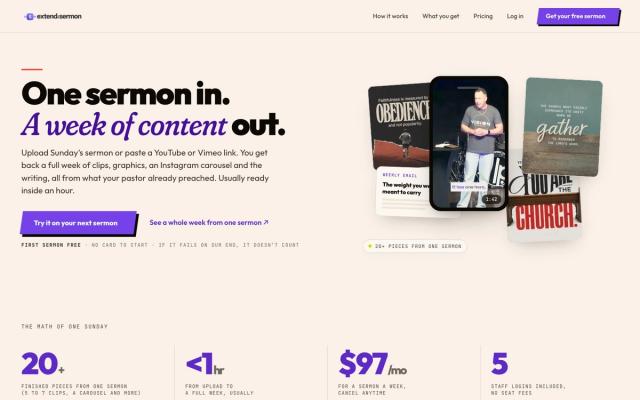
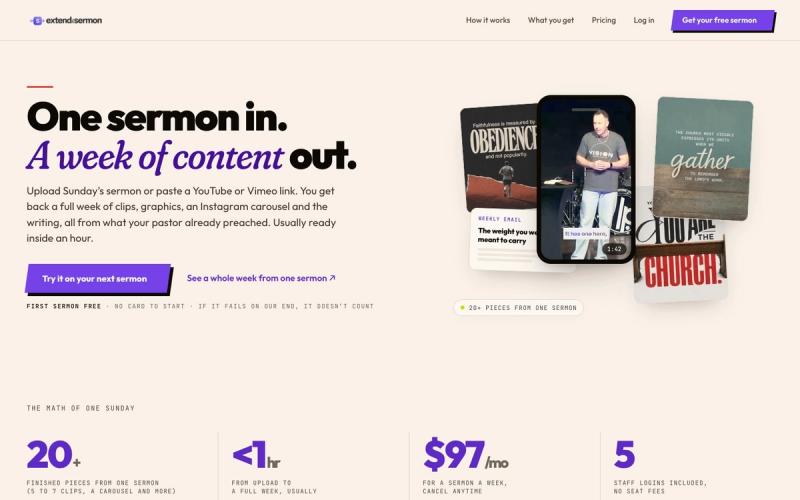
A scheduler can't fix an empty calendar. Most church feeds post service times on Saturday and a sermon photo on Sunday, then go quiet. The fix is to plan the week from the message: a clip on Monday, a quote graphic on Wednesday, a small-group question on Thursday and an invite on Saturday. Then batch it into a scheduler in one sitting.
For the whole workflow, see how to turn one sermon into a week of content.
Free, or worth paying for?
- Free is enough for one person posting to a few accounts. Buffer, Metricool and Meta Business Suite all have free plans.
- Pay when ministry leaders post too. Approvals, more users and a shared inbox start on paid plans.
- Ask for the nonprofit discount. Buffer and Loomly take 50% off for nonprofits, and Later, Sprout Social and SocialPilot have nonprofit pricing too.
Before you connect your accounts
- Connect the church's Facebook Page and Instagram account, not a staff member's personal profile.
- Give at least two staff members admin access, so a staff change doesn't lock you out.
- Put annual renewal dates on the church calendar before budget season.
Rather hand the whole thing off? Church Media Squad, the team that runs Pro Church Media, makes your social posts and schedules them for you on its All-In Premium plan.