Social Management
Buffer
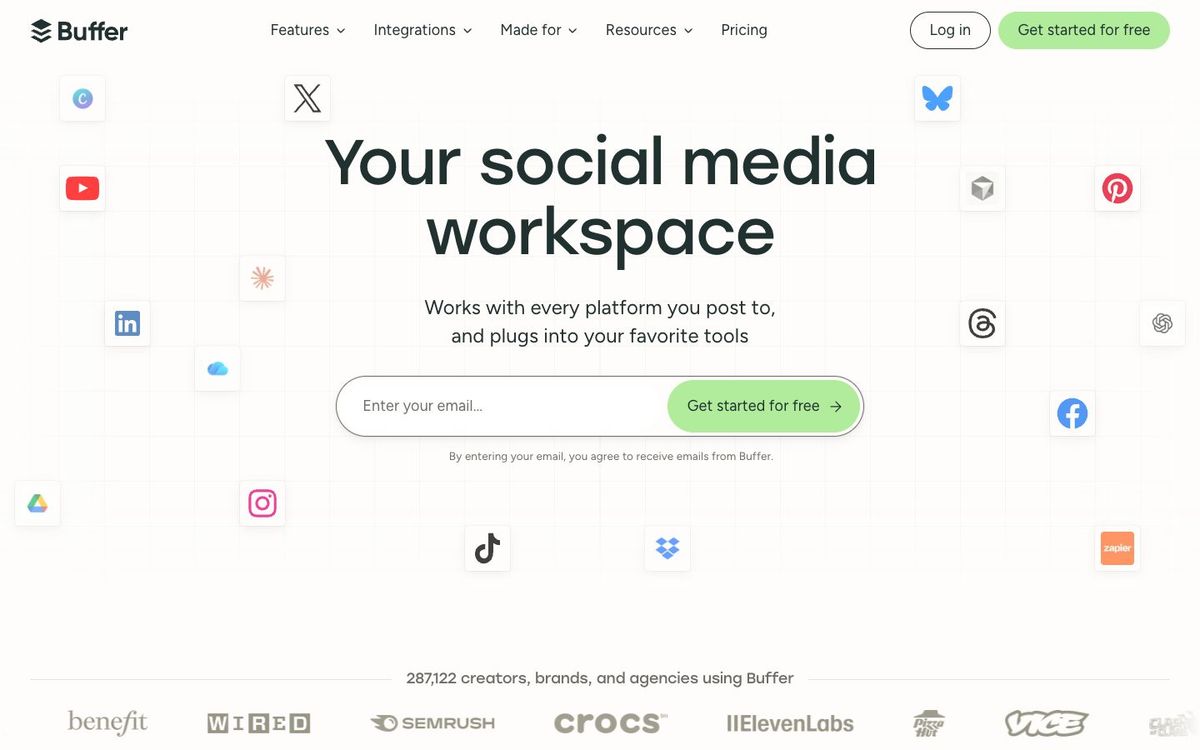
Simple social scheduler for Instagram, Facebook, TikTok, YouTube and more. The free plan covers three channels for a small church team.
- Price
- Free for 3 channels; paid from $5/mo per channel yearly (Oct 2026)
- Free option
- Yes
- Church discount
- 50% off paid plans for nonprofits and charities (apply through Buffer's form)
- Works on
- Web, iOS, Android
- Learning curve
- Easy
The short answer: is Buffer right for your church?
Buffer is a simple social media scheduler that queues posts for Instagram, Facebook, TikTok, YouTube and other networks from one calendar. It's best for small churches and solo communicators who want the week's posts done before Sunday. The catch: the free plan holds only 10 scheduled posts per channel, and paid plans are priced per channel.
Who Buffer is for
Great for
- Solo communicators scheduling the whole week's posts in one sitting
- Small churches on three channels or fewer that want to start free
- Nonprofit churches that want a paid scheduler at half price
Skip it if
- Multi-campus teams managing dozens of accounts. An all-in-one social suite with deeper reporting fits better.
- Churches that only post to Facebook and Instagram. Meta's own free scheduler may be enough.
How churches use Buffer
Sermon series rollout
Load the series graphics into Buffer's queue on Monday so a post goes out each day without anyone opening Instagram.
Easter and Christmas invites
Lay out invite posts for every channel on the calendar weeks ahead, then drop in service times once they're set.
Ideas from staff meeting
Save a caption idea or photo in Ideas the moment someone mentions it, so it's waiting when you plan next week.
Getting started with Buffer
- 1
Sign up free and connect your church's Instagram, Facebook and one more channel.
- 2
Set posting times in the queue, then schedule this week's announcements.
- 3
If your church is a nonprofit, apply for the 50% discount before you upgrade.
Pros and watch-outs
What we like
- Free plan covers three channels
- Clean queue and calendar that volunteers pick up quickly
- Connects to Canva, Google Drive and Dropbox
- Nonprofits get 50% off paid plans
Watch out for
- Free plan caps you at 10 scheduled posts per channel
- Paid plans charge per channel, so costs grow with each account
- Essentials includes one user; a shared team needs the Team plan
Scheduling is easy. What will you post?
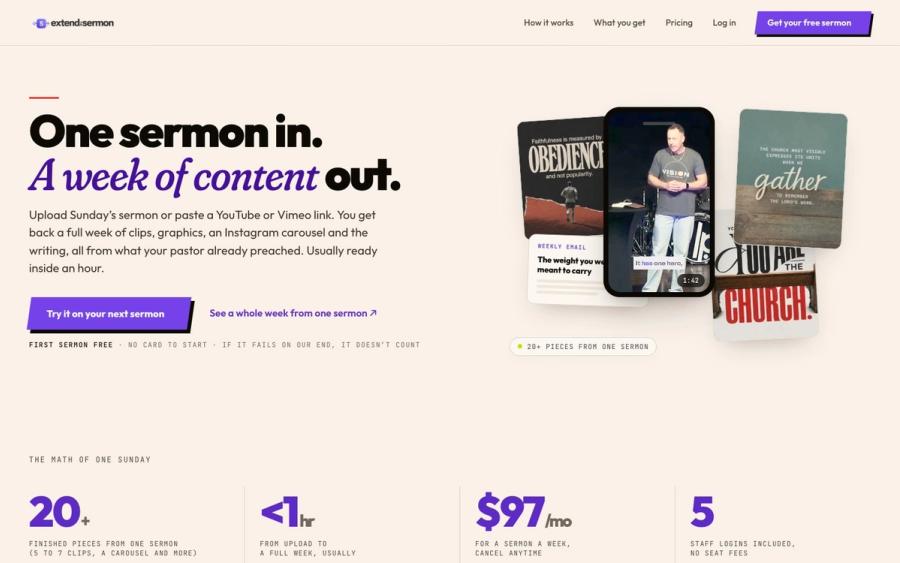
Most church calendars in Buffer go quiet by Wednesday. Extend the Sermon turns Sunday's message into 5 to 7 captioned clips, 9 social graphics and a carousel, usually within an hour, so the week's posts come straight from the sermon. Your first sermon is free.
Try a sermon free ↗Made by Church Media Squad, who also run Pro Church Media.
Buffer FAQ
Is Buffer free for churches?
Yes, for up to three channels. The free plan allows 10 scheduled posts per channel and one user, which covers a small church posting a few times a week.
Does Buffer offer a nonprofit discount?
Yes. Buffer gives nonprofits and charities 50% off paid plans. You apply through the nonprofit form on its website.
Which networks does Buffer support?
Instagram, Facebook, TikTok, YouTube, LinkedIn, X, Threads, Pinterest, Google Business Profile, Bluesky and Mastodon, among others.
Can several staff and volunteers share one Buffer account?
On the Team plan, yes. It includes unlimited users and approval workflows. The free and Essentials plans include one user.