Social Management
Loomly
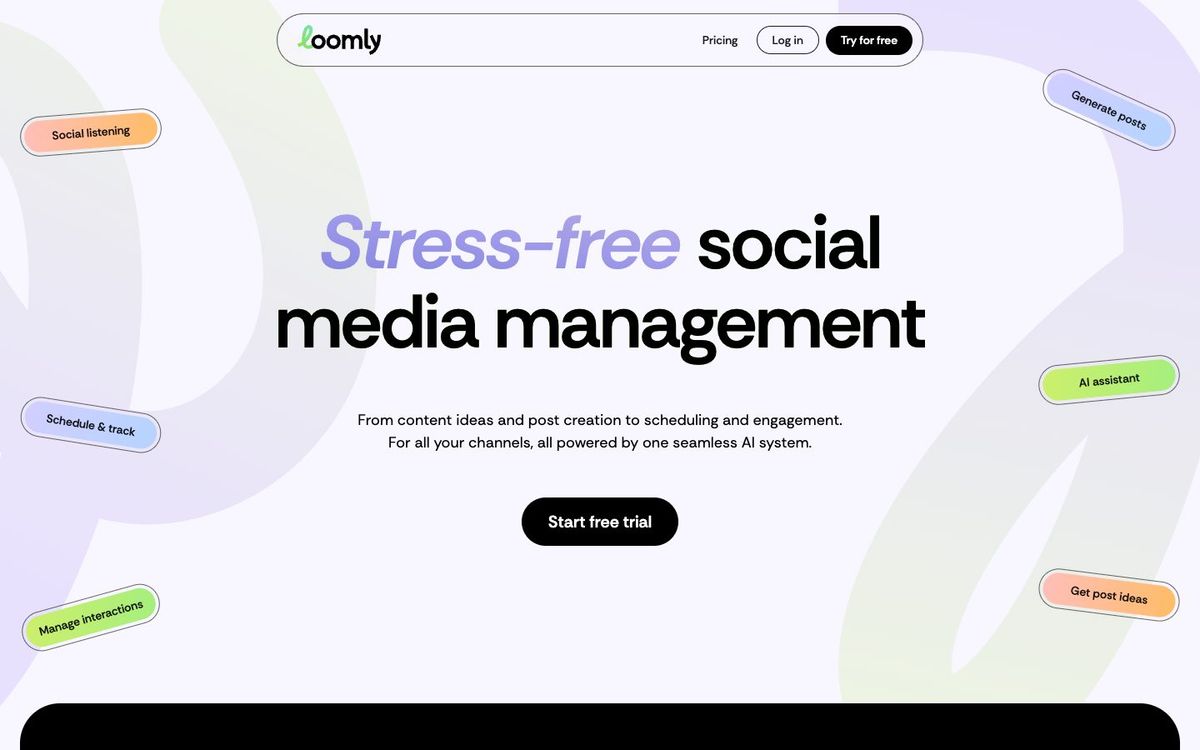
Shared social media calendar where church staff and volunteers draft, approve and schedule posts for Facebook, Instagram, TikTok and more.
- Price
- From $49/mo billed yearly ($65 monthly) (Oct 2026)
- Free option
- No
- Church discount
- 50% lifetime discount with a copy of your determination letter or equivalent government document
- Works on
- Web, iOS, Android
- Learning curve
- Moderate
The short answer: is Loomly right for your church?
Loomly is a social media calendar built for teams that draft, review and schedule posts together. It's best for churches where several staff or ministry leaders post and someone needs to approve first. The catch: there's no free plan, and Starter is $49 a month billed yearly, though nonprofits get 50% off for life.
Who Loomly is for
Great for
- Churches where ministry leaders draft posts and a communicator approves them
- Staff teams that want comments and feedback on posts before they go live
- Multi-ministry churches that want a separate calendar for each brand
Skip it if
- Solo communicators posting a few times a week. A free or per-channel scheduler costs far less.
- Churches that can't get a 501(c)(3) determination letter. Without the discount, the price is steep for a small team.
How churches use Loomly
Ministry leaders draft, you approve
Let the kids, youth and missions leaders draft their own posts, then approve them in one place before anything publishes.
Separate calendars by ministry
Give the church, the youth group and the school their own calendars so each one keeps its own voice.
One inbox for comments
Answer comments and messages from several accounts in one inbox, so a first-time guest's question doesn't sit for a week.
Getting started with Loomly
- 1
Start the free trial and connect your church's main Facebook and Instagram accounts.
- 2
Set up an approval workflow so ministry drafts come to you first.
- 3
Send Loomly your determination letter to claim the 50% nonprofit discount before you pay.
Pros and watch-outs
What we like
- Custom approval workflows for drafts from ministry leaders
- Starter includes 12 social accounts and 3 users
- Unlimited calendars on every plan
- Nonprofits get 50% off for life
Watch out for
- No free plan, only a free trial
- Starter costs $65 a month if you pay monthly
- The next plan up is a big jump in price
Rather someone else ran your feed?
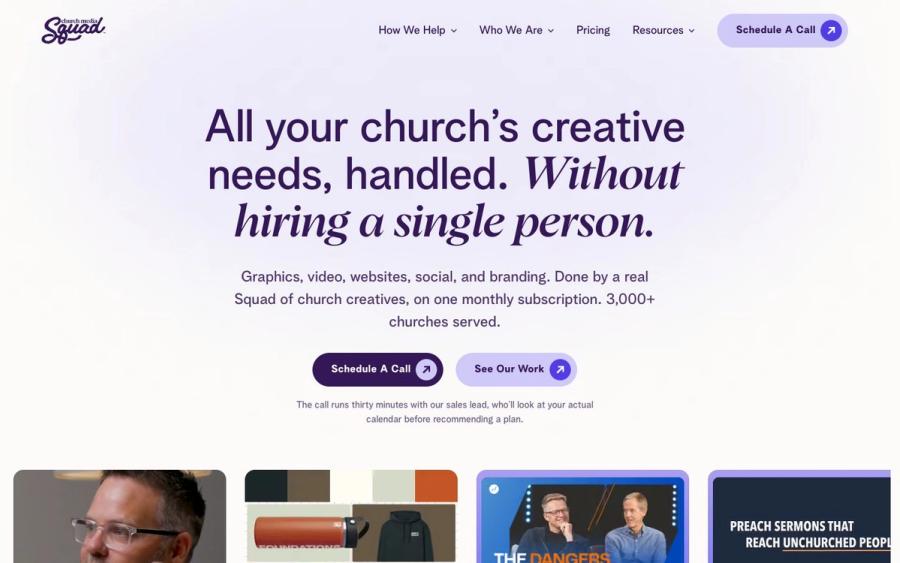
Loomly schedules posts. It doesn't write them. Church Media Squad's social team writes sermon reels, invite posts and captions for your church, and on its top plan schedules them too.
See Squad social media ↗Church Media Squad also runs Pro Church Media.
Loomly FAQ
Is Loomly free for churches?
No. Loomly has a free trial with no credit card required, but no free plan. Starter is $49 a month billed yearly.
Does Loomly offer a nonprofit discount?
Yes. Nonprofits get a 50% lifetime discount when they send a copy of their determination letter or an equivalent government document.
Can volunteers post without going live by accident?
Yes. Loomly lets you set custom approval workflows, so drafts wait for sign-off before they publish.
Which networks does Loomly support?
Facebook, Instagram, LinkedIn, TikTok, YouTube, Pinterest, Google Business Profile and Threads, among others.