Social Management
Meet Edgar
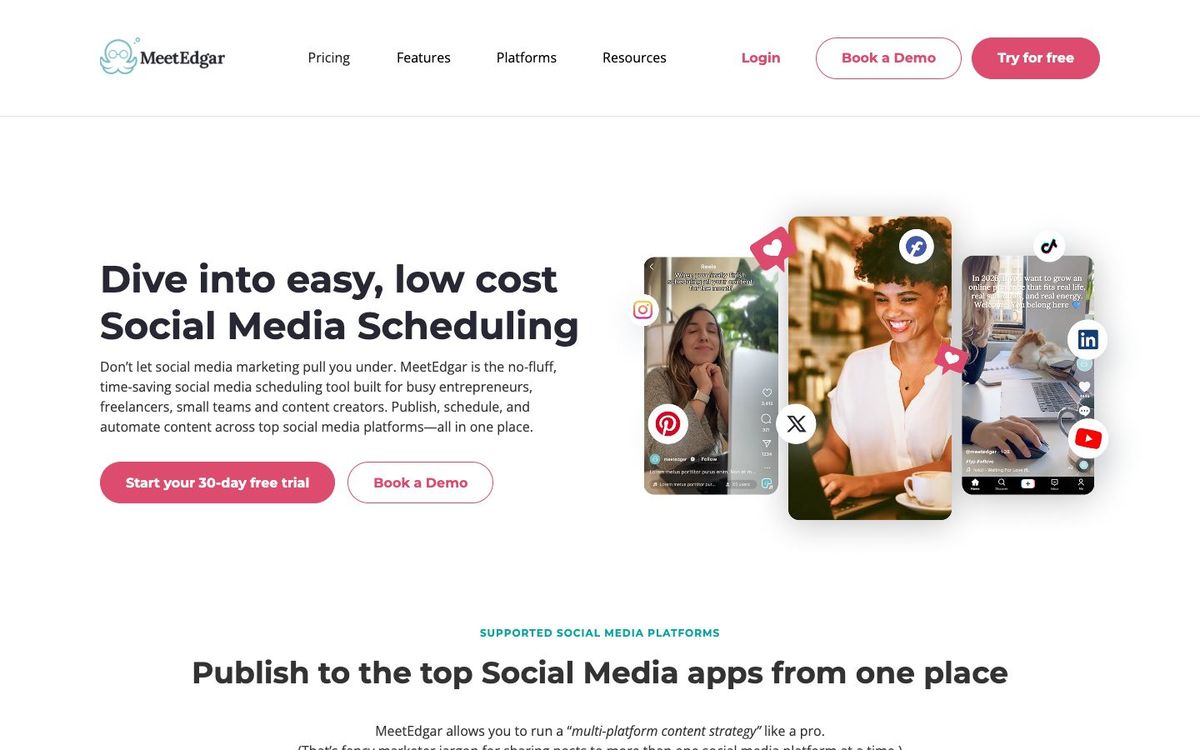
Social scheduler that stores your posts in a library and reshares evergreen ones, like service times and next steps, on a weekly schedule.
- Price
- From $29.99/mo or $299/yr; 30-day free trial (Oct 2026)
- Free option
- No
- Church discount
- Permanent 10% discount for nonprofits and charities
- Works on
- Web, iOS, Android
- Learning curve
- Moderate
The short answer: is Meet Edgar right for your church?
MeetEdgar is a social scheduler that keeps your posts in a library and reshares evergreen ones on weekly time slots. It's best for churches with posts that should keep circulating, like service times, next steps and podcast episodes. The catch: there's no free plan, the entry plan allows four content categories, and old posts can resurface stale dates.
Who Meet Edgar is for
Great for
- Churches with evergreen posts that should keep circulating all year
- Solo communicators who want the feed to keep going during a busy season
- Teams posting the same next steps every week in different words
Skip it if
- Churches that mainly post one-off, date-specific events. A standard calendar scheduler fits that better.
- Teams that need a free plan. Start with a scheduler that offers one.
How churches use Meet Edgar
Next steps on repeat
Put posts about baptism, membership class and serving teams in a category so one goes out every week without you rewriting it.
Sermon podcast promotion
Keep a category of past sermon episodes so older messages keep reaching people who missed them.
Covering a busy season
Let your evergreen library keep the feed active through Christmas week, when you're focused on the services.
Getting started with Meet Edgar
- 1
Start the 30-day free trial, and set a reminder before it ends since your card is charged.
- 2
Create categories like next steps, sermons and serving, then add five posts to each.
- 3
Set weekly time slots for each category and check the queue every Monday.
Pros and watch-outs
What we like
- Reshares evergreen posts automatically on weekly time slots
- Unlimited scheduled posts on both plans
- Up to 20 team members at no extra cost
- 30-day free trial with full access
Watch out for
- No free plan, and the trial converts to paid automatically
- Entry plan has only four content categories and no social inbox
- Recycled posts can resurface stale dates if you don't prune
Rather someone else ran your feed?
Meet Edgar schedules posts. It doesn't write them. Church Media Squad's social team writes sermon reels, invite posts and captions for your church, and on its top plan schedules them too.
See Squad social media ↗Church Media Squad also runs Pro Church Media.
Meet Edgar FAQ
Is MeetEdgar free for churches?
No. MeetEdgar has a 30-day free trial with full access, but no free plan. Your card is charged when the trial ends unless you cancel.
Does MeetEdgar have a nonprofit discount?
Yes. MeetEdgar offers a permanent 10% discount to nonprofits and charities.
What's the difference between Eddie and Edgar?
Eddie covers 5 social accounts, 10 weekly automations and 4 content categories. Edgar covers 25 accounts, 1,000 weekly automations, unlimited categories and a social inbox.
Which networks does MeetEdgar support?
Instagram, Facebook, TikTok, X, Threads, LinkedIn, Pinterest, Google Business Profile and Bluesky.