What free costs you
None of these tools sends an invoice. They still cost something: time to learn, help that comes from forums instead of a phone line, and license rules someone has to read once. Know the catch before you build Sunday around a free tool.
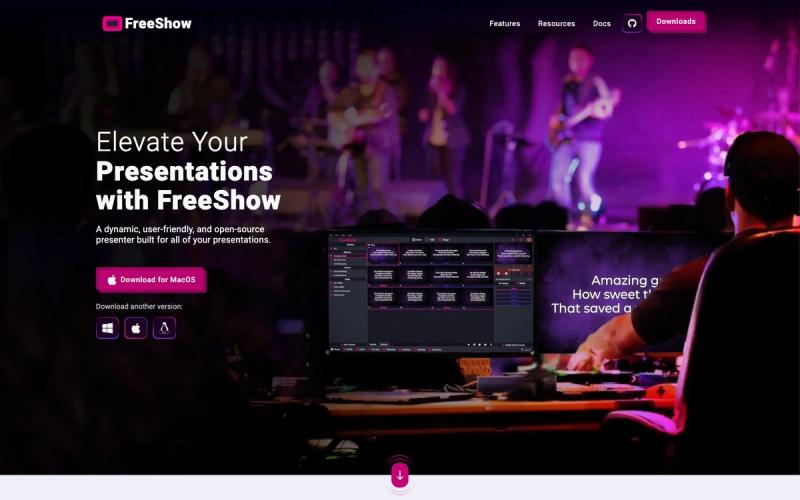
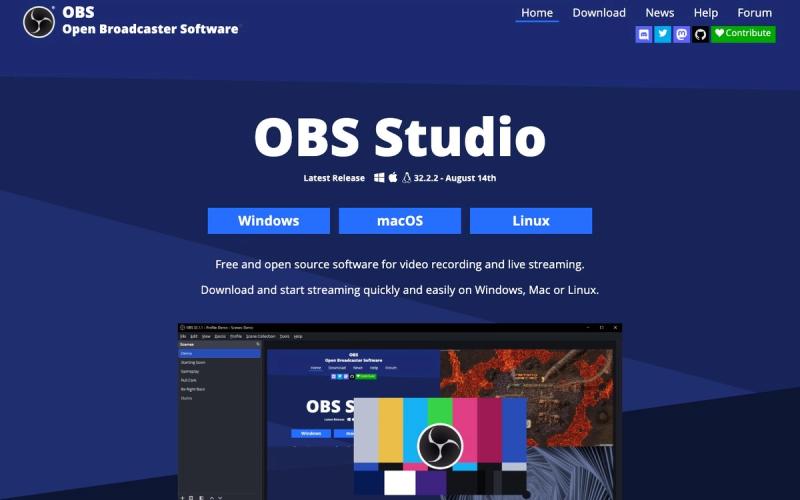
- Support: FreeShow offers email and GitHub help, and OBS Studio relies on guides and forums. Test on a weeknight, not at 9:55 on Sunday.
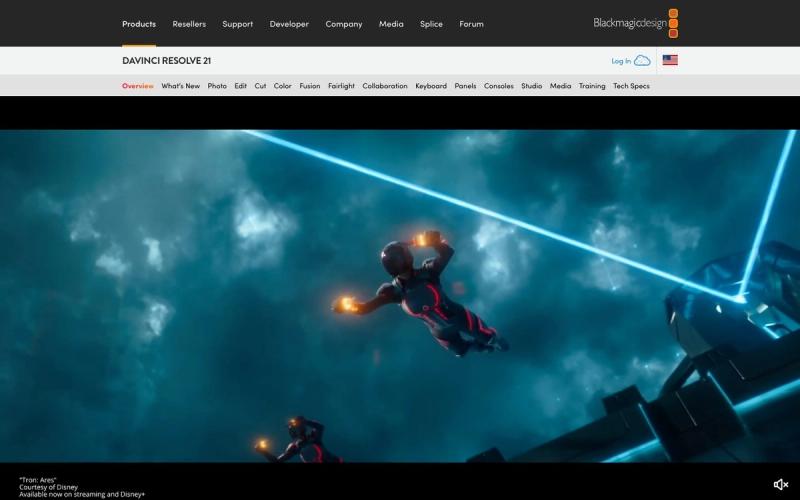
- Learning time: DaVinci Resolve is free but takes real time to learn. Start on the Cut page and give one committed volunteer a few weeks.
- Song licenses: free presentation software doesn't cover lyrics. You still need your church's own song license, such as CCLI. Our licensing guide explains which one covers what.
- Music in video: CapCut's regular Sounds are for personal, non-commercial videos, and its Commercial Sounds are cleared only on CapCut and TikTok. Use music you've licensed for YouTube, Facebook or Instagram.
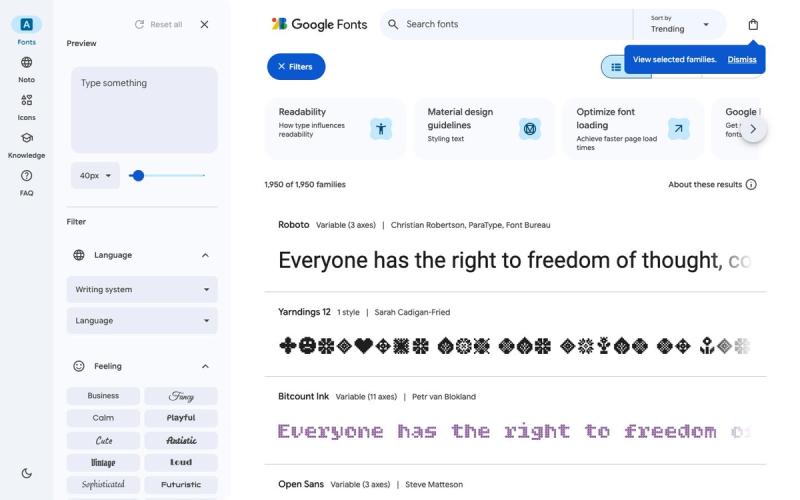
- Logos: Canva's stock graphics and templates and Pexels photos can't be part of a logo or trademark. Google Fonts can.
- Your footage: CapCut's terms grant it a broad, perpetual license to what you upload. Read them with your leadership before uploading video of children.
Free runners-up
Unsplash is free with no credit required and suits sermon series art. Presenter is the simplest free lyrics app, though free services cap at 15 items. OpenLP keeps an older booth computer working. Buffer's free plan covers 3 channels, including YouTube and TikTok, with 10 scheduled posts per channel.
Moving backgrounds are the gap. None of the worship background libraries we review has a free plan, so start with Pexels video clips behind your lyrics. For more, see our presentation software guide, free stock photos and Canva vs Adobe Express.