ChurchMediaPro Church Media

2 picks · Design Software

Canva vs Adobe Express for Churches: Which Should Your Team Use?

Your volunteers need Sunday's graphics without a design degree. Canva and Adobe Express both promise that. Here's which one fits your church, and the catch with each.

Updated

The short answer: our top picks

Choose Canva if you want the easiest design app for a whole church team. Volunteers pick it up fast, it runs in the browser, on Mac and Windows and on phones, and eligible nonprofits get Pro free for up to 50 people. Choose Adobe Express if your team already uses Photoshop or Illustrator, or if you're paying: Premium is $9.99 a month (Oct 2026).

Templates

Both are built around templates, which is what a volunteer who serves once a month needs. Canva has millions of them for slides, social posts, flyers and video. Adobe Express gives you 100,000+ templates and 4,000+ Adobe Fonts on the free plan, and Premium adds Adobe Stock photos, video and music and 30,000+ fonts. Canva's catch is its popularity: when every church uses the same templates, graphics start to look alike.

Brand kit and team sharing

Canva's free plan includes a Brand Kit, but it holds only three colors. Adobe Express keeps brand kits behind Premium. Both put resizing to new formats on the paid plan, so turning one sermon series graphic into slides, posts and stories costs something unless your nonprofit application goes through. Each nonprofit program covers a team of up to 50 people, enough for staff plus the volunteers who make the kids' and youth graphics.

Price and nonprofit offers

Canva Pro is $144 a year and Canva Business is $250 a year per person. Adobe Express Premium is $9.99 a month, and Teams is $7.99 per seat a month for two or more seats (Oct 2026). Canva Nonprofits gives Pro features free to eligible charities after Canva reviews your application. Adobe Express for Nonprofits gives Premium free for one year with 501(c)(3) status, and Adobe doesn't explain what happens at renewal.

Where they run

Canva works in the browser, has Mac and Windows apps, and runs on iPhone and Android. Adobe Express runs in the browser and on iPhone and Android, so either one lets you finish a graphic between services.

Licensing and eligibility catches

Canva's license doesn't allow its stock photos, graphics or templates to be used in a trademark or business name, though fonts are fine. Don't build your church logo from Canva elements. Adobe's nonprofit program requires US 501(c)(3) public charity status and doesn't mention churches either way, so apply and let its one-to-three-day validation decide. Adobe Express also has fewer layout controls than a desktop design app.

Curious about Remix Studio, which we make? Here's how it works and what it costs.
At a glance

Our picks

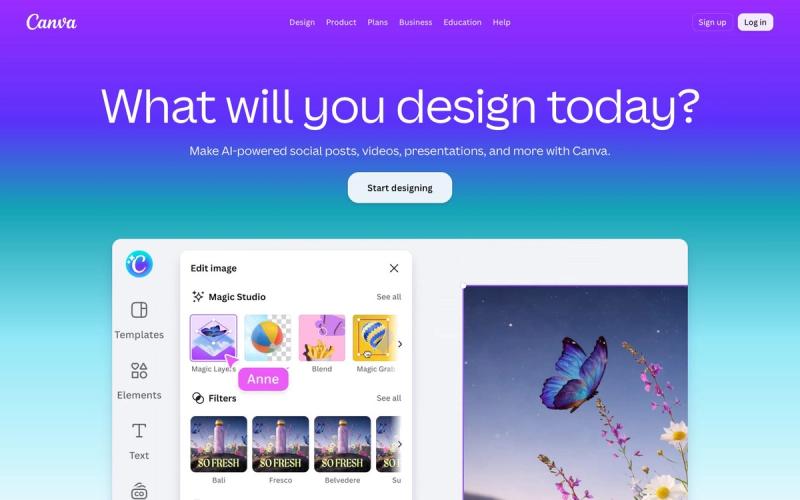
  1. CanvaBest for most church teams
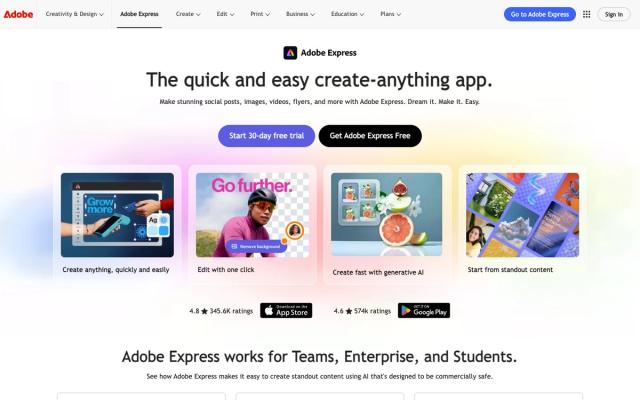
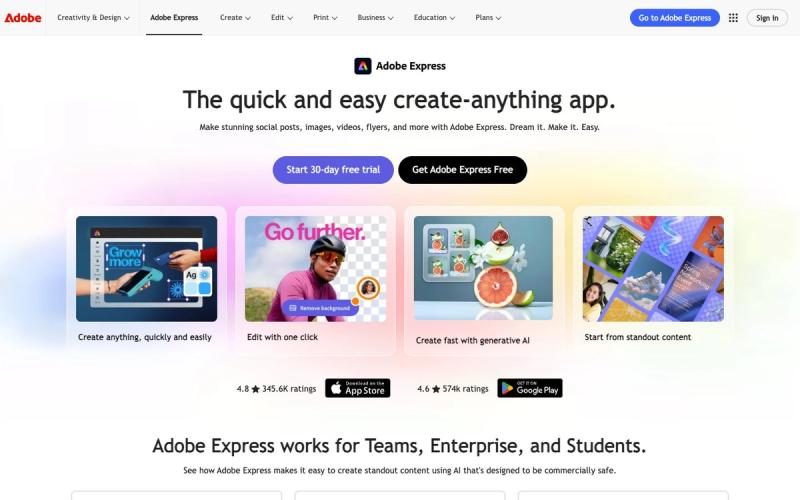
  2. Adobe ExpressBest for churches already using Adobe
Side by side

How they compare

AppBest forPriceFree optionWorks onLearning curve
CanvaBest for most church teamsFree plan; Pro $144/yr; Business $250/yr per person (Oct 2026)YesWeb, Mac, Windows, iOS, AndroidEasy
Adobe ExpressBest for churches already using AdobeFree plan; Premium $9.99/mo; Teams $7.99/seat/mo, 2+ seats (Oct 2026)YesWeb, iOS, AndroidEasy

01Best for most church teams

Canva

Volunteers can make a decent graphic in their first session, with millions of templates for slides, social posts, flyers and video. It works in the browser, on Mac and Windows and on phones, and eligible nonprofits get Pro features free for up to 50 users.

Price
Free plan; Pro $144/yr; Business $250/yr per person (Oct 2026)
Watch out for
Popular templates can make your graphics look like everyone else's

02Best for churches already using Adobe

Adobe Express

A quick companion app for teams already in Photoshop or Illustrator. The free plan includes 100,000+ templates and 4,000+ Adobe Fonts, and eligible 501(c)(3) churches can get Premium free for a year for up to 50 people, with Adobe Stock photos, video and music.

Price
Free plan; Premium $9.99/mo; Teams $7.99/seat/mo, 2+ seats (Oct 2026)
Watch out for
Brand kits and one-click resize need Premium
From our team · Remix Studio

Want church templates instead of generic ones?

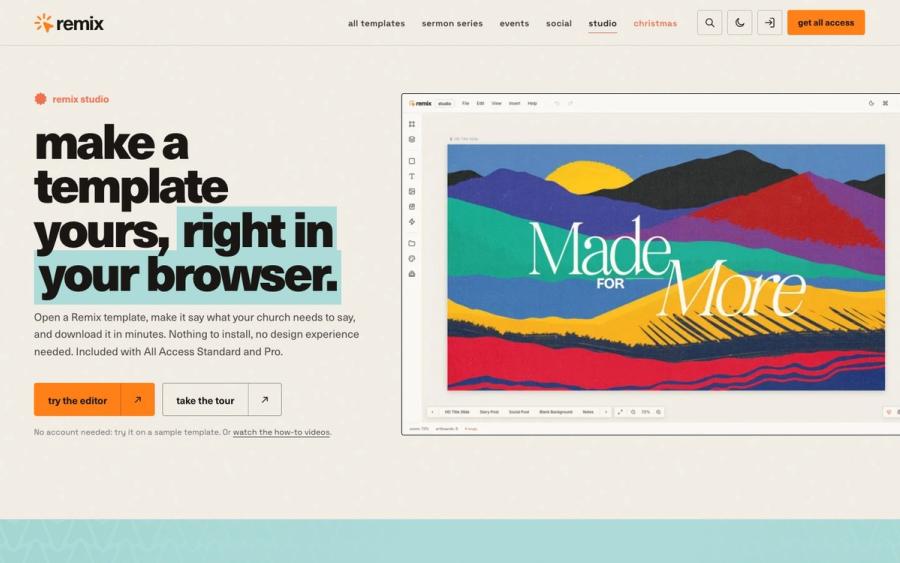
Canva and Adobe Express templates are made for everyone, so Saturday night goes into making a bakery flyer look like a sermon series. Remix Studio opens 750+ church templates in your browser. Change the words, dates and colors, then export every slide, post and story at once.

Try Remix Studio ↗

Made by Church Media Squad, who also run Pro Church Media.

Our method

How we chose

  • Volunteer-friendly

    Can someone who serves once a month make Sunday's announcement graphic without a training night?

  • One brand across every ministry

    Can the kids', youth and welcome teams share your church's logo, colors and fonts so everything looks like one church?

  • Real cost for a church

    What the free plan covers, what paid plans cost, and what each nonprofit offer gives you and for how long.

  • Checked at the source

    Every price and feature comes from our reviews of each tool, checked on Canva's and Adobe's own sites in October 2026.

Questions churches ask

FAQ

Is Canva or Adobe Express better for churches?

Canva is the better fit for most church teams. Volunteers pick it up quickly, and it runs in the browser, on Mac and Windows and on phones. Adobe Express is the better fit if your team already uses Photoshop or Illustrator.

Which is free for churches, Canva or Adobe Express?

Both have free plans anyone can use. Eligible nonprofits can apply for Canva Pro free for up to 50 people, and 501(c)(3) churches can apply for Adobe Express Premium free for one year for up to 50 people. Each program checks your application first.

Is Adobe Express cheaper than Canva?

On paid plans, yes. Adobe Express Premium is $9.99 a month and Canva Pro is $144 a year (Oct 2026). For teams, Adobe Express Teams is $7.99 per seat a month, while Canva Business is $250 a year per person.

Which has better brand kits for a church, Canva or Adobe Express?

On the free plans, Canva, because it includes a Brand Kit, though it holds only three colors. Adobe Express keeps brand kits for Premium. On paid or nonprofit plans, both let you set up your church's logo and colors for the whole team.

Keep exploring

All design software

See the full list →