Livestreaming
OBS Studio
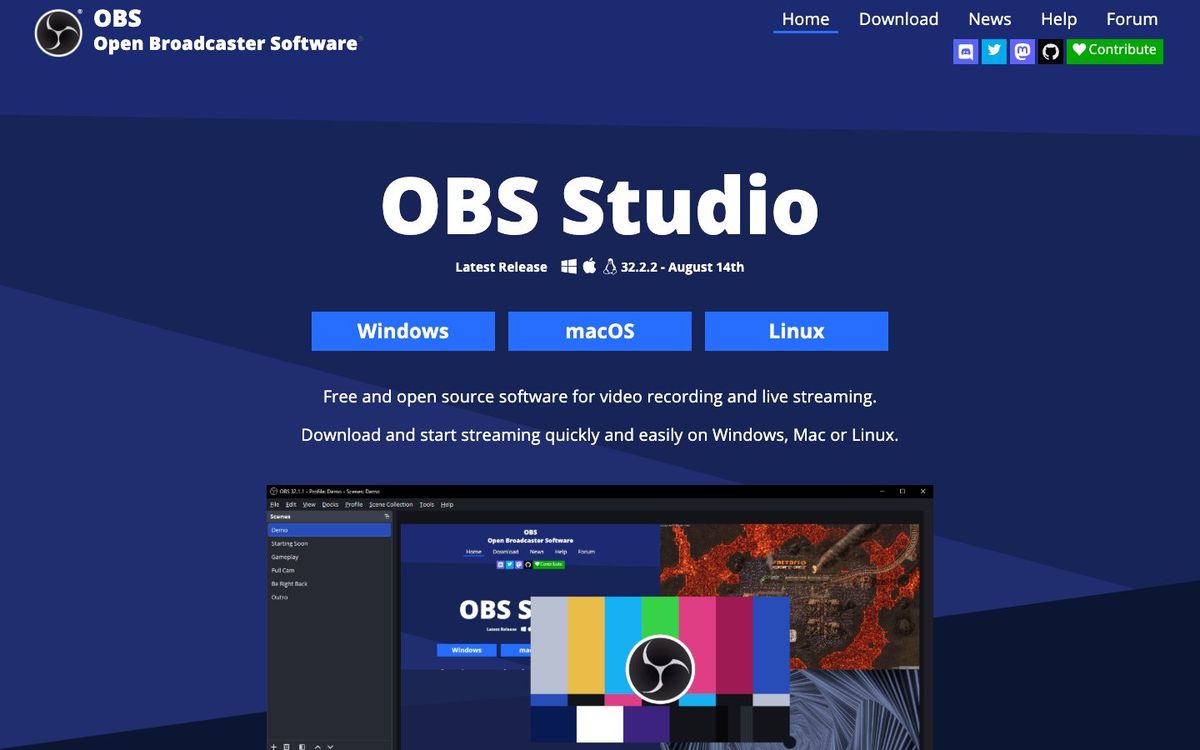
Free software that switches between cameras, slides and graphics, then streams and records your Sunday service from one computer.
- Price
- Free (open source)
- Free option
- Yes
- Works on
- Windows, Mac, Linux
- Learning curve
- Moderate
The short answer: is OBS Studio right for your church?
OBS Studio is free, open-source software that turns a computer into a livestream switcher for camera shots, slides and lower thirds. It's best for churches with a capable booth computer and one volunteer willing to learn it. The catch: there's no support line to call, and setup takes some trial and error before your first Sunday.
Who OBS Studio is for
Great for
- Churches starting a livestream with no software budget
- Volunteers comfortable with computers who like building their own setup
- Teams that want to record the sermon locally while they stream
Skip it if
- Churches that need a vendor to call when the stream drops. A paid streaming service with support is a safer fit.
- Teams without a capable computer in the booth. A hardware encoder or switcher is simpler.
How churches use OBS Studio
Sunday service stream
Build scenes for walk-in, worship, sermon and announcements, then click between them as the service runs. Studio Mode lets you line up the next shot before it goes live.
Full-quality sermon recording
Record on the booth computer while you stream, so whoever cuts Monday's clips has a clean file to work from.
Midweek study on Zoom
Use the built-in Virtual Camera to send your OBS scene, slides and lower thirds included, into a Zoom call like a webcam.
Getting started with OBS Studio
- 1
Download OBS Studio from obsproject.com and run the Auto-Configuration Wizard.
- 2
Add your camera as a Video Capture Device source and build one sermon scene.
- 3
Run a test stream for a few minutes before you go live on Sunday.
Pros and watch-outs
What we like
- Free and open source, with no subscription to renew
- Runs on Windows, Mac and Linux
- Studio Mode previews the next shot before it goes live
- Plugins and scripts add features as your team grows
Watch out for
- No support line; help comes from guides and forums
- First-time setup takes trial and error for volunteers
- Streaming to YouTube and Facebook at once needs a plugin or relay
OBS Studio FAQ
Is OBS Studio free for churches?
Yes. OBS Studio is free, open-source software with no paid tier. You download it from obsproject.com.
Can OBS stream to YouTube and Facebook at the same time?
Not on its own. OBS sends one stream at a time, so reaching several platforms takes a multistream plugin or a relay service.
Does OBS Studio work on a Mac?
Yes. It runs on macOS 13 or newer, as well as Windows 10 and 11 and Linux.
Can we use OBS for a Zoom small group?
Yes. The built-in Virtual Camera sends your OBS scene into apps like Zoom as if it were a webcam.