Livestreaming
vMix
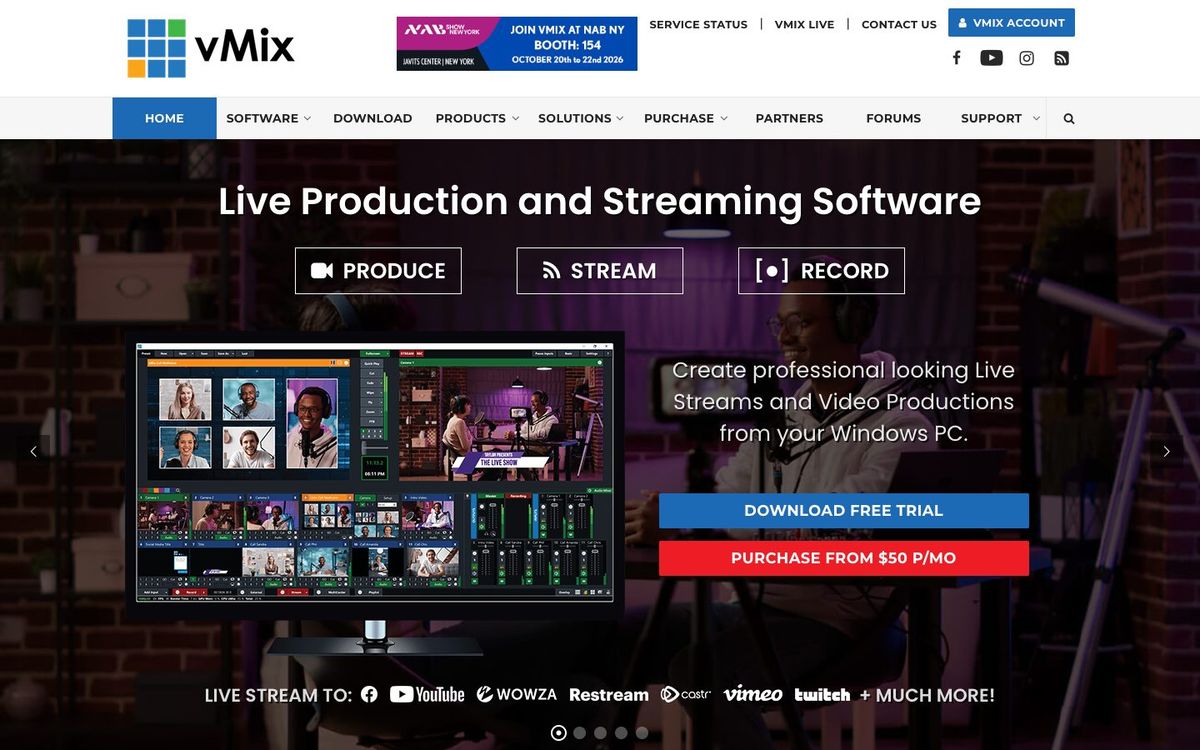
Windows live-production software for switching cameras, titles and video playback while you stream and record the service.
- Price
- Lifetime from $60; HD $350; MAX $50/mo subscription (Oct 2026)
- Free option
- No
- Church discount
- Limited number of free vMix HD licenses for churches (application; church website and church email required)
- Works on
- Windows
- Learning curve
- Advanced
The short answer: is vMix right for your church?
vMix is Windows live-production software that switches cameras, runs titles and plays video while it streams and records your service. It's best for churches with a dedicated Windows PC and a volunteer ready to learn it. The catch: it doesn't run on Macs, and the cheapest edition only takes four inputs.
Who vMix is for
Great for
- Churches with several cameras and a dedicated Windows PC in the booth
- Teams that want animated lower thirds and scripture titles built in
- Churches bringing remote guests into the service with vMix Call
Skip it if
- Mac-only churches. vMix runs on Windows only, so look at streaming software that runs on a Mac.
- Teams without a capable PC or a volunteer who'll learn it. A browser-based studio or a hardware switcher is simpler.
How churches use vMix
Multi-camera Sunday stream
Bring in your wide, pulpit and band cameras, then cut between them while vMix streams and records the whole service.
Sermon points and scripture
Use the 100+ built-in animated titles in GT Designer for speaker names, sermon points and scripture references.
Missionary call-in
Bring a missionary into the service live with vMix Call. HD includes one caller and 4K includes four.
Getting started with vMix
- 1
Check your PC against vMix's supported hardware page before you download.
- 2
Install the 60-day free trial and set up your cameras, slides and one title.
- 3
After using the trial, apply for one of vMix's limited free HD licenses for churches.
Pros and watch-outs
What we like
- Lifetime licenses, with a subscription option if you want it
- HD edition takes up to 1,000 inputs
- Built-in animated titles, plus replay and callers on higher editions
- Limited free HD licenses for churches that apply
Watch out for
- Windows only; there's no Mac version
- Basic HD's four inputs run out fast
- Needs a strong PC with a dedicated graphics card
vMix FAQ
Is there a free version of vMix for churches?
vMix has a 60-day free trial. It also gives a limited number of free vMix HD licenses to churches that apply with a church website, a church email address and a link to their livestream.
Does vMix run on a Mac?
No. vMix is Windows-only, and its knowledge base says Macs with Apple silicon can't run it through Boot Camp.
Which vMix edition does a church need?
Basic HD caps you at four inputs, three of them cameras, so most churches with more than a couple of cameras look at HD ($350). Choose 4K or Pro if you need 4K output or instant replay.
Is vMix a subscription?
Mostly not. Basic HD, HD, 4K and Pro are lifetime licenses with 12 months of free updates. vMix MAX is the subscription option at $50 a month.