Livestreaming
StreamYard
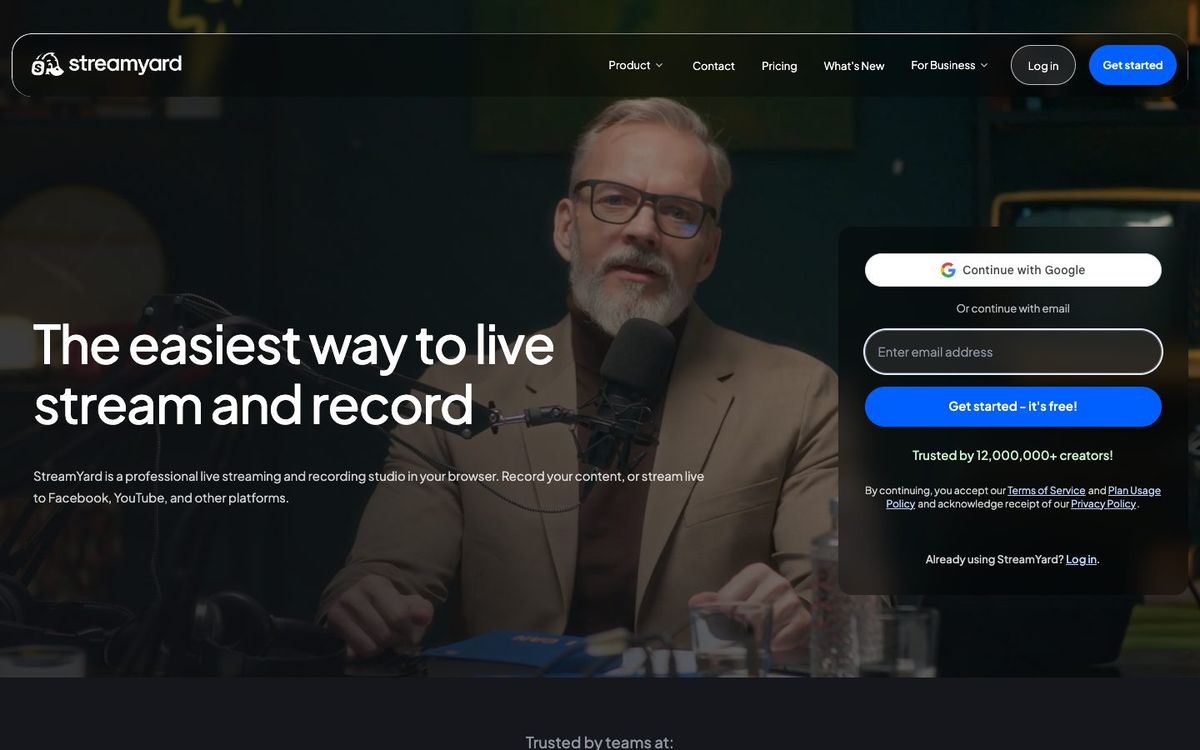
Browser-based live studio for interviews, prayer nights and midweek studies. Guests join from a link, and there's no software to install.
- Price
- Free plan; Core from $35.99/mo billed yearly (Oct 2026)
- Free option
- Yes
- Church discount
- 10% off monthly and annual plans for nonprofits (apply through support with your tax-exempt form)
- Works on
- Web
- Learning curve
- Easy
The short answer: is StreamYard right for your church?
StreamYard is a browser-based live studio where guests join by link and you stream to YouTube, Facebook and other sites. It's best for interviews, prayer nights and midweek online studies. The catch: StreamYard says its Free, Core and Advanced plans are for individuals, so a church streaming as an organization should ask about Business pricing.
Who StreamYard is for
Great for
- Churches interviewing missionaries, guest speakers or panels from different places
- Volunteers who need to go live from a laptop without learning switcher software
- Small groups and midweek studies that want a cleaner stream than a video call
Skip it if
- Churches switching several cameras on Sunday morning. Desktop production software or a hardware switcher handles that better.
- Churches that need everything free with no branding. The free plan shows the StreamYard logo and limits monthly streaming hours.
How churches use StreamYard
Missionary update interview
Send your missionary a guest link and they join from their laptop overseas. Your pastor asks questions from the church office while the congregation watches live.
Online prayer night
Bring three or four prayer leaders on screen from their homes and stream the night to your church's YouTube channel or Facebook page.
Midweek Bible study
Run the study live with the teacher and a co-host on screen. Core streams to up to three destinations at once, so you can reach both platforms.
Getting started with StreamYard
- 1
Open StreamYard in Chrome and run a test broadcast on the free plan.
- 2
Connect your church's YouTube channel or Facebook page as a destination.
- 3
Send the guest link to one volunteer and practice a ten-minute interview before going live.
Pros and watch-outs
What we like
- Runs in the browser, so there's no software to install
- Guests join from a link you send them
- Paid plans stream to 3 or 8 destinations at once
- Simple enough for a volunteer after one test stream
Watch out for
- Free, Core and Advanced are meant for individuals, not organizations
- Free plan shows the StreamYard logo and caps monthly streaming hours
- Free plan deletes recordings older than 12 months
StreamYard FAQ
Is StreamYard free for churches?
There's a free plan, but it shows the StreamYard logo, limits monthly streaming hours and can't multistream. StreamYard also says its individual plans are for personal use, so a church account may belong on a Business plan.
Can StreamYard stream to YouTube and Facebook at the same time?
Yes, on paid plans. Core streams to 3 destinations at once and Advanced to 8. The free plan doesn't multistream.
Does StreamYard offer a nonprofit discount?
Yes. StreamYard gives nonprofits 10% off monthly and annual plans. You apply through support with your tax-exempt form, and your account email must match your church's domain.
Do we need a music license to stream worship on StreamYard?
StreamYard handles the stream, not the song rights. If worship songs are in your stream, you need a streaming license such as CCLI's or OneLicense's.