ChurchMediaPro Church Media

7 picks · Livestreaming

Best Livestream Platforms for Churches: 7 Picks for Sunday

The stream froze during the sermon, or it never started. Here's which platform, software or switcher fits which church, from free to fully supported.

Updated

The short answer: our top picks

BoxCast is the best livestream platform for most churches: one scheduled stream reaches your website, Facebook and YouTube, with live support on Sunday mornings. Resi suits churches with shaky internet or other campuses, and StreamYard suits interviews and midweek studies. To produce the stream, OBS Studio is the best free software, the ATEM Mini the best hardware switcher and vMix the pick for multi-camera Windows booths.

Platform, software or switcher: what does your church need?

Most church livestreams have a few parts, and the tools on this list don't all do the same job. Work out which part you're missing before you pay for anything.

  • Streaming platforms send the service to your website and social channels, keep the recordings and give you someone to call. BoxCast and Resi are paid services built for this.
  • Production software runs on the booth computer and mixes cameras, slides and lower thirds into one picture. OBS Studio is free, and vMix is paid and Windows only.
  • Hardware switchers do that mixing with physical buttons. The ATEM Mini can also stream and record without a computer.
  • Online service rooms wrap your video in chat, prayer and giving. Church Online Platform is free, but the video has to come from somewhere else.

Plenty of churches start with OBS or an ATEM Mini sending the service to YouTube or Facebook. A paid platform earns its place when you want one stream on the website, Facebook and YouTube at once, recordings kept for you and a person to call when the stream won't start on Sunday morning.

StreamYard sits between the two. It's a browser studio that streams to several places on paid plans, and it suits a missionary interview or a midweek study better than a multi-camera Sunday.

Choosing production software? Read OBS vs vMix for church livestreams.
At a glance

Our picks

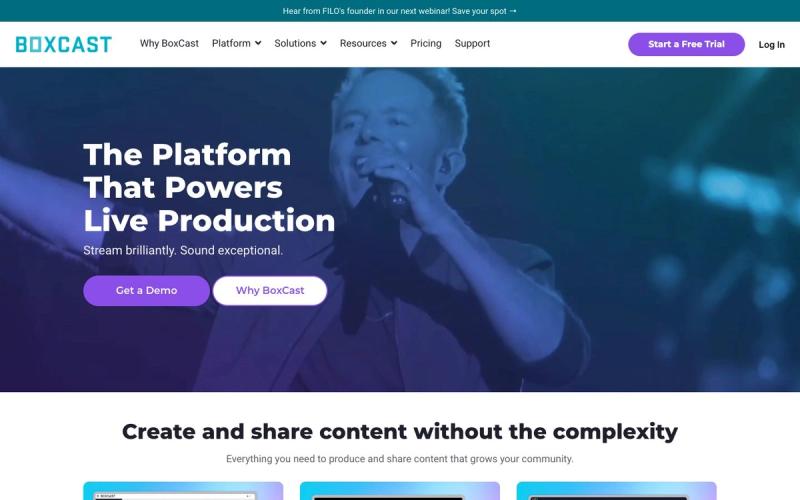
  1. BoxCastBest overall
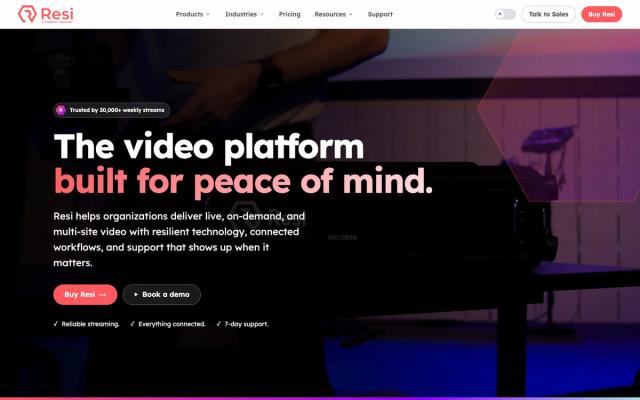
  2. ResiBest for shaky internet and multisite
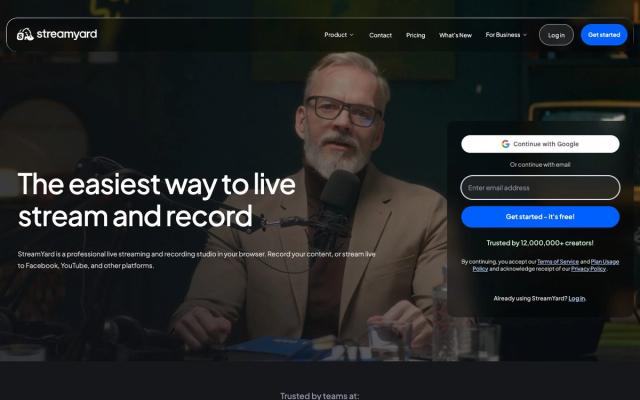
  3. StreamYardBest for interviews and midweek streams
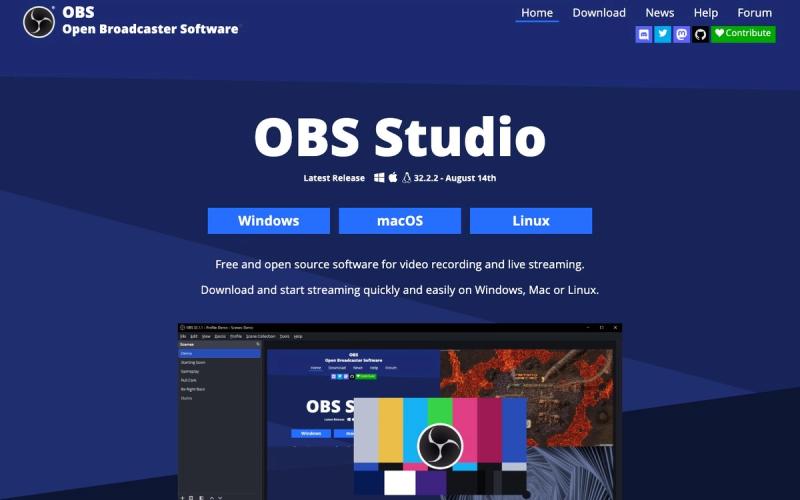
  4. OBS StudioBest free streaming software
  5. ATEM MiniBest hardware switcher
  6. vMixBest for multi-camera production on Windows
  7. Church Online PlatformBest free online service room
Side by side

How they compare

AppBest forPriceFree optionWorks onLearning curve
BoxCastBest overallFrom $109/mo billed yearly or $119 monthly (Oct 2026)NoWeb, iOS, HardwareEasy
ResiBest for shaky internet and multisiteFrom $99/mo social only; website streaming $159/mo (Oct 2026)NoWeb, HardwareModerate
StreamYardBest for interviews and midweek streamsFree plan; Core from $35.99/mo billed yearly (Oct 2026)YesWebEasy
OBS StudioBest free streaming softwareFree (open source)YesWindows, Mac, LinuxModerate
ATEM MiniBest hardware switcherMini Pro $349; Pro ISO $585; Extreme $1,249 (Oct 2026)NoHardware, Mac, WindowsModerate
vMixBest for multi-camera production on WindowsLifetime from $60; HD $350; MAX $50/mo subscription (Oct 2026)NoWindowsAdvanced
Church Online PlatformBest free online service roomFreeYesWebEasy

01Best overall

BoxCast

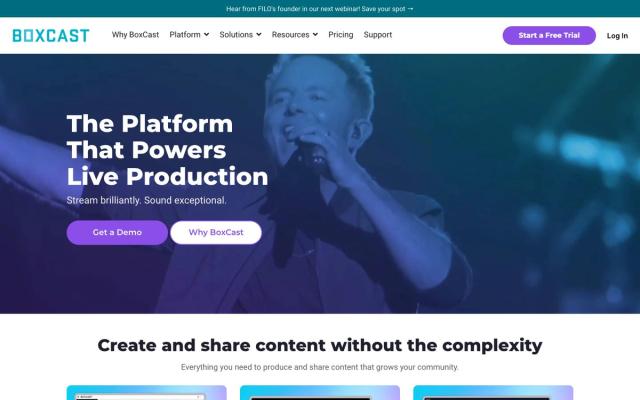
One scheduled stream goes to your website, Facebook, YouTube and X at once, and the recordings stay on demand. It works with your current RTMP or SRT encoder, and US-based streaming coaches answer from 7 a.m. Eastern on Sundays, when it matters most.

Price
From $109/mo billed yearly or $119 monthly (Oct 2026)
Watch out for
Starts at $109 a month billed yearly; Spark encoder extra

02Best for shaky internet and multisite

Resi

Its Resilient Streaming Protocol is built to keep the service playing when the building's internet hiccups. Plans step up from social only to website and church app streaming, with multisite options for overflow rooms and other campuses. The Social Only plan includes a ProPresenter Encoder license.

Price
From $99/mo social only; website streaming $159/mo (Oct 2026)
Watch out for
Website streaming starts at $159 a month, and no free trial

03Best for interviews and midweek streams

StreamYard

It runs in the browser, so a volunteer can go live from a laptop, and guests join from a link you send. That makes it the simplest way to stream a missionary interview, a prayer night or a midweek study. Paid plans stream to 3 or 8 destinations at once.

Price
Free plan; Core from $35.99/mo billed yearly (Oct 2026)
Watch out for
Free, Core and Advanced plans are for individuals, not organizations

04Best free streaming software

OBS Studio

Free, open-source software that turns the booth computer into a switcher for cameras, slides and lower thirds. It runs on Windows, Mac and Linux, and Studio Mode lets you line up the next shot. Record the sermon on the same computer while you stream.

Price
Free (open source)
Watch out for
No support line, and multistreaming needs a plugin or relay

05Best hardware switcher

ATEM Mini

Plug in HDMI cameras and the slides computer, press a button to cut, and it streams to YouTube or Facebook over Ethernet without a computer. It records to a USB drive too. The ATEM Mini Pro is $349 (Oct 2026) and takes four HDMI inputs.

Price
Mini Pro $349; Pro ISO $585; Extreme $1,249 (Oct 2026)
Watch out for
HDMI inputs only, and cameras are a separate cost

06Best for multi-camera production on Windows

vMix

It switches several cameras, runs built-in animated titles for sermon points and scripture, and streams and records at once. Lifetime licenses start at $60 and HD is $350 (Oct 2026). vMix also gives a limited number of free HD licenses to churches that apply.

Price
Lifetime from $60; HD $350; MAX $50/mo subscription (Oct 2026)
Watch out for
Windows only, and Basic HD's four inputs run out fast

07Best free online service room

Church Online Platform

Free from Life.Church, it turns your stream into an online service with live chat, private prayer, giving links and response moments. It works with YouTube, Facebook, Vimeo, Resi and BoxCast embeds, and chat translates into 60+ languages. It's best when volunteers are ready to host.

Price
Free
Watch out for
Doesn't stream video itself; pair it with a streaming provider
From our team · Extend the Sermon

The stream is over. What happens to the sermon?

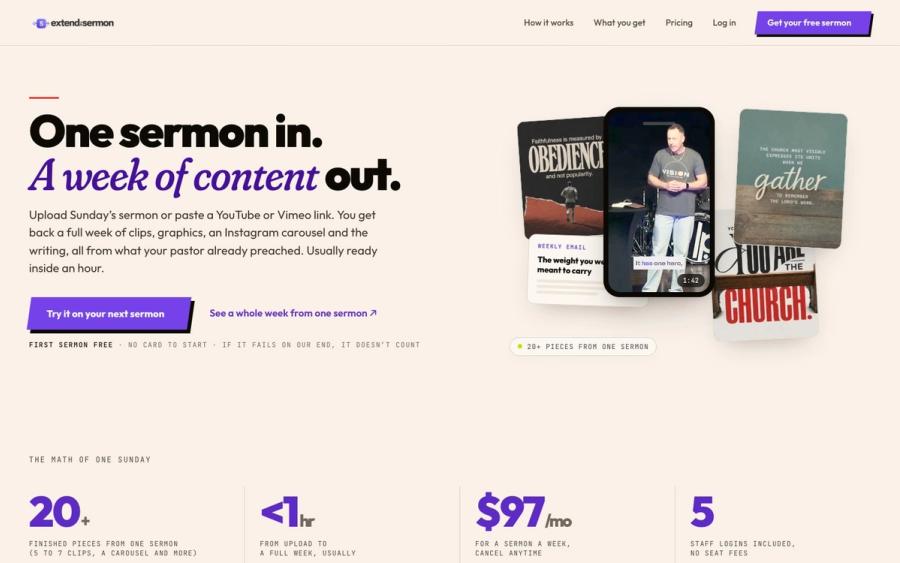
Most livestream recordings sit in the archive after Sunday. Extend the Sermon takes the YouTube link or file and returns 5 to 7 captioned vertical clips, 9 social graphics, a carousel, a blog post, an email and a small-group guide, usually within an hour. Your first sermon is free.

Try a sermon free ↗

Made by Church Media Squad, who also run Pro Church Media.

Our method

How we chose

  • Holds up on Sunday morning

    Does the stream keep going when the building's internet struggles, and is there someone to call when it won't start at 8:55?

  • Right tool for the job

    Is it a streaming platform, production software or a hardware switcher, and which part of your setup does it actually replace?

  • Real cost for a church

    Monthly platform fees, one-time hardware and software, and the free options a volunteer can run without a training night.

  • Checked at the source

    Every price and feature was checked on the vendor's own site in October 2026.

Questions churches ask

FAQ

What is the best free way to livestream a church service?

OBS Studio is free software that streams your cameras and slides to YouTube or Facebook from the booth computer. Add Church Online Platform, also free, if you want live chat and prayer around the stream. StreamYard's free plan works too, but it shows the StreamYard logo and caps monthly streaming hours.

How much does a church livestream platform cost?

BoxCast starts at $109 a month billed yearly or $119 month to month. Resi starts at $99 a month for social only and $159 with website streaming (Oct 2026). Neither publishes a set church discount, though Resi lists a non-profit pricing option.

Can we stream to Facebook and YouTube at the same time?

Yes. BoxCast sends one stream to your website, Facebook, YouTube and X at once, and StreamYard's paid plans reach 3 or 8 destinations. OBS Studio sends one stream at a time, so it needs a multistream plugin or relay service.

Do we need a license to stream worship music?

Yes. The streaming tool handles the video, not the song rights. If worship songs are in your stream, you need a streaming license such as CCLI's or OneLicense's.

Keep exploring

All livestreaming

See the full list →