Price
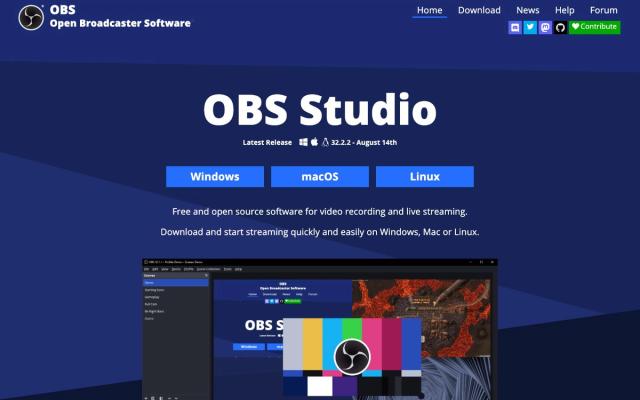
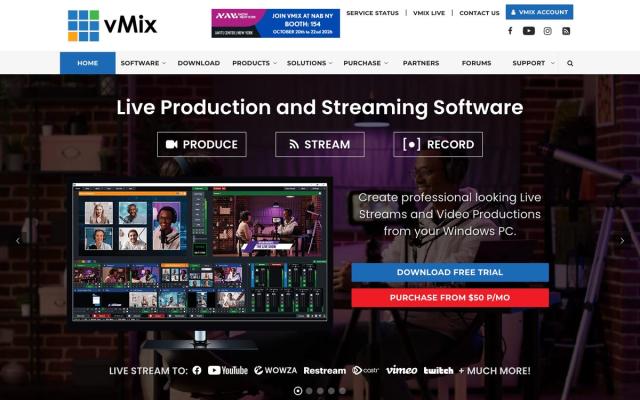
OBS Studio is free and open source, with no paid tier. vMix sells lifetime licenses: Basic HD is $60 and HD is $350, with 4K and Pro editions above them, and vMix MAX is a $50-a-month subscription (Oct 2026). Lifetime licenses include 12 months of free updates, and another year of updates costs $60 after that. There's a 60-day free trial, and vMix gives a limited number of free HD licenses to churches that apply with a church website, a church email address and a link to their livestream.
Computers and platforms
OBS runs on Windows 10 or 11, macOS 13 or newer, and Linux. vMix is Windows only, and its knowledge base says Macs with Apple silicon can't run it through Boot Camp. vMix also needs a strong PC with a dedicated graphics card, so check its supported hardware page before you download. If your booth computer is a Mac, the choice is already made.
Multi-camera, titles and replay
Both switch between cameras, slides and graphics while they stream and record the service. In OBS you build scenes for walk-in, worship, sermon and announcements, and Studio Mode lines up the next shot before it goes live. Plugins and scripts add features as your team grows. vMix includes more out of the box: HD takes up to 1,000 inputs, GT Designer has 100+ animated titles for sermon points and scripture, and vMix Call brings in remote guests, one caller on HD and four on 4K. Instant replay needs 4K or Pro. Skip Basic HD if you have more than a couple of cameras: its four inputs, three of them cameras, run out fast.
Learning curve and support
Neither is a pick-up-and-go app. We rate OBS moderate for a church volunteer: first-time setup takes some trial and error, and there's no support line, so help comes from guides and forums. We rate vMix advanced. Use the 60-day trial to train whoever will run it before it carries a real Sunday.
Which to choose
Start with OBS if you're new to streaming, have no software budget or run a Mac. Move to vMix when you have several cameras, a dedicated Windows PC and a volunteer ready to learn it. Either one produces the stream; for the platform that carries it to your website and social channels, see our church livestream platform guide.