Social Tools
Unfold
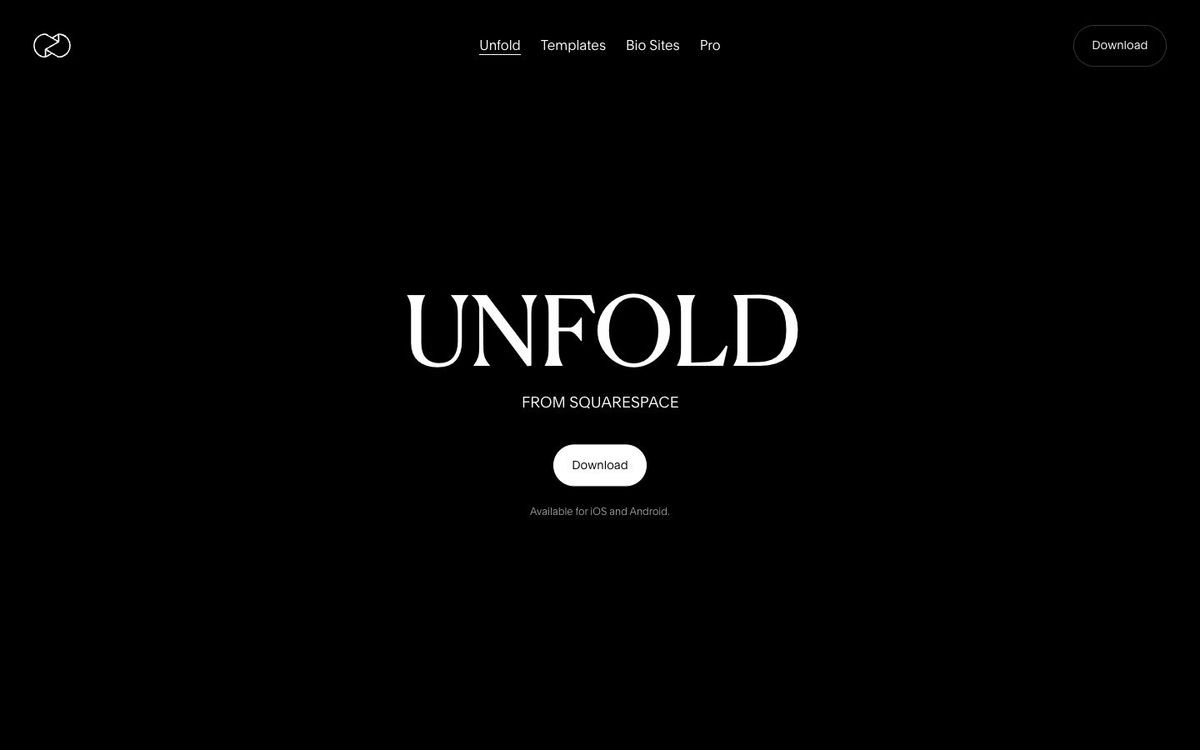
A phone app with story and reel templates. Good for turning Sunday photos into Instagram stories before lunch.
- Price
- Free app; Plus $4.99/mo or $35.99/yr; Pro $12.99/mo (Oct 2026)
- Free option
- Yes
- Works on
- iOS, Android
- Learning curve
- Easy
The short answer: is Unfold right for your church?
Unfold is a free iPhone and Android app for building Instagram stories, posts and reels from clean templates. It's best for the volunteer who posts Sunday photos from their phone. The catch: subscriptions belong to the Apple or Google account that bought them, and projects don't sync between devices, so set it up on a church account.
Who Unfold is for
Great for
- Volunteers who post Sunday stories from their phone between services
- Churches that want a clean, minimal look on Instagram without a designer
- Social media teams that plan the feed a few weeks ahead
Skip it if
- Teams that share one design workspace across several people. A browser-based design app with team seats fits better.
- Churches that need print flyers or slides. A general design app handles more sizes and formats.
How churches use Unfold
Sunday recap stories
Drop photos from worship, baptisms and the kids' room into a story template before people leave the parking lot.
Sermon series on brand
With Pro, load your series colors, fonts and logo into the Brand Kit so every story matches the graphic on the screen.
Plan the grid
Pro's Instagram feed planner shows how upcoming posts will look together, so the Easter invite doesn't sit next to a blurry potluck photo.
Getting started with Unfold
- 1
Download Unfold on a phone signed in to a church-owned Apple ID or Google account.
- 2
Pick one free story template and rebuild last Sunday's highlights in it.
- 3
Try the Plus free trial only if the free templates feel limiting after a few weeks.
Pros and watch-outs
What we like
- Free to download and create with on iPhone and Android
- Clean templates that look calmer than most social apps
- Pro Brand Kit holds your church's colors, fonts and logos
- Feed planner can schedule posts to an Instagram business account
Watch out for
- Subscriptions can't be shared across Apple IDs or Google accounts
- Projects don't sync between devices, even on the same account
- Feed planner and Brand Kit need the $12.99/month Pro plan
Want stories that already sound like church?
Unfold's templates are built for creators and brands. Remix social templates are posts and stories made for a church feed, so the Sunday invite or prayer night story starts closer to done.
See social templates ↗Made by Church Media Squad, who also run Pro Church Media.
Unfold FAQ
Is Unfold free for churches?
Yes, the app is free to download and use for creating and sharing stories. Unfold Plus ($4.99/month or $35.99/year) adds the full template library, and Pro ($12.99/month) adds a Brand Kit and feed planner.
Can our whole social media team share one Unfold Pro account?
Not across personal phones. Unfold says a Pro subscription can't be shared across Apple IDs or Google accounts, so it suggests a shared business Apple ID or Google account on the same operating system.
Does Unfold work on Android?
Yes. Unfold is available for iPhone and Android, but a subscription bought on one can't be used on the other.
Who owns Unfold?
Unfold is part of Squarespace. You sign in with a Squarespace account to use Pro or publish a Bio Site.