Planning & Collaboration
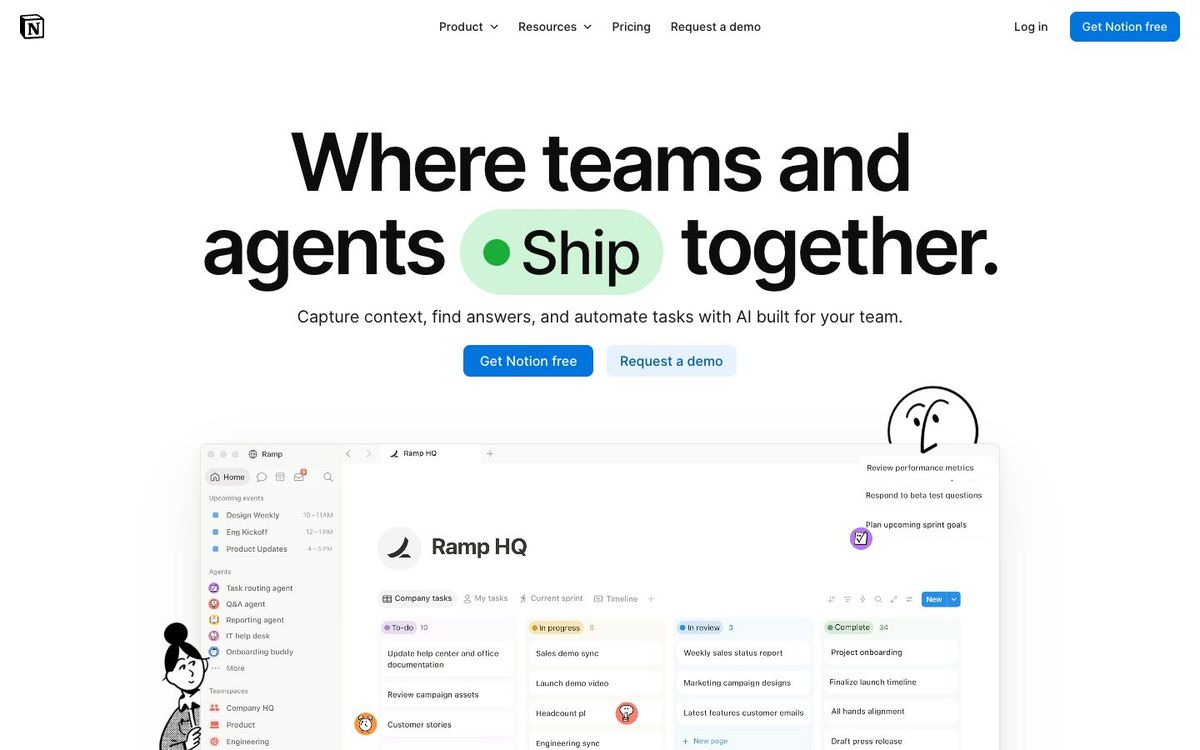
Notion
Docs, wikis and databases in one place for your church's brand guide, content calendar and volunteer how-to pages.
- Price
- Free; Plus $10, Business $20 per seat/mo billed yearly (Oct 2026)
- Free option
- Yes
- Church discount
- 50% off the Business plan for verified nonprofits (application required)
- Works on
- Web, Mac, Windows, iOS, Android
- Learning curve
- Moderate
The short answer: is Notion right for your church?
Notion is a flexible workspace for docs, wikis and databases that church teams use for brand guides, content calendars and volunteer training pages. It's best for a media lead who likes building their own systems. The catch: a blank page takes setup time, and the free plan limits shared workspaces with two or more members.
Who Notion is for
Great for
- Media leads who want the brand guide, logos and how-tos in one link
- Teams planning sermon series graphics and social posts on a shared calendar
- Churches training rotating volunteers with step-by-step checklists
Skip it if
- Churches that need volunteer scheduling and check-in. A church management system handles that.
- Teams that want a ready-made task board with no setup. A simple project management app is quicker to start.
How churches use Notion
Church brand guide
Put your logo files, colors, fonts and do's and don'ts on one page, then share the link with every ministry leader who asks for a flyer.
Content calendar
Track each sermon series, Easter push and VBS promo in a database with dates, owners and status, and view it as a calendar.
Volunteer booth checklist
Write the Sunday morning checklist for slides, stream and sound once, so the volunteer who serves once a month isn't guessing.
Getting started with Notion
- 1
Sign up free and create one page for your church's logos, colors and fonts.
- 2
Build a content calendar database for the next sermon series and Easter.
- 3
If you're a registered nonprofit, apply for 50% off the Business plan.
Pros and watch-outs
What we like
- Docs, wikis and databases live in one shared workspace
- Free forms collect requests without the requester needing an account
- Apps for web, Mac, Windows, iPhone and Android
- Nonprofits can apply for 50% off the Business plan
Watch out for
- Blank pages take real setup time before they help
- Free plan limits blocks once two or more members join
- Full AI features need the Business plan
Notion FAQ
Is Notion free for churches?
There's a free plan that works well for one person. Once two or more members share a workspace, the free plan has a block limit, so most church teams eventually need Plus or Business.
Does Notion offer a nonprofit discount?
Yes. Notion gives 50% off the Business plan to organizations it verifies as nonprofits. You apply with your workspace ID and documents, and approval takes about 3 to 7 business days. Notion's page doesn't say whether churches qualify, so check before you count on it.
Can we use Notion to collect ministry design requests?
Yes. Notion Forms are free to create and share, and people can fill them in without a Notion account. Responses land in a database your media team can track.
How much does Notion cost?
Plus is $10 per seat a month and Business is $20 per seat a month, both billed yearly. Monthly billing costs a little more.