Planning & Collaboration
Google for Nonprofits
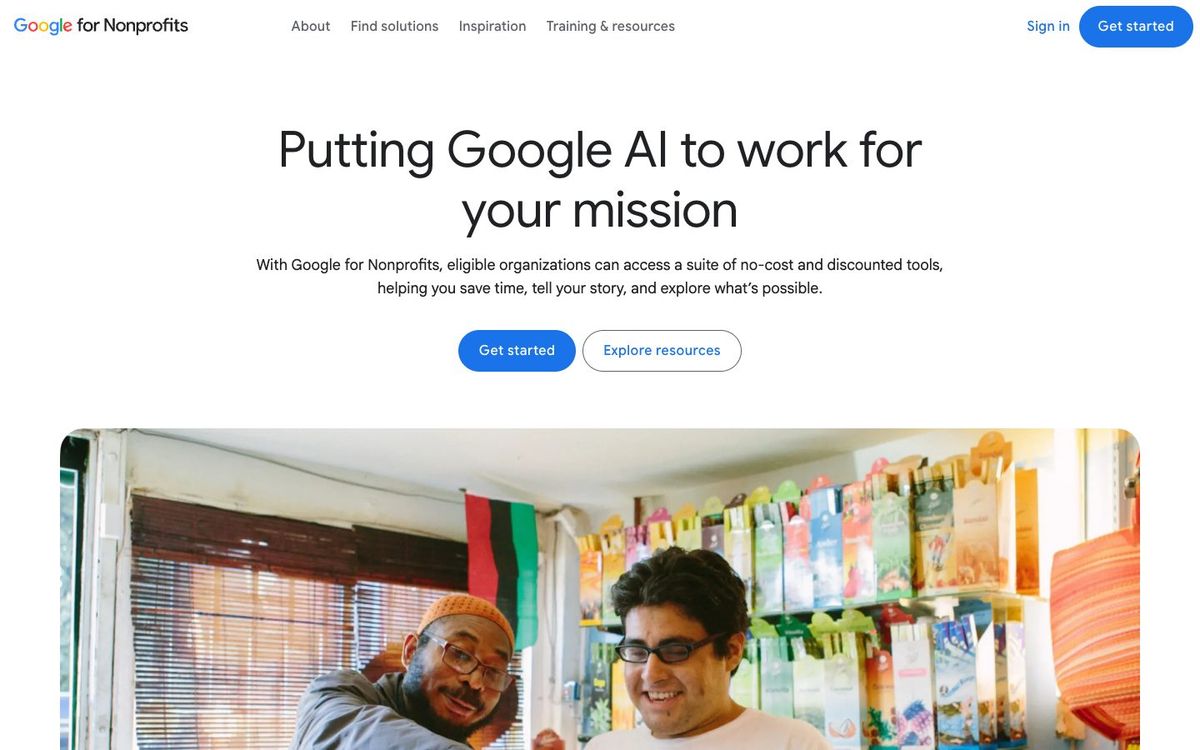
Free Google Workspace for eligible nonprofits: email on your church's domain, shared Drive, Docs and Meet. Check whether your church qualifies.
- Price
- Free if eligible; Business Standard $3.50/user/mo yearly (Oct 2026)
- Free option
- Yes
- Church discount
- Workspace for Nonprofits free for eligible organizations; Business Standard $3.50 and Business Plus $6.16 per user/month on a 1-year commitment
- Works on
- Web, iOS, Android
- Learning curve
- Moderate
The short answer: is Google for Nonprofits right for your church?
Google for Nonprofits gives eligible churches Google Workspace at no cost: email on your church's domain, Drive, Docs and Meet for up to 2,000 users. It's best for churches that want staff and key volunteers on one shared system. The catch: US churches need formal IRS 501(c)(3) recognition or a parent organization's group exemption to qualify.
Who Google for Nonprofits is for
Great for
- Churches still using personal Gmail accounts for staff email
- Teams that want one shared Drive for series graphics, photos and files
- Churches with IRS recognition or a denomination's group exemption
Skip it if
- US churches without IRS 501(c)(3) recognition or a group exemption. A paid email and file service is the fallback.
- Churches whose staff already work in another email and file system. Moving everyone over is real work.
How churches use Google for Nonprofits
Church email addresses
Give staff and ministry leaders addresses on your church's domain, so the email stays with the church when people move on.
Shared media Drive
Keep series graphics, logos and event photos in a shared Drive so volunteers grab the current file, not an old one from their inbox.
Online staff meetings
Meet with staff or a volunteer team in Google Meet, with up to 150 participants on the free edition.
Getting started with Google for Nonprofits
- 1
Confirm your church is IRS-recognized or covered by a parent organization's group exemption.
- 2
Request a Google for Nonprofits account and complete Goodstack verification.
- 3
Activate Google Workspace for Nonprofits, then move one ministry's email over first.
Pros and watch-outs
What we like
- No cost for eligible nonprofits, up to 2,000 users
- 100TB of storage shared across your organization
- Email on your church's own domain
- Deep discounts on Business Standard and Plus if you need more
Watch out for
- US churches need IRS 501(c)(3) recognition, not just automatic exemption
- Approval takes 2–14 working days
- Domain and account setup takes some technical help
Google for Nonprofits FAQ
Are churches eligible for Google for Nonprofits?
Yes, if they meet Google's rules. In the US, your church needs IRS recognition of 501(c)(3) status or coverage under a qualified parent's group exemption, plus Goodstack verification.
Is Google Workspace free for churches?
Google Workspace for Nonprofits costs $0 per user for eligible organizations, for up to 2,000 users. Business Standard is $3.50 per user per month on a one-year commitment (Oct 2026).
How long does Google for Nonprofits approval take?
Google says most requests are reviewed in 2–14 working days.
What else comes with Google for Nonprofits?
Eligible organizations can also use Google Ad Grants, the YouTube Nonprofit Program and Google Maps Platform credits. Each product is activated separately.