Social Tools
Grammarly
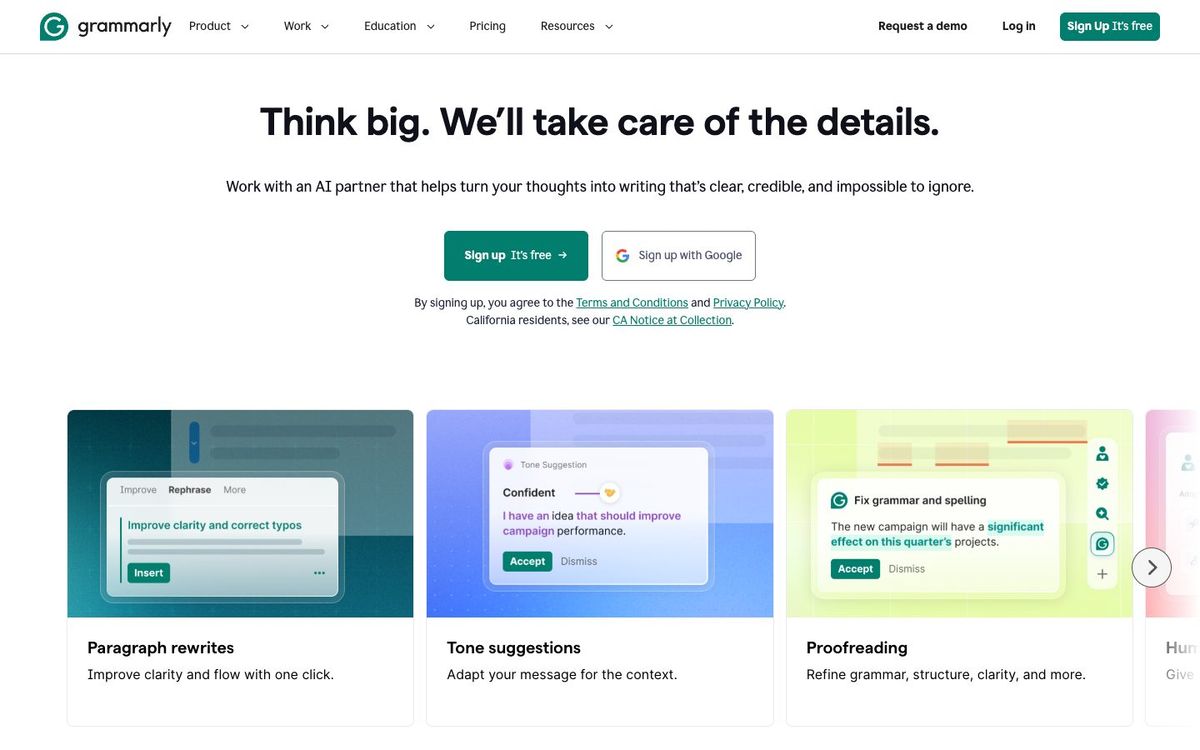
Writing assistant that catches spelling, grammar and tone problems in announcements, emails, captions and bulletins as you type.
- Price
- Free plan; Pro $12/mo billed yearly ($144/yr) (Oct 2026)
- Free option
- Yes
- Works on
- Web, Windows, Mac, iOS, iPad, Android
- Learning curve
- Easy
The short answer: is Grammarly right for your church?
Grammarly is a writing assistant that catches spelling, grammar and tone problems as you type in your browser, Google Docs, Microsoft Office and on your phone. It's best for church staff and volunteers who write emails, captions and bulletins under deadline. The catch: full rewrites need Pro, and there's no published church or nonprofit discount.
Who Grammarly is for
Great for
- Staff who send the weekly email without anyone proofreading it
- Volunteers writing captions and bulletin blurbs on their phone
- Churches where a typo on the screen gets noticed by everyone
Skip it if
- Writers who want an AI to draft whole pieces from scratch. A general AI assistant fits that better.
- Teams hoping it will catch wrong dates or times. It checks wording, not whether the event details are right.
How churches use Grammarly
The weekly church email
Catch the typo in the event title or the misspelled guest speaker's name before it goes to the whole congregation.
Captions on the go
Use the phone keyboard so a volunteer posting from the youth retreat doesn't publish a spelling mistake.
Tone check for hard emails
See how a note to volunteers about a schedule change might come across before you send it.
Getting started with Grammarly
- 1
Install the free browser extension for Chrome, Safari, Firefox or Edge.
- 2
Install Grammarly on the phone you post from.
- 3
Run this week's announcements through it before they go on the slides.
Pros and watch-outs
What we like
- Free plan catches spelling and grammar mistakes
- Works in browsers, Google Docs, Microsoft Office and on phones
- Shows tone so you can soften a hard email
- Pro adds full-sentence rewrites and plagiarism detection
Watch out for
- Full-sentence rewrites and tone adjustments need Pro
- Free plan is limited to 100 AI prompts a month
- No published nonprofit discount
Grammarly FAQ
Is Grammarly free for churches?
Yes. The free plan checks spelling and grammar and shows tone. Pro costs $12 a month billed yearly and adds rewrites and more AI prompts.
Does Grammarly offer a church or nonprofit discount?
Grammarly doesn't publish one. Its published discounts are for educational institutions.
Does Grammarly work in Google Docs and Word?
Yes. It works in Google Docs and Microsoft Office, as well as in most browsers and on phones.