Stock Music
Artlist
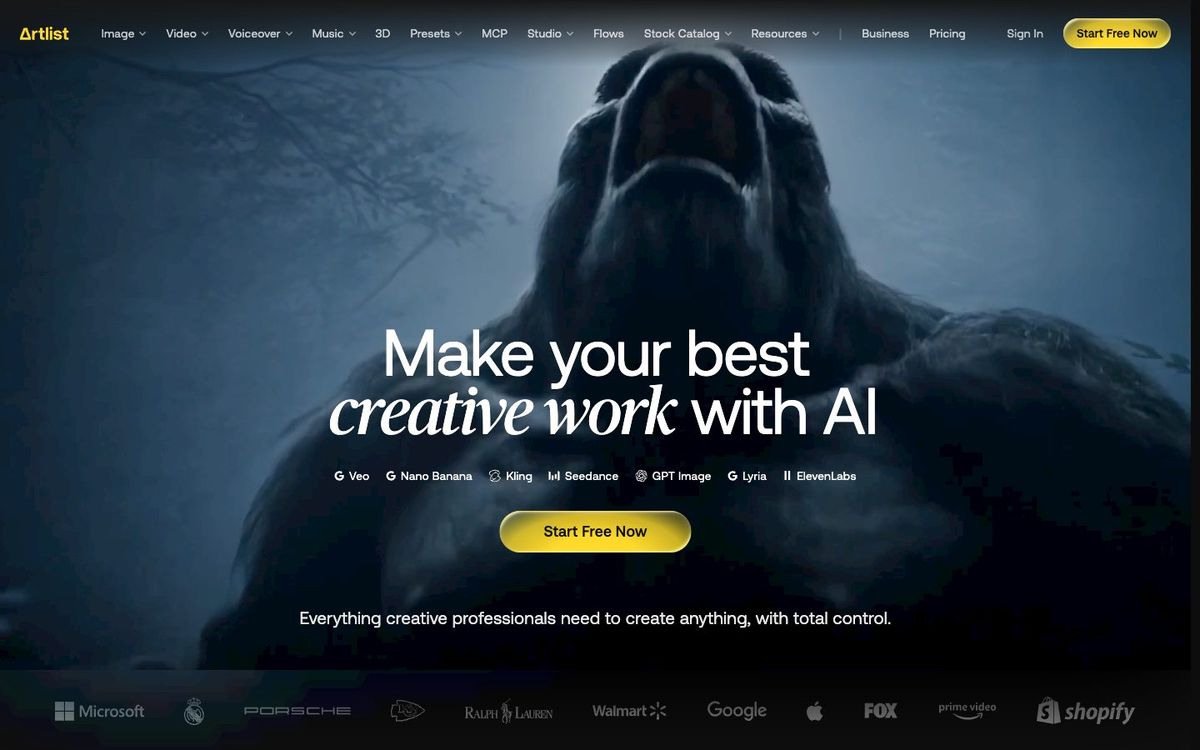
Subscription music, sound effects and stock footage for sermon bumpers, promo videos and social clips, plus AI video and voiceover tools.
- Price
- Music & SFX from $9.99/mo; Max $50.66/mo billed yearly (Oct 2026)
- Free option
- No
- Works on
- Web
- Learning curve
- Easy
The short answer: is Artlist right for your church?
Artlist is a subscription library of music, sound effects, stock footage and AI tools for church video teams making bumpers, promos and social clips. It's best for churches that edit video every week. The catch: the $9.99 Social plan is only for personal creators, and the Pro plans that cover commercial and client work are billed yearly.
Who Artlist is for
Great for
- Churches that edit several videos a month and want music and footage in one place
- Video volunteers cutting sermon bumpers and series promos in Premiere Pro
- Editors who want stems so a track can sit quietly under a spoken welcome
Skip it if
- Churches that need one song for one video. A pay-per-track library costs less.
- Churches that only need still photos for slides. A free stock photo site fits better.
How churches use Artlist
Sermon series bumper
Pick a track, download the stems and build a 30-second opener for the new series. The Premiere Pro extension lets you search and preview music without leaving your edit.
Easter invite video
Cut stock footage to music for an Easter invite you can post and boost. Footage comes with the Max plan, and paid ads need the Pro license, not Social.
Baptism Sunday recap
Set phone clips from baptism Sunday to a warm acoustic track and post the recap while the energy is still there.
Getting started with Artlist
- 1
Create a free account and test watermarked tracks in this week's edit.
- 2
Check who owns the channels you post to before choosing Social or Pro.
- 3
Collect approved tracks on an Artboard so every volunteer uses the same sound.
Pros and watch-outs
What we like
- Max bundles music, sound effects, footage, templates and LUTs
- Stems let you pull a track back under a voiceover
- Projects published while subscribed stay covered after you cancel
- Free account lets you test watermarked tracks before paying
Watch out for
- Social license excludes commercial and client work
- Pro plans are billed yearly only
- AI credits and plan names make the lineup hard to compare
Artlist FAQ
Is Artlist free for churches?
No. A free account lets you download watermarked songs and footage to test in your edit. Clean downloads need a paid plan, and Artlist doesn't publish a church or nonprofit discount.
Does the Artlist Social plan cover our church's YouTube channel?
The Social license is written for personal creators and covers one channel per platform, with no commercial or client work. For a channel your church owns, ask Artlist to confirm, and expect to need a Pro license.
Can we use Artlist music in paid Facebook ads?
Yes, with a Pro license, which covers advertising and paid media. The Social license doesn't.
What happens to our videos if we cancel Artlist?
Projects you create and publish while your subscription is active stay covered for good.