Social Tools
VSCO
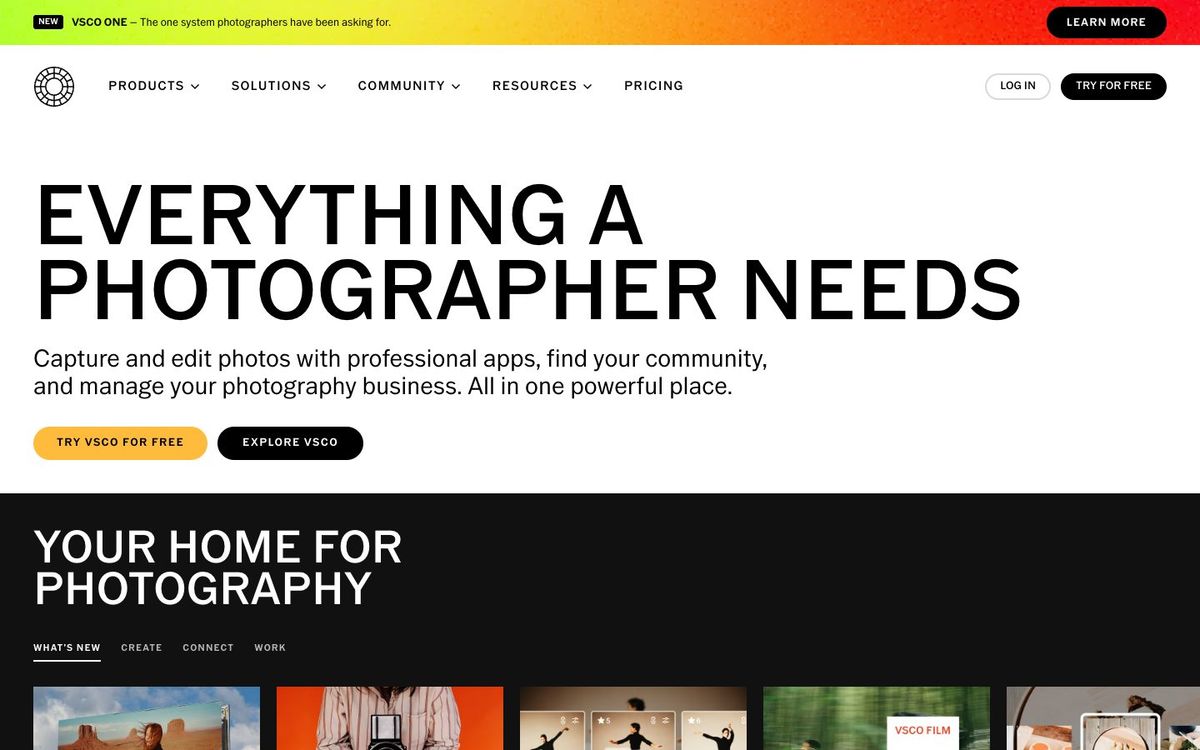
Photo and video editing with film-style presets. Gives your church's Sunday photos one consistent look on social media.
- Price
- Free Starter; Plus $29.99/yr; Pro $59.99/yr (Oct 2026)
- Free option
- Yes
- Works on
- iOS, Android, Web
- Learning curve
- Easy
The short answer: is VSCO right for your church?
VSCO is a photo editing app known for film-style presets that give a set of photos one consistent look. It's best for church photographers and social volunteers who edit on their phones. The catch: the free Starter plan has only 15 presets, and VSCO is built for photo editing, not for laying out graphics with text.
Who VSCO is for
Great for
- Volunteer photographers who shoot Sunday and edit on their phone
- Churches that want every Instagram photo to share one look
- Teams that also cut short vertical video on a phone
Skip it if
- Volunteers who need sermon graphics with text and logos. A template-based design app fits better.
- Churches that post only a few photos a month. Your phone's built-in editor may be enough.
How churches use VSCO
One look for Sunday
Pick one preset for the church account and use it on every worship photo. The feed starts to look like one church instead of five phones.
Baptism photo delivery
Edit baptism Sunday photos and share them with families through a VSCO Galleries link instead of a messy group text.
Youth event clips
Plus adds mobile video editing, so the youth leader can color and trim a camp highlight clip on the bus home.
Getting started with VSCO
- 1
Download VSCO free and edit five photos from last Sunday with one preset.
- 2
Write the chosen preset name into your team's social media notes.
- 3
Start the 7-day Plus trial before a big event if you need more presets or video.
Pros and watch-outs
What we like
- Free Starter plan with 15 presets and 10 GB of Galleries
- Plus adds 200+ presets and mobile video editing for $29.99/yr
- Edit in the browser on Mac or PC as well as on phones
- Presets make volunteer edits look consistent
Watch out for
- Pro features are iOS and desktop only, so Android users miss out
- Built for photo editing, not graphics with text
- No published church or nonprofit discount
VSCO FAQ
Is VSCO free for churches?
Yes. The Starter plan is free and includes 15 presets, sharing to the VSCO community and 10 GB of Galleries storage. Plus and Pro are paid and come with a 7-day free trial.
Can we edit church video in VSCO?
Yes, on a paid plan. Plus adds mobile video editing, and Pro includes video editing too.
Does VSCO work on a computer?
Yes. VSCO's photo editor runs in a desktop browser on Mac and PC, so there's nothing to install. Some Pro tools are iOS and desktop only.
Does VSCO offer a nonprofit discount?
VSCO doesn't publish one. Annual billing is the main way to save.