Check the license before Sunday
A free download isn't the same as a free license. Before a new font lands in Sunday's slides, the bulletin or the livestream, check these five things.
- Personal use only: a church flyer, slide or livestream isn't personal use. On Dafont, filter to 100% Free or Public domain / GPL / OFL, then read the readme in the download, since Dafont calls its labels only an indication.
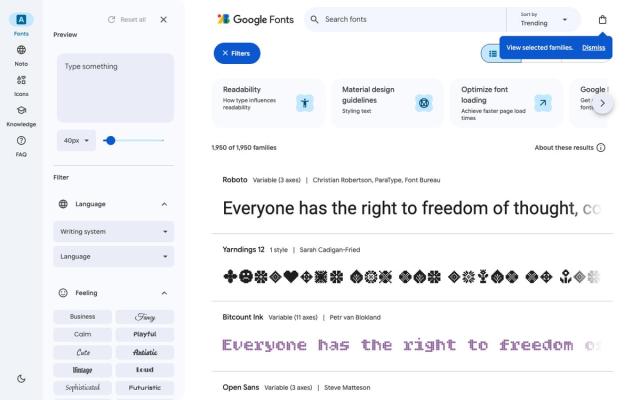
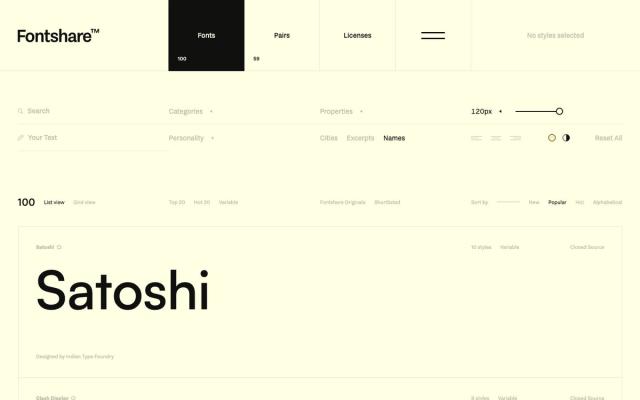
- Video and livestream: Google Fonts and Fontshare cover video. Fontfabric's standard desktop license excludes YouTube and other social video, and its broadcasting licenses are quote-only.
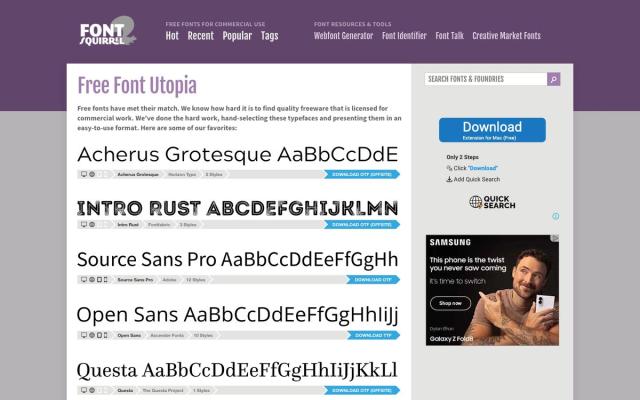
- Website: desktop rights don't always include web or PDF embedding. On Font Squirrel, look for the @font-face icon. Embedding Google Fonts through its API sends visitors' IP addresses to Google, so self-host if that matters for your privacy policy.
- Logos: Google Fonts allows any logo, and Fontshare lets you register a logo made with its fonts as a trademark. On Uncut and Dafont, licenses vary by font, so read the full license before you build a logo.
- Sharing files: Fontshare's own fonts can't be handed to outside designers or printers. Have each volunteer download their own copy, and send the print shop a finished PDF.
Songs work the same way: free to hear isn't free to show. If you're sorting that out too, see our licensing guide.
Putting a series together? See how to make a sermon series graphic, step by step.