Fonts
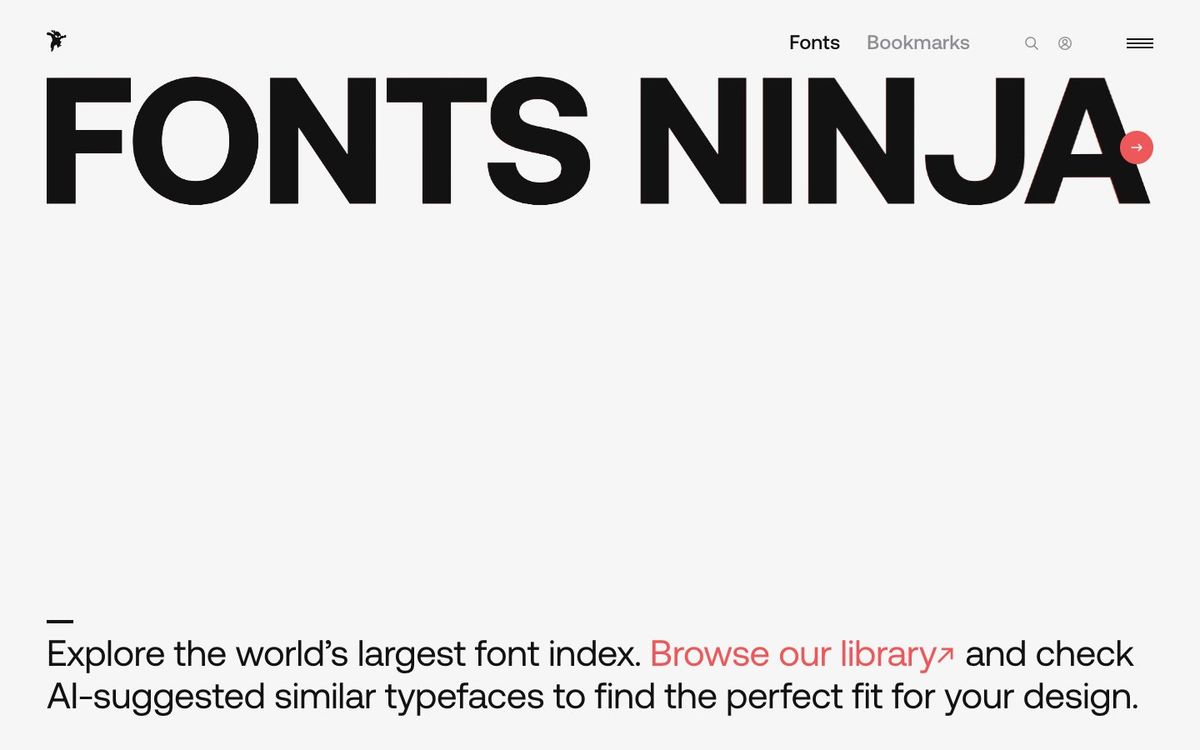
Font Ninja
Free browser extension that tells you what font a website uses, then shows similar fonts and what they cost.
- Price
- Free extension; fonts in its index priced individually
- Free option
- Yes
- Works on
- Web, Mac, Windows, iOS
- Learning curve
- Easy
The short answer: is Font Ninja right for your church?
Fonts Ninja is a free browser extension that identifies the fonts on any web page when you hover over the text. It's best for church designers who spot type they like on another church's site and want to know what it is. The catch: knowing a font's name doesn't license it, and many results are paid fonts.
Who Font Ninja is for
Great for
- Designers who keep asking "what font is that?" on other church websites
- Teams matching the fonts on their current church website
- Anyone comparing a paid font with similar, cheaper options
Skip it if
- Identifying lettering in a photo or printed flyer. An image-based font identifier is the better tool.
- Churches that only want free fonts. Start with an open-source font library instead.
How churches use Font Ninja
Matching your website
Hover over a heading on your church site to learn which fonts the last web designer used, so new graphics match.
Inspiration from other churches
See a series page you love? Identify the font, then check the AI-suggested similar fonts for one your budget allows.
Planning a rebrand
Bookmark candidate fonts into boards while you plan, so you can compare options and prices later.
Getting started with Font Ninja
- 1
Install the free extension for Chrome, Safari, Firefox or Edge from fonts.ninja/tools.
- 2
Turn it on and hover over any text to see the font name and size.
- 3
Check the font's license and price before you use it on church work.
Pros and watch-outs
What we like
- Free extension for Chrome, Safari, Firefox and Edge
- Shows font name, size, line height and color on hover
- Suggests similar-looking fonts with prices
- Safari extension for iPhone, too
Watch out for
- Many suggestions are paid fonts, some starting near $100
- Knowing a font's name doesn't give you the right to use it
Font Ninja FAQ
Is Fonts Ninja free?
Yes. The browser extension is free for Chrome, Safari, Firefox and Microsoft Edge. Fonts listed in its index have their own prices.
Does Fonts Ninja work on iPhone?
Yes. Fonts Ninja offers a Safari extension for iPhone that identifies fonts, shows typeface details and saves favorites.
If we identify a font with Fonts Ninja, can we use it?
Only with the right license. Some results are free Google Fonts; others are paid fonts your church would need to buy first.