ChurchMediaPro Church Media

2 picks · Presentation Software

ProPresenter vs Proclaim for Churches: Which Should Run Your Sunday?

One booth computer or five rooms? Slides built in the booth or from home? ProPresenter and Proclaim answer those differently. Here's which fits your church.

Updated

The short answer: our top picks

Choose ProPresenter if one booth runs a full production every Sunday: lyrics to the room, a stage screen for the band and an NDI feed to the livestream. Choose Proclaim if several people build slides from home during the week or you run more than one room, since one subscription covers unlimited computers. Both run on Mac and Windows and are subscription-only.

Pricing and computers

This is the biggest difference. ProPresenter is priced per computer: a Standard seat is $29 a month or $289 a year, and the Campus plan gives you 20 seats for $59 a month or $649 a year (Oct 2026). Proclaim is priced per church: On Air is $26.99 a month or $269.99 a year and covers unlimited computers and rooms. On Air + Pro Media is $39.99 a month (Oct 2026).

Every Proclaim plan has the same features. The bigger plans add media, so On Air is enough if you already have backgrounds. Neither app has a free plan or a one-time purchase for new customers.

Building the service

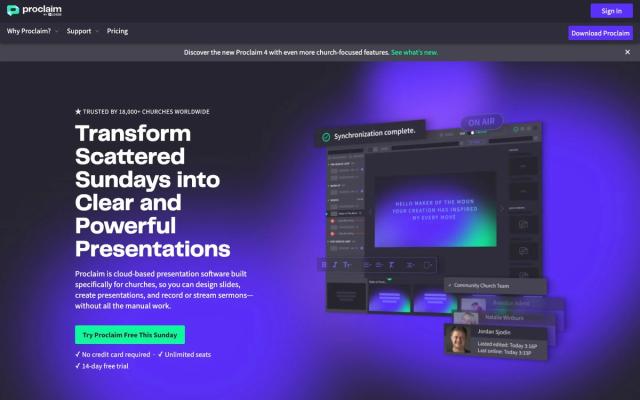
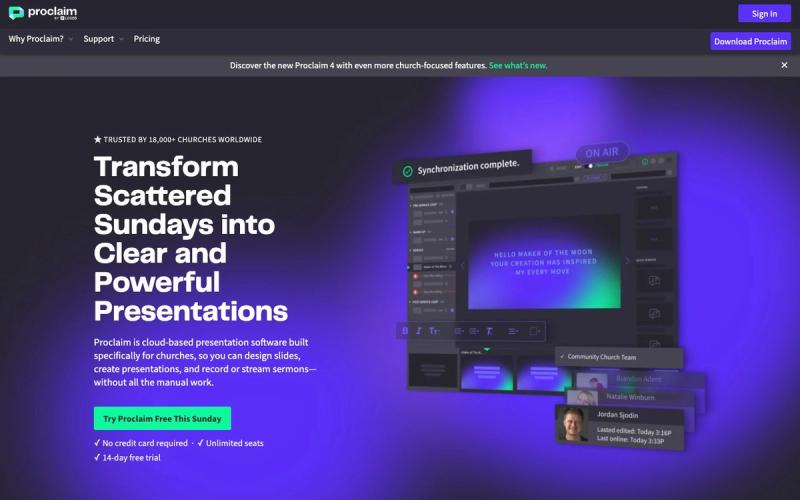
Proclaim is built in the cloud, so the pastor can add sermon points on Thursday, the worship leader can add songs on Friday, and the booth volunteer opens the finished service on Sunday. It connects to CCLI SongSelect and Planning Center, and it suits pastors who prepare in Logos Bible Software.

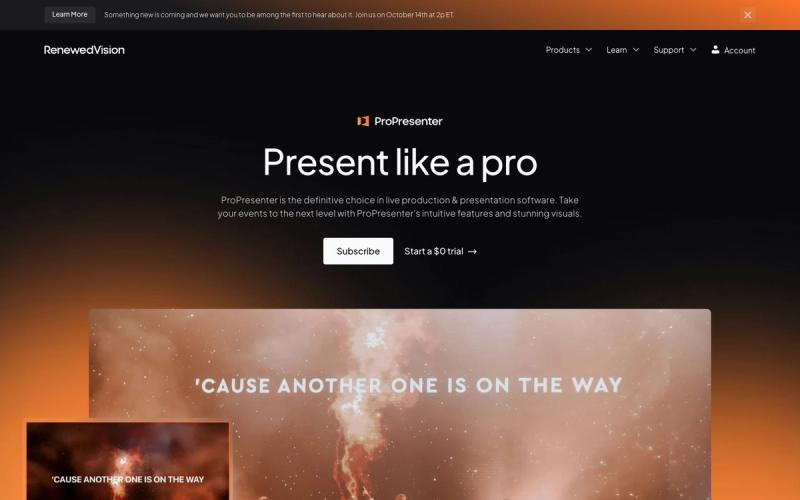
ProPresenter is built around the booth computer, with control over every layer of a slide. You can build and edit shows on a spare computer without using a seat, and it connects to Planning Center Services if you subscribe to that separately. Its deeper settings can overwhelm a once-a-month volunteer.

Stage and livestream output

Both send slides to your livestream. ProPresenter has NDI output and stage screens that show the band the current and next slide, and a remote app comes with every subscription. Proclaim includes NDI, SDI and virtual screen output on every plan, plus digital signage for a lobby TV through a Fire TV Stick, Apple TV or web browser.

Support and trials

Both offer support seven days a week, and Proclaim lists phone support. Both have a 14-day free trial. Proclaim's needs no credit card and has no watermarks. ProPresenter watermarks your output once you're not signed in to an active subscription.

Which to choose

  • One sanctuary, a band that needs a stage screen and a livestream to feed: ProPresenter.
  • Slides built by several people from home, or services in the kids' wing at the same time: Proclaim.
  • No software budget at all: see the free options in our best church presentation software roundup.
At a glance

Our picks

  1. ProPresenterChoose it if one booth runs a full production
  2. ProclaimChoose it if your team builds slides from home
Side by side

How they compare

AppBest forPriceFree optionWorks onLearning curve
ProPresenterChoose it if one booth runs a full productionStandard $29/mo or $289/yr per seat; Campus $649/yr (Oct 2026)NoMac, WindowsModerate
ProclaimChoose it if your team builds slides from homeOn Air $26.99/mo or $269.99/yr; Pro Media $39.99/mo (Oct 2026)NoMac, WindowsEasy

01Choose it if one booth runs a full production

ProPresenter

It sends lyrics to the room, a stage screen and the livestream at once, with NDI output and a remote app included with every subscription. Production teams get control over every layer of a slide, and the Campus plan's 20 seats can cover several ministries.

Price
Standard $29/mo or $289/yr per seat; Campus $649/yr (Oct 2026)
Watch out for
Priced per computer, so extra rooms add up

02Choose it if your team builds slides from home

Proclaim

One subscription covers unlimited computers and rooms, and the pastor, worship leader and volunteers build Sunday's service together in the cloud. NDI and SDI output come on every plan, and every plan has the same features, so On Air is often enough.

Price
On Air $26.99/mo or $269.99/yr; Pro Media $39.99/mo (Oct 2026)
Watch out for
No free plan or one-time purchase
From our team · Motions

Whichever you pick, what goes behind the lyrics?

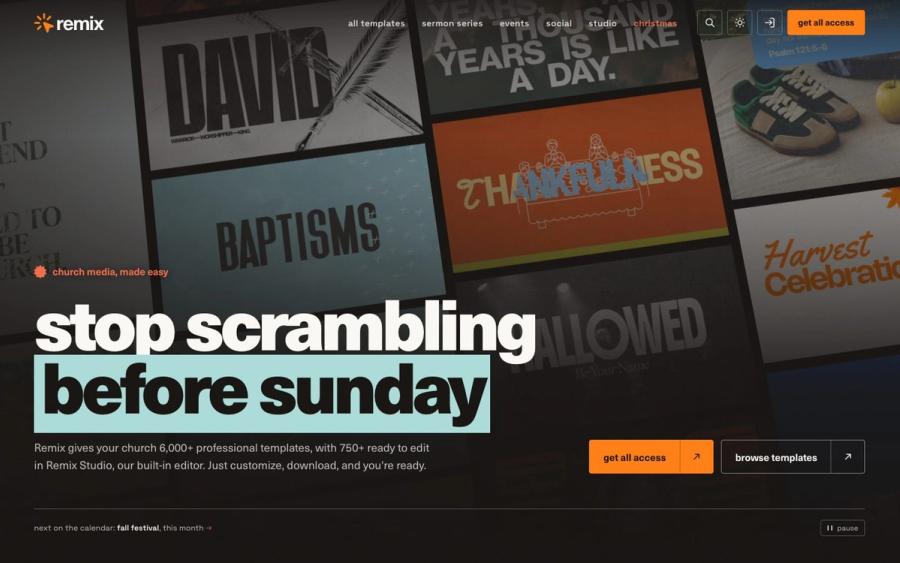
ProPresenter and Proclaim both show what you give them. Remix Motions are moving loops in HD and 4K for worship sets, countdowns and stage screens, ready to drop into your service in either app.

Browse Remix Motions ↗

Made by Church Media Squad, who also run Pro Church Media.

Our method

How we chose

  • Cost for your setup

    What each app costs for the booth plus every extra room or computer your church actually runs.

  • Who builds the service

    Whether slides get built by one person in the booth or by a team from home during the week.

  • Room, stage and stream

    How each one handles stage screens for the band and a clean feed for the livestream.

  • Checked at the source

    Every price and feature comes from our reviews of each app, checked on Renewed Vision's and Logos's own sites in October 2026.

Questions churches ask

FAQ

Is ProPresenter or Proclaim better for churches?

ProPresenter is the better fit for a booth that runs lyrics, a stage screen and a livestream from one computer. Proclaim is the better fit when several people build slides from home or you run services in more than one room.

Is Proclaim cheaper than ProPresenter?

For more than one computer, usually yes. Proclaim On Air is $26.99 a month for unlimited computers, while a ProPresenter Standard seat is $29 a month for one computer (Oct 2026). ProPresenter's Campus plan gives 20 seats for $649 a year.

Do ProPresenter and Proclaim both work on Mac and Windows?

Yes. Both run on Mac and Windows, so either works with a Mac or a Windows booth computer.

Can I try ProPresenter and Proclaim for free?

Yes. Both have a 14-day free trial. Proclaim's needs no credit card and has no watermarks. ProPresenter adds a watermark to your output once you're not signed in to an active subscription.

Keep exploring

All presentation software

See the full list →