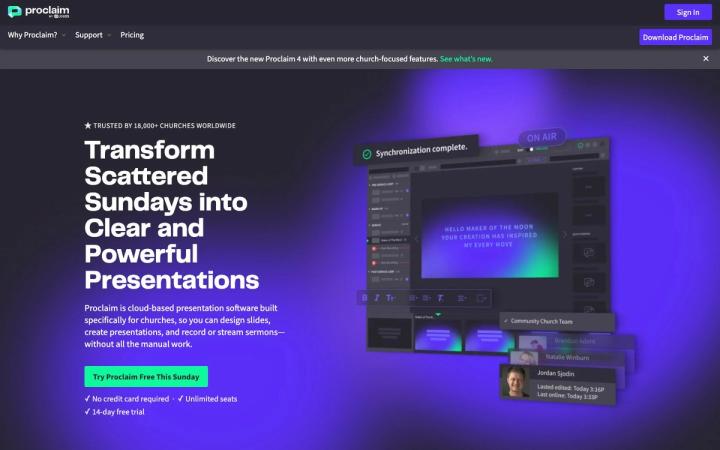
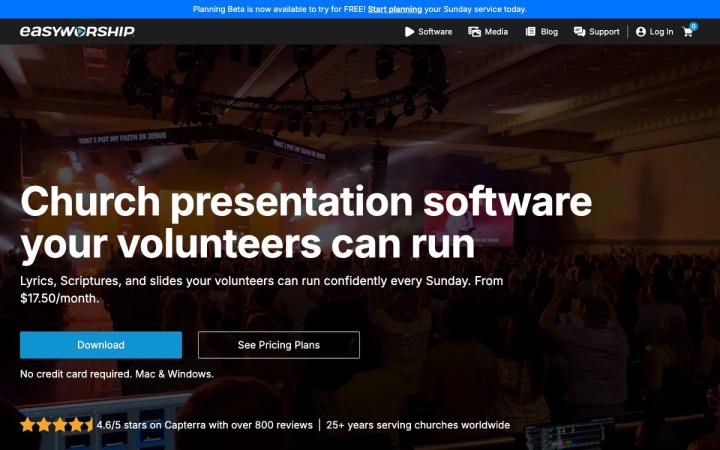
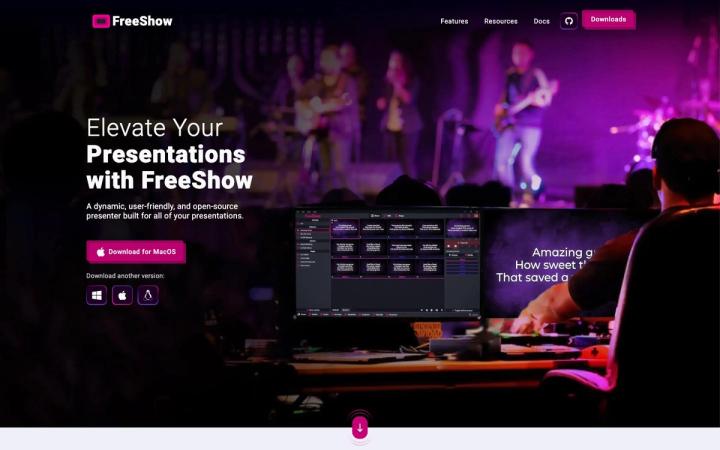
Presentation Software
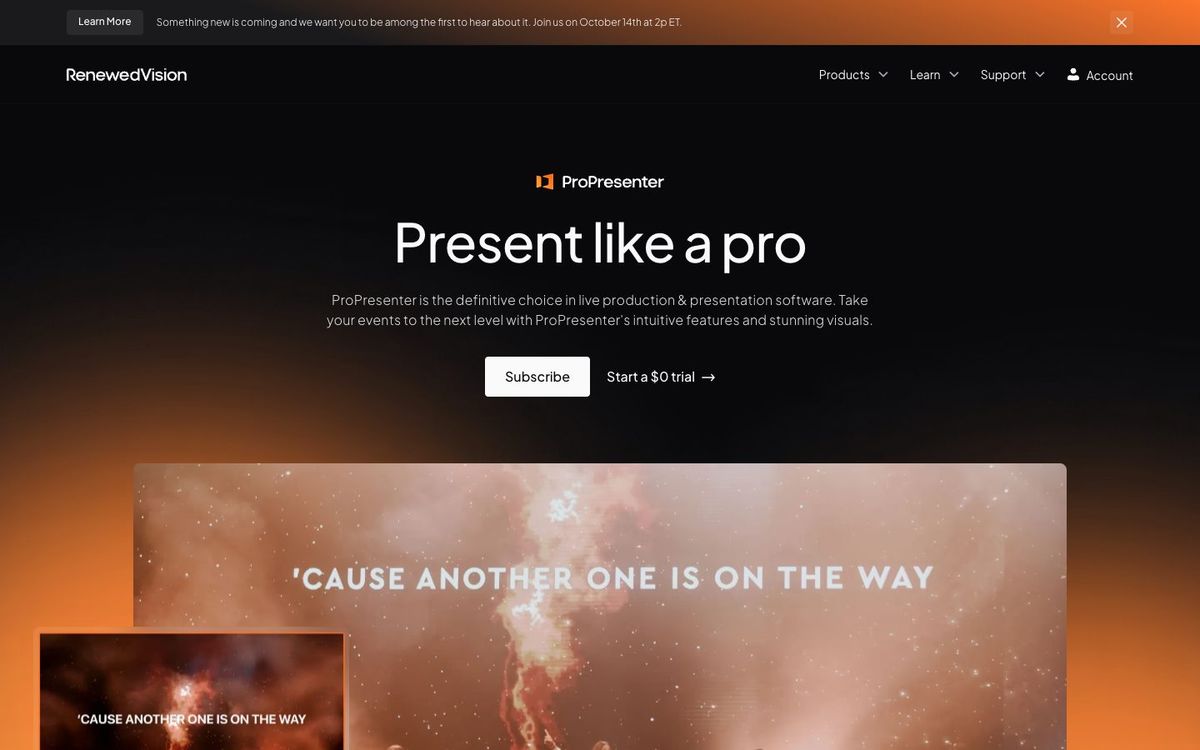
ProPresenter
Live presentation software for lyrics, scripture, video and stage screens. Built for the booth volunteer running Sunday from one computer.
- Price
- Standard $29/mo or $289/yr per seat; Campus $649/yr (Oct 2026)
- Free option
- No
- Works on
- Mac, Windows
- Learning curve
- Moderate
The short answer: is ProPresenter right for your church?
ProPresenter is the presentation software many churches run in the booth for lyrics, scripture, video and stage screens. It's best for churches that want one tool for the room, the stage monitor and the livestream. The catch: it's subscription-only now, priced per computer, and it has more settings than a once-a-month volunteer will need.
Who ProPresenter is for
Great for
- Churches sending lyrics to the room, the stage and the livestream at once
- Production teams that want NDI output and control over every layer of a slide
- Churches with several ministries that can share the 20-seat Campus plan
Skip it if
- Small churches with no software budget. A free, open-source presentation app covers lyrics and scripture.
- Teams that want one flat price for every computer. Look for presentation software licensed per church.
How churches use ProPresenter
Sunday lyrics and scripture
Build the song set and sermon verses on Saturday, then click through them live while the band plays. The stage screen shows the next slide so the worship leader isn't guessing.
Livestream lower thirds
Send a clean lyrics or sermon-point feed over NDI to your streaming software, so online viewers see the same words as the room.
Kids and youth rooms
On the Campus plan, the kids' wing and the youth room each get their own seat, so every ministry runs the same software.
Getting started with ProPresenter
- 1
Download ProPresenter and start the 14-day free trial on your booth computer.
- 2
Import this Sunday's songs and build one playlist with lyrics, verses and announcements.
- 3
Set up a stage screen showing the current and next slide, then rehearse with the band.
Pros and watch-outs
What we like
- Stage screens show the band and speaker what's coming next
- NDI output feeds your livestream without extra hardware
- Remote app included with every active subscription
- Runs on both Mac and Windows
Watch out for
- Subscription-only for new users; no one-time purchase
- Priced per computer, so extra rooms add up
- Deep settings can overwhelm a once-a-month volunteer
What will you put on the screens?
ProPresenter runs the service, but it doesn't make the backgrounds behind your lyrics. Remix Motions are moving loops in HD and 4K for worship, countdowns and stage screens, ready to drop into your playlist.
Browse Remix Motions ↗Made by Church Media Squad, who also run Pro Church Media.
ProPresenter FAQ
How much does ProPresenter cost for a church?
A Standard seat is $29 a month or $289 a year for one computer. Churches can get the Campus plan, with 20 seats, for $59 a month or $649 a year.
Can we buy ProPresenter once instead of subscribing?
Not anymore. ProPresenter is sold only as a subscription to new users. Churches with an older perpetual license keep the last version released during their maintenance period.
Is there a free version of ProPresenter?
There's a 14-day free trial. After that you can still build and edit shows, but output carries a watermark until you sign in with an active subscription.
Does ProPresenter work with Planning Center?
Yes. You can connect it to Planning Center Services from the Integrations settings. You need a separate Planning Center Services subscription.